-default.png)
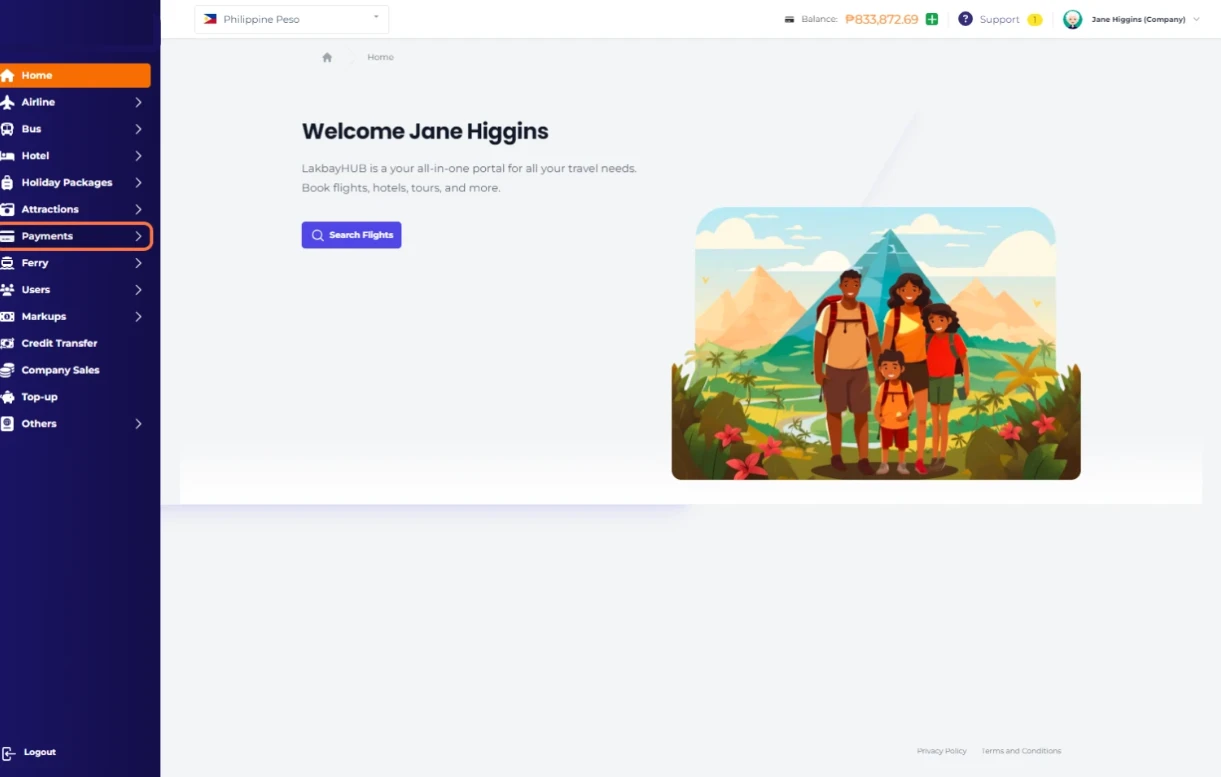
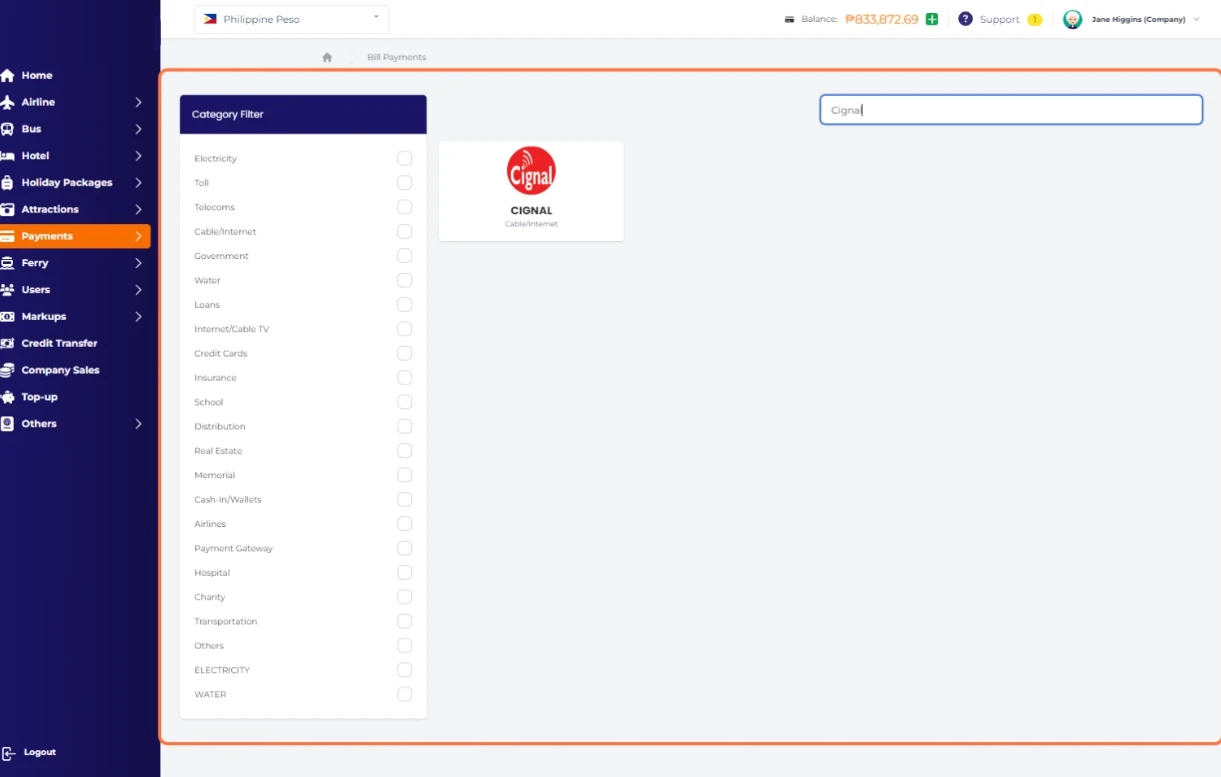
Click on Payments…
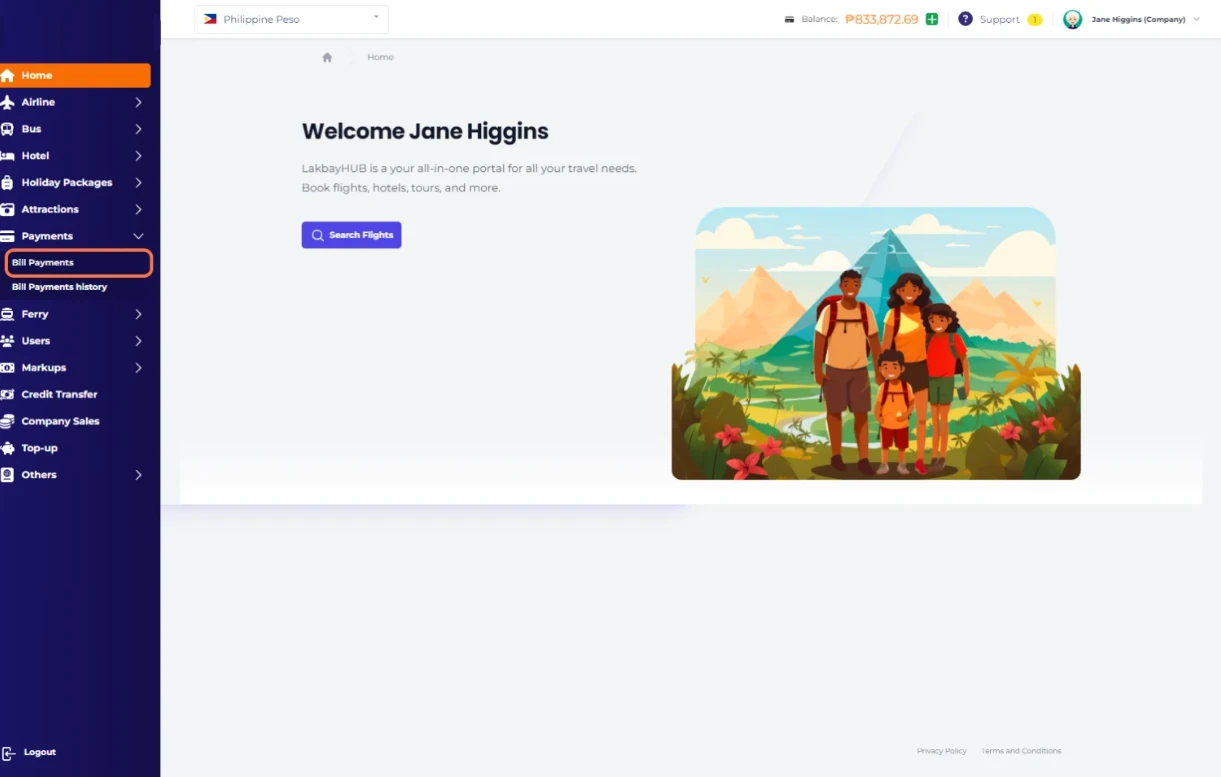
Select Bill Payments
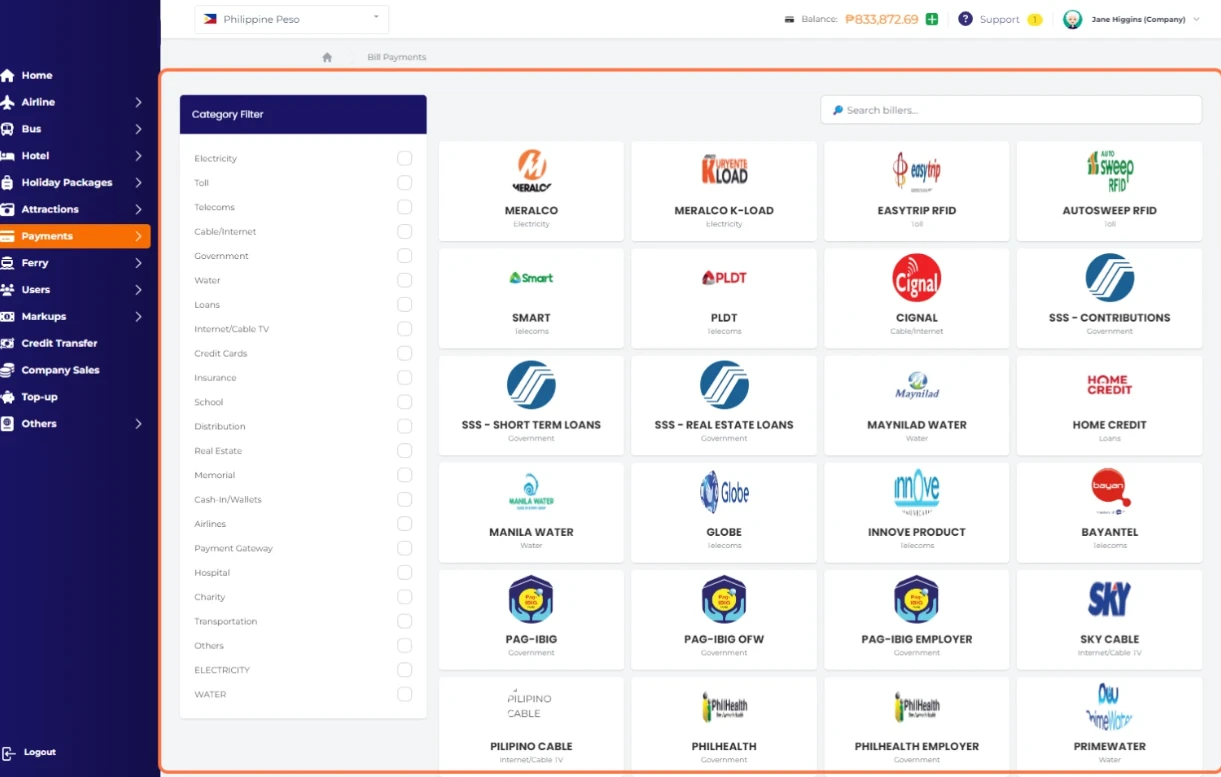
Click on Category Filter or directly search your biller
Type CIGNAL as an example
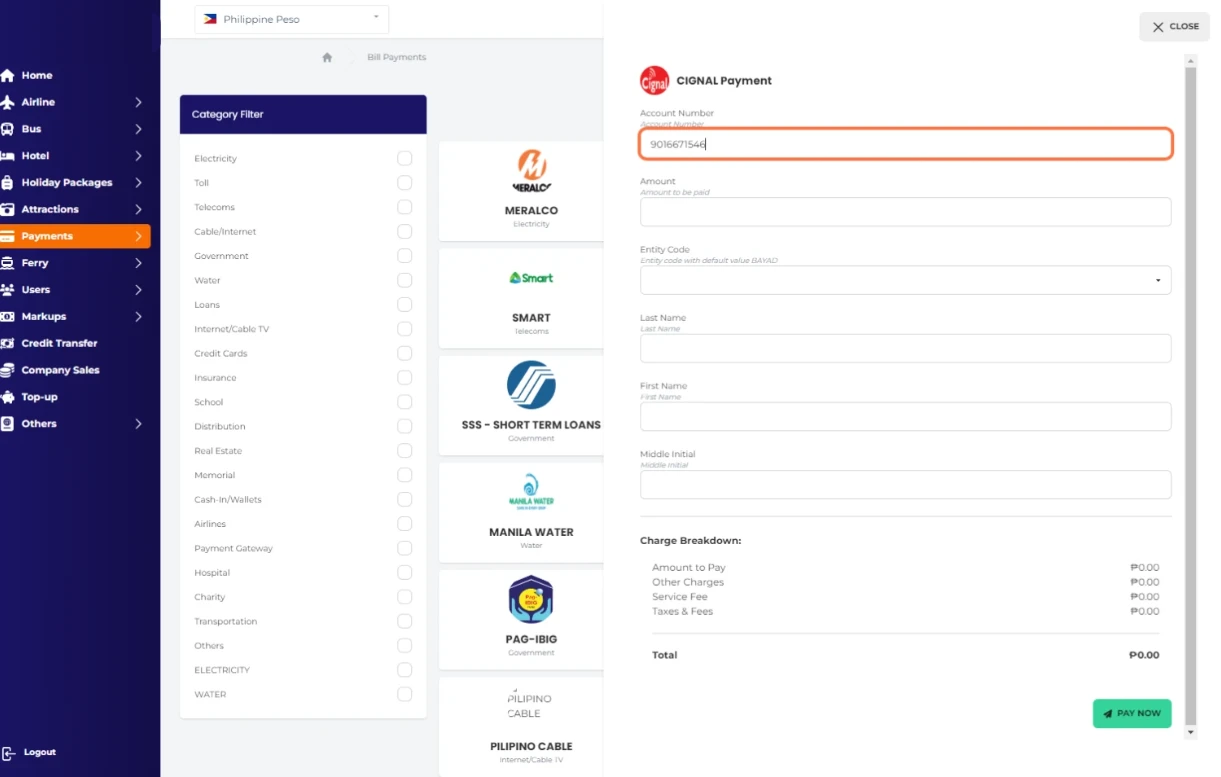
Enter your CIGNAL Account number
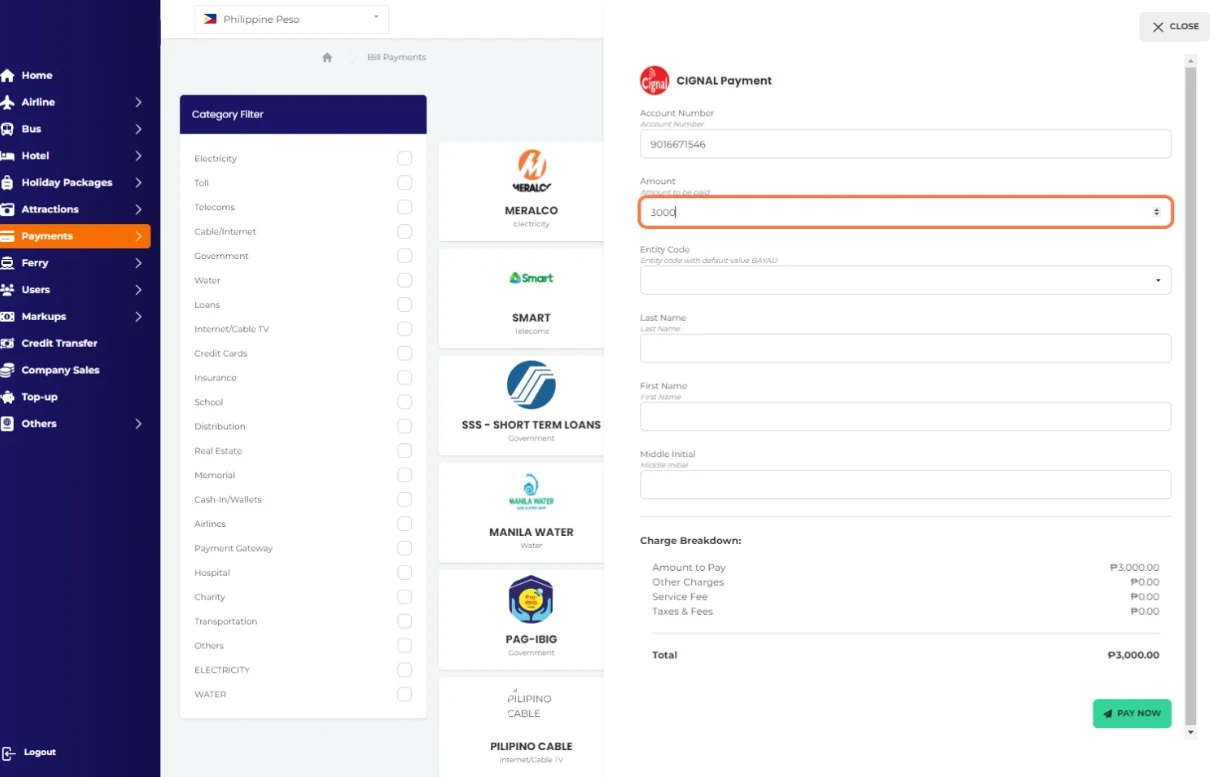
Enter Amount to be paid
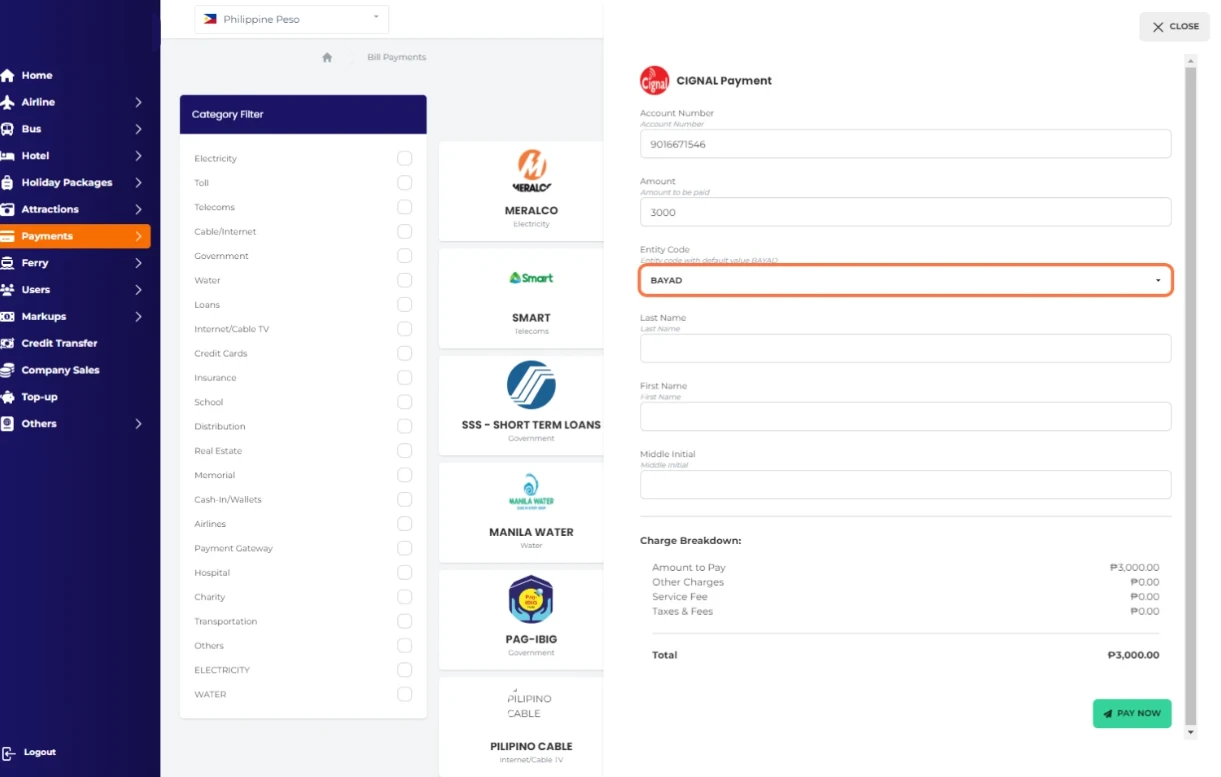
Type your Entity CodeBAYAD
Enter your Last Name "Marcelino"
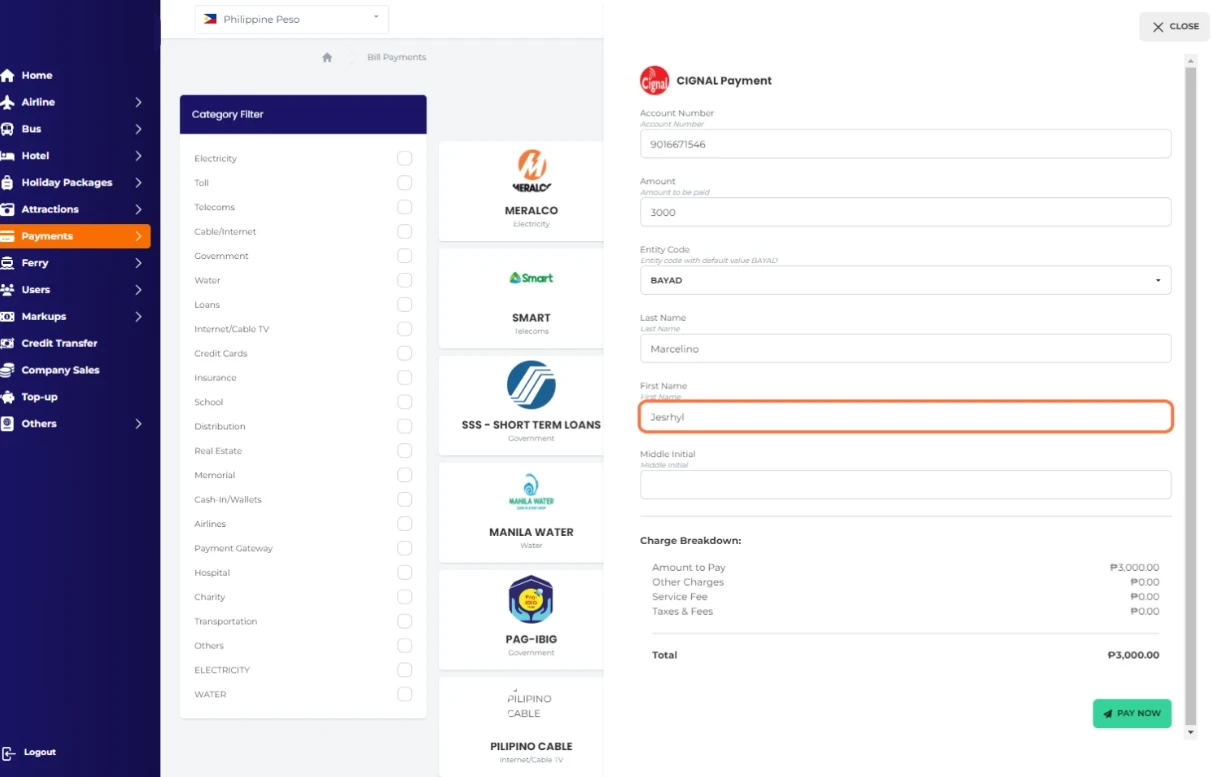
Enter your Middle Initial
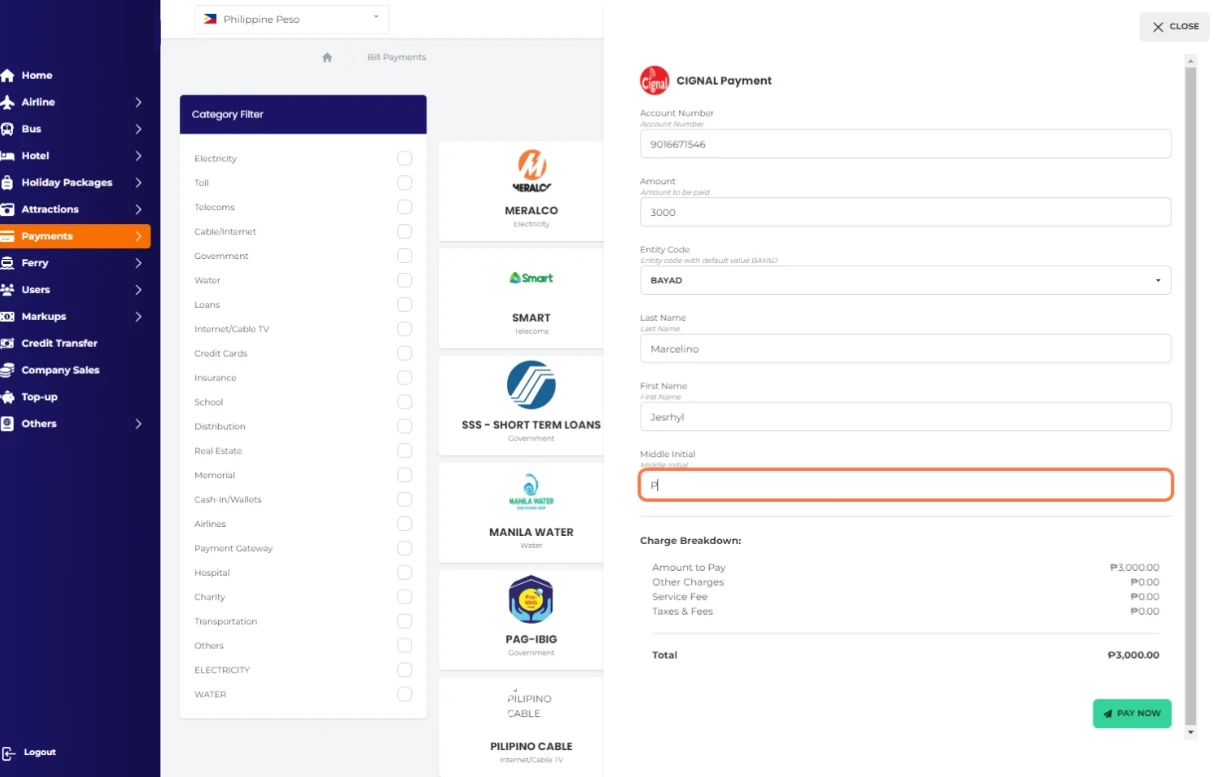
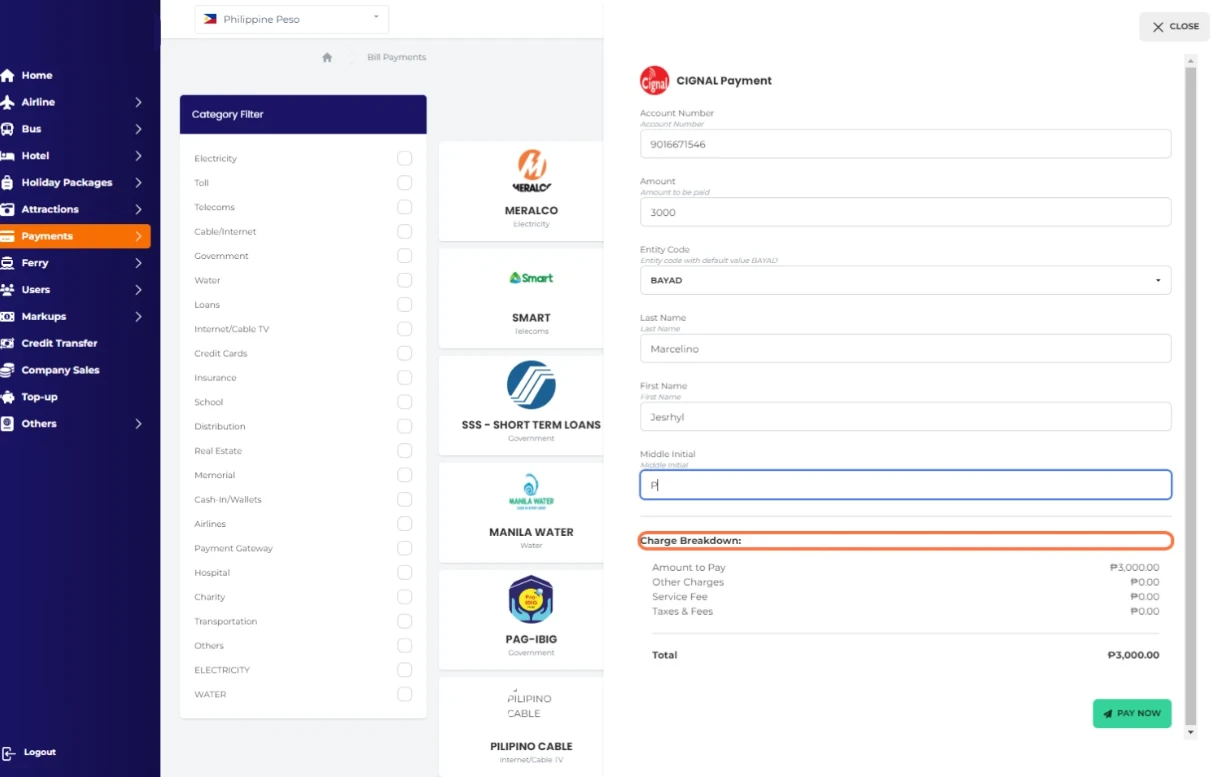
Check your Charge Breakdown:
Click on PAY NOW
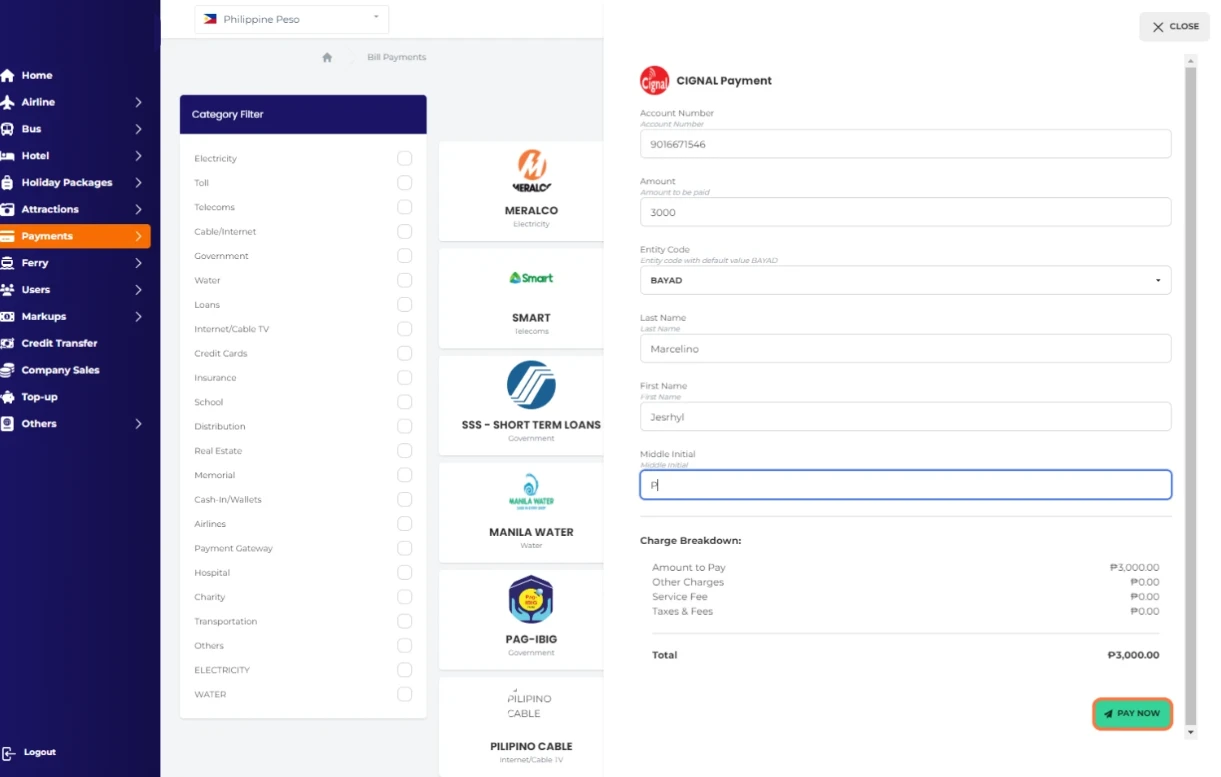
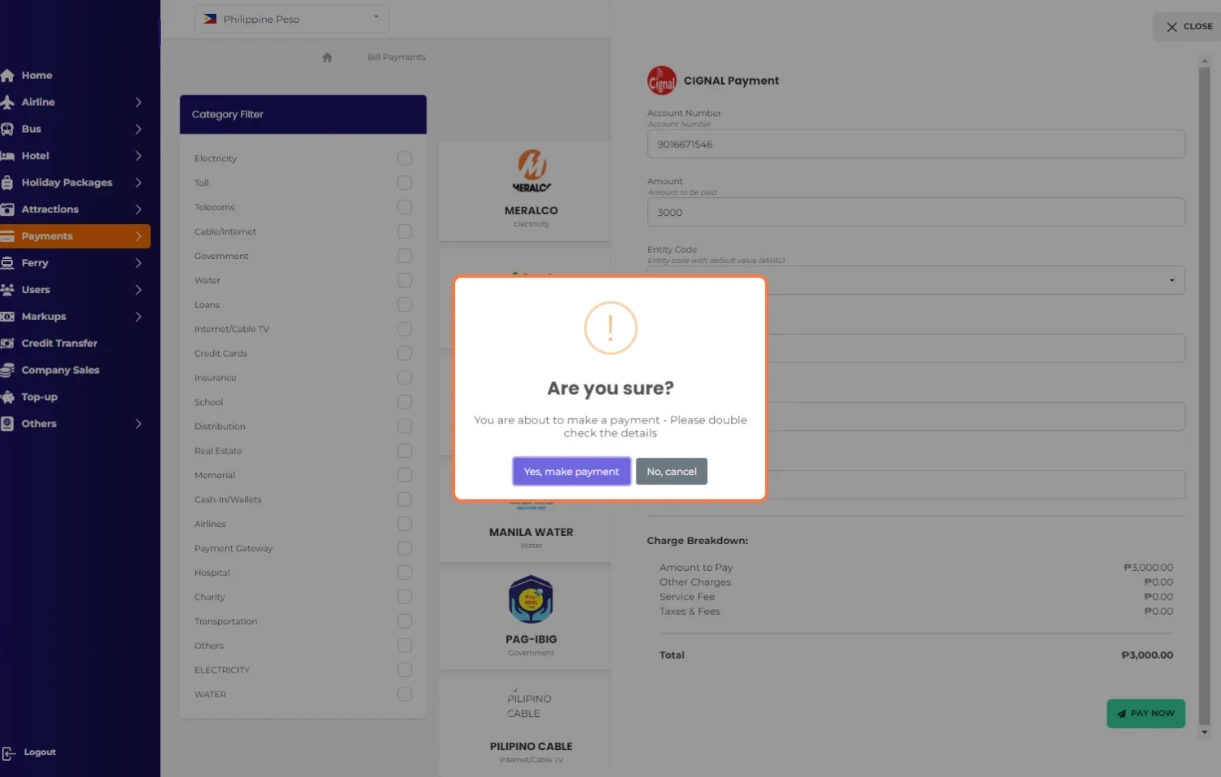
Double check the details before clicking
Click on Yes, make payment
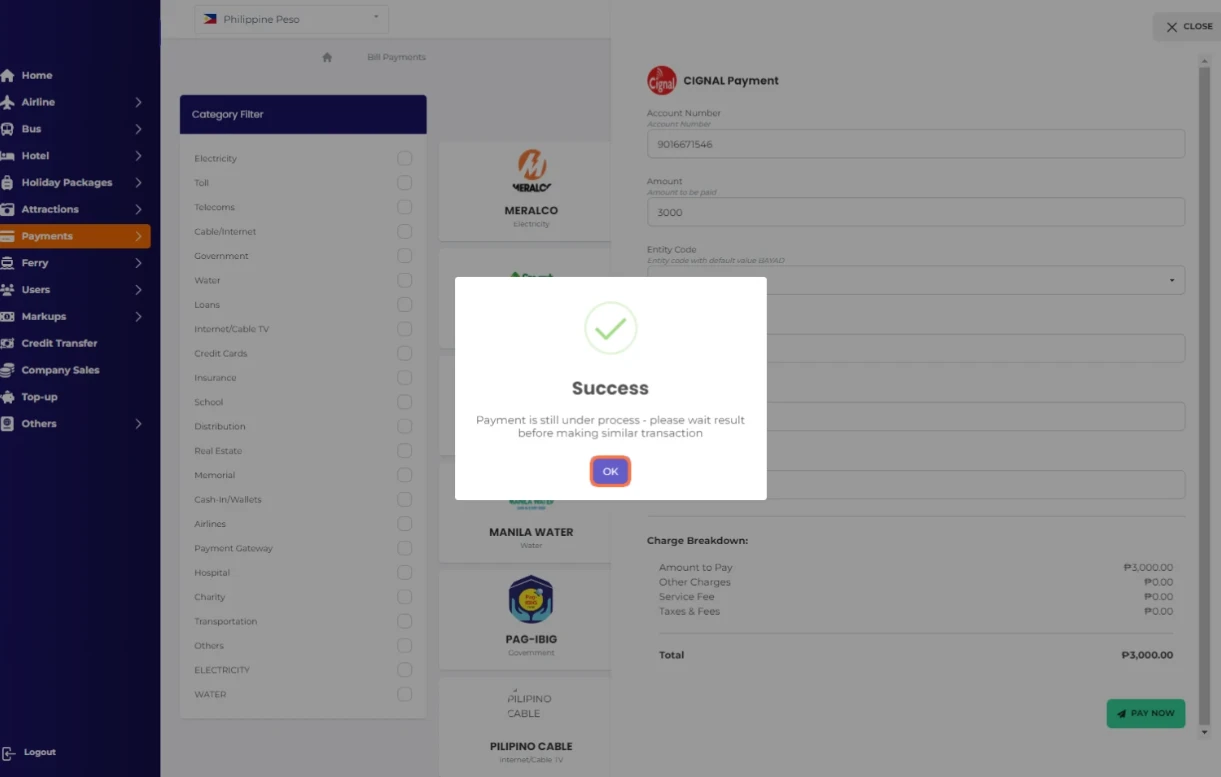
Congrats!😀 you successfully paid your CIGNAL Bill
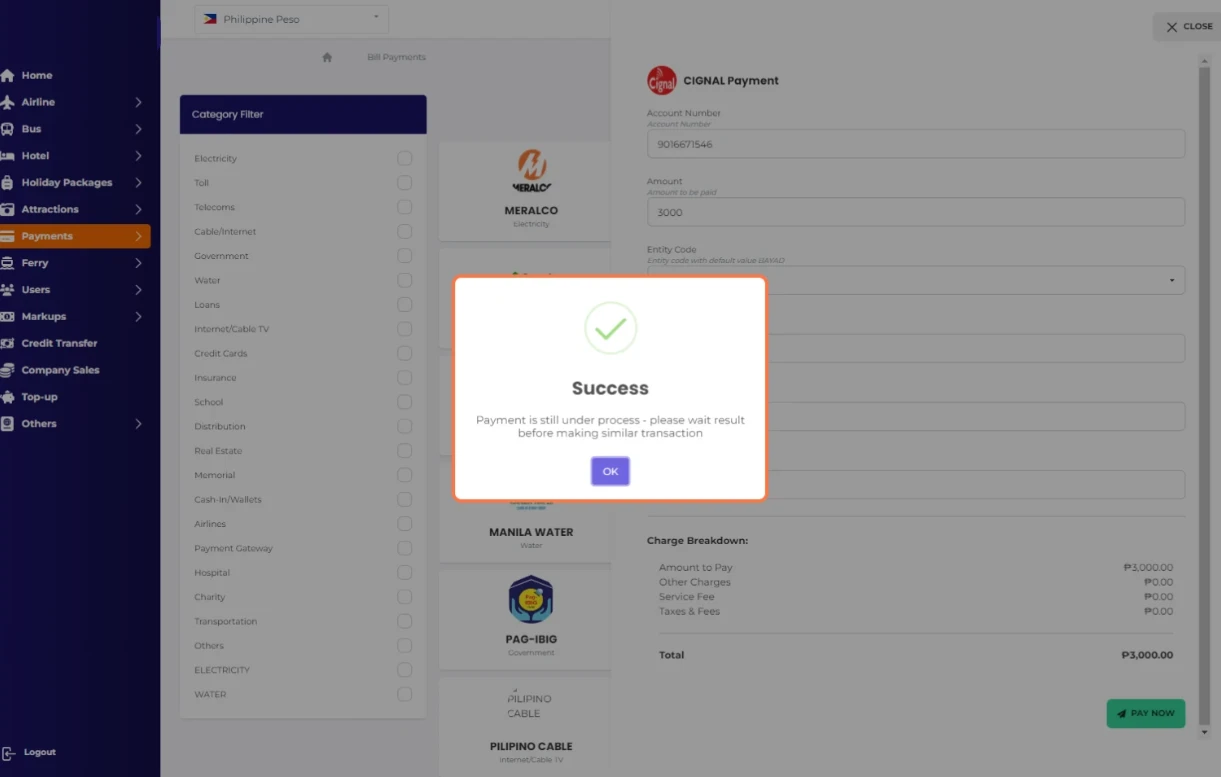
Click on OK