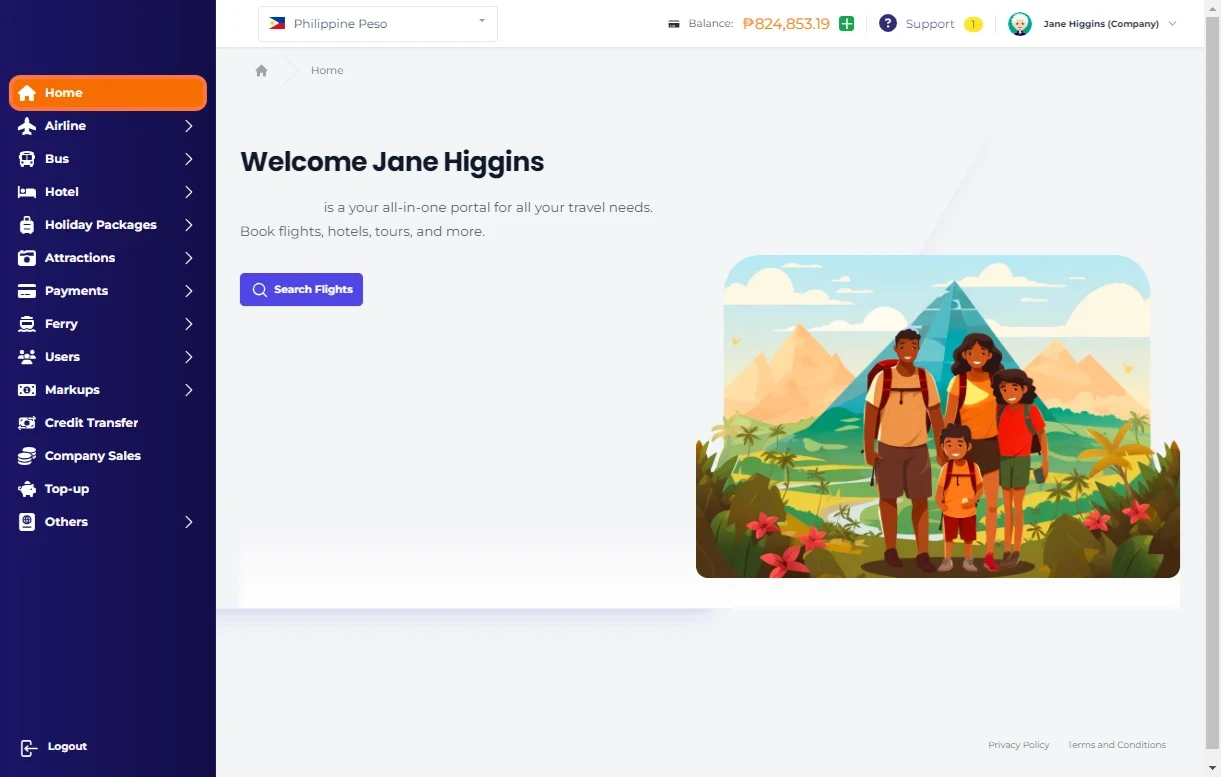
Click on Home…
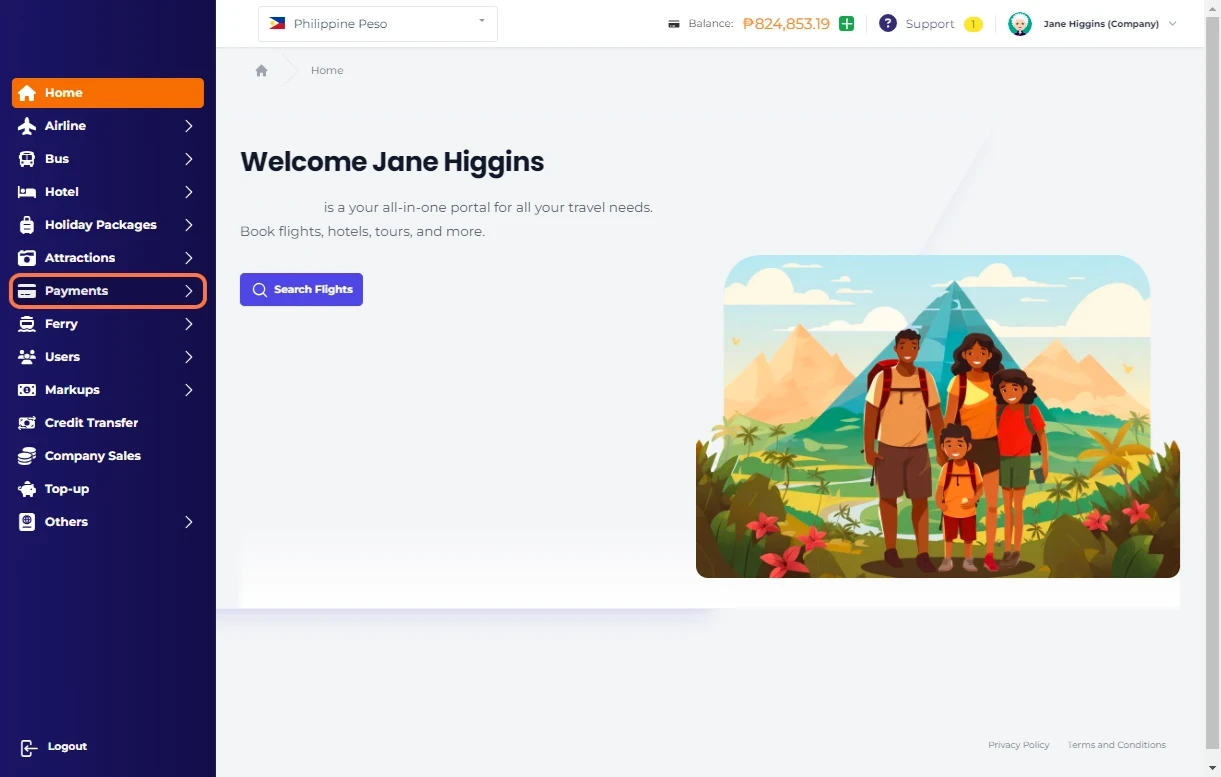
Click on Payments…
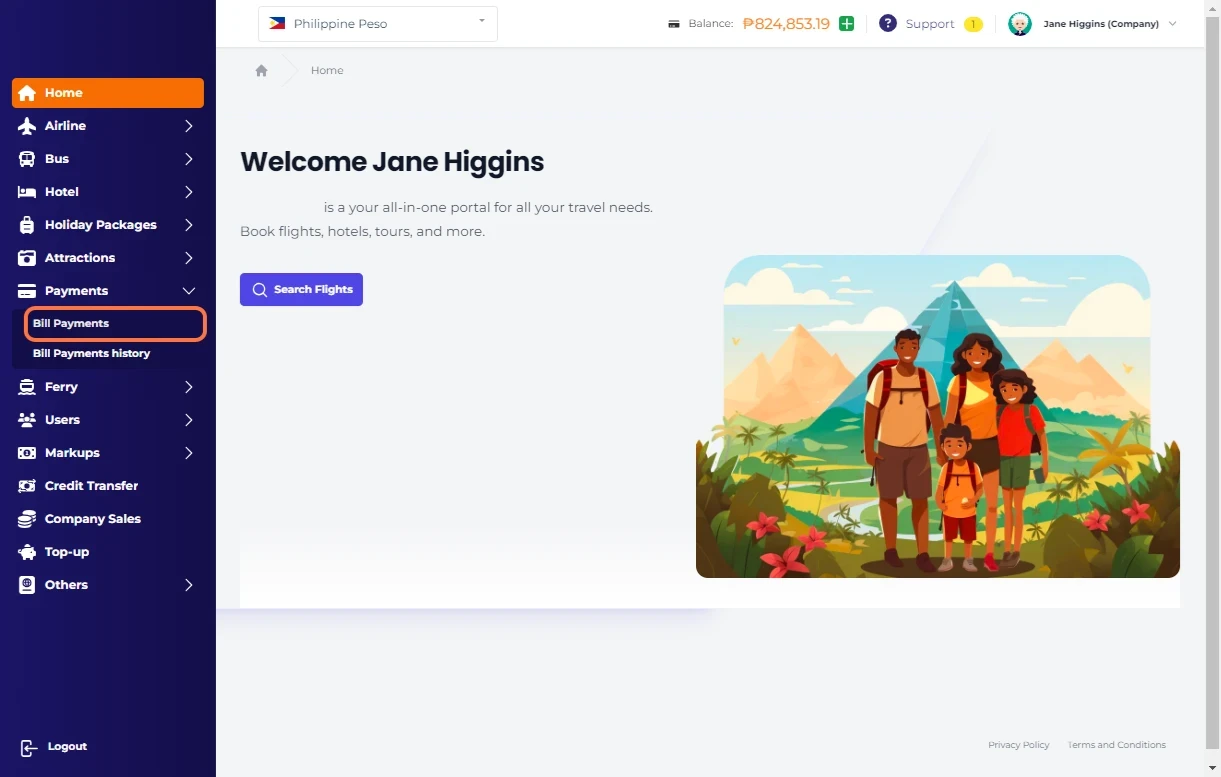
Click on Bill Payments…
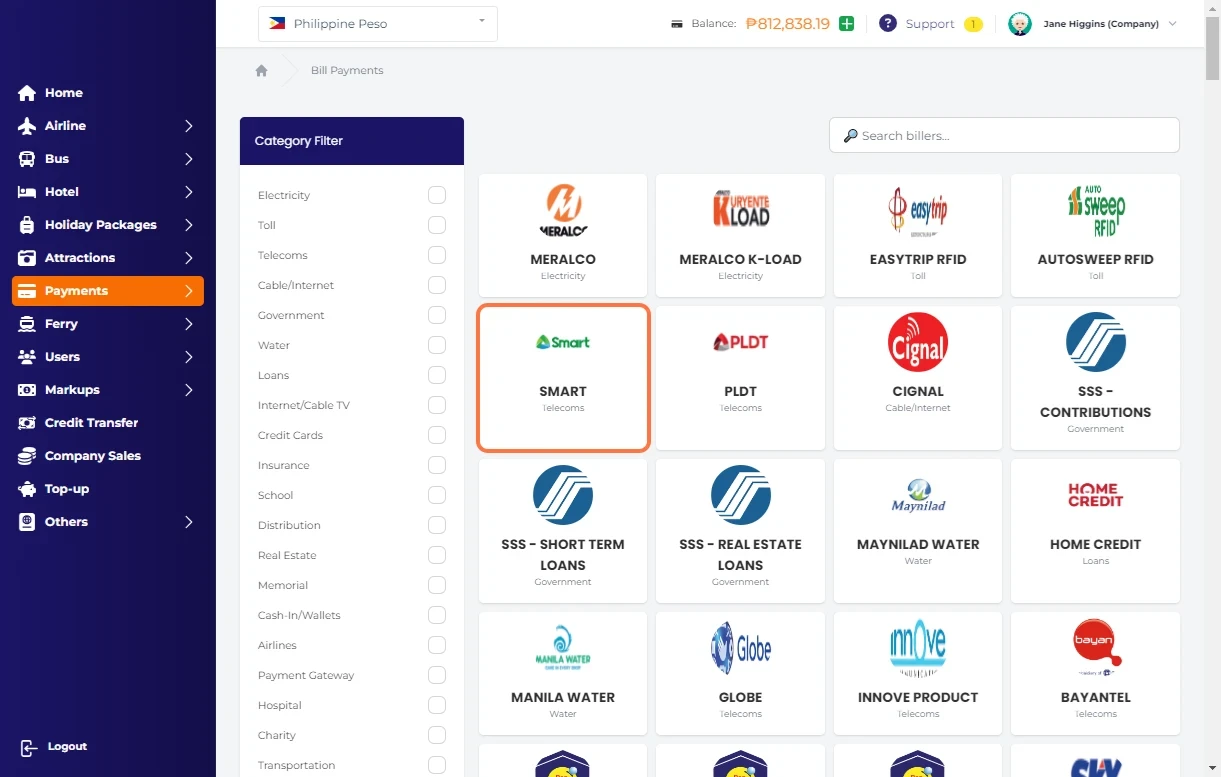
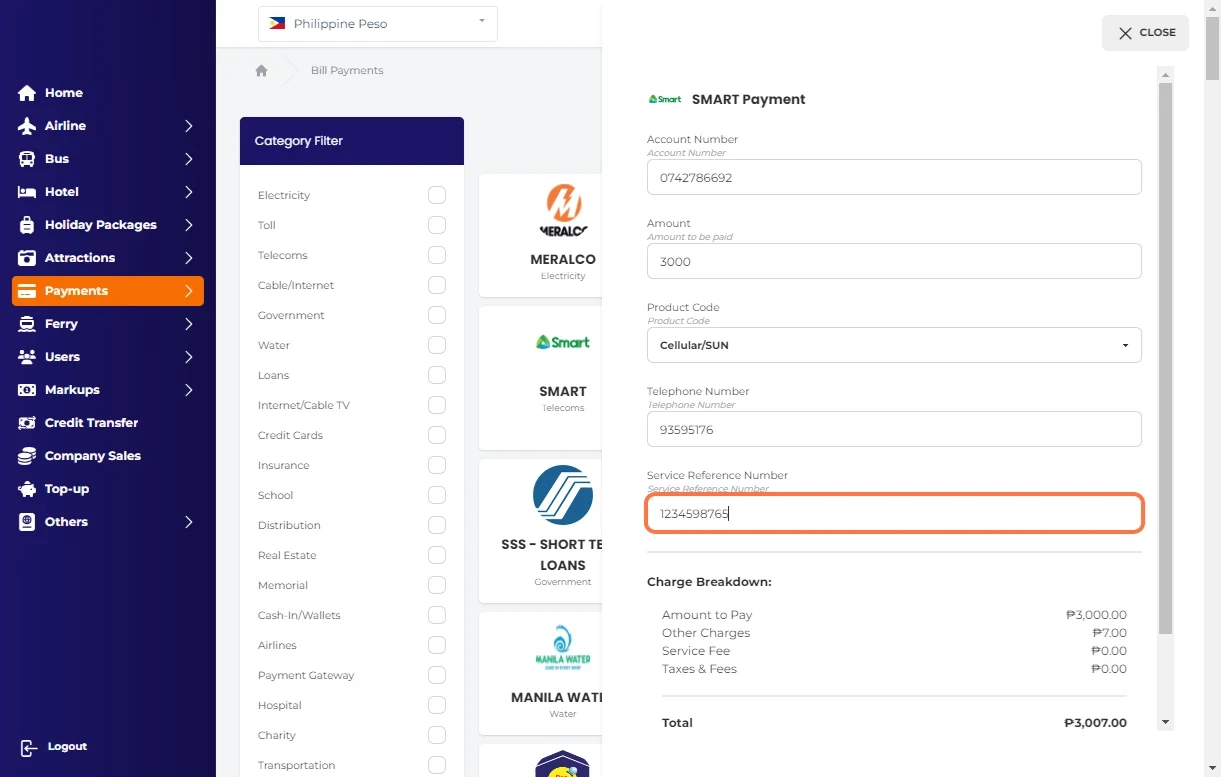
Click on SMART…
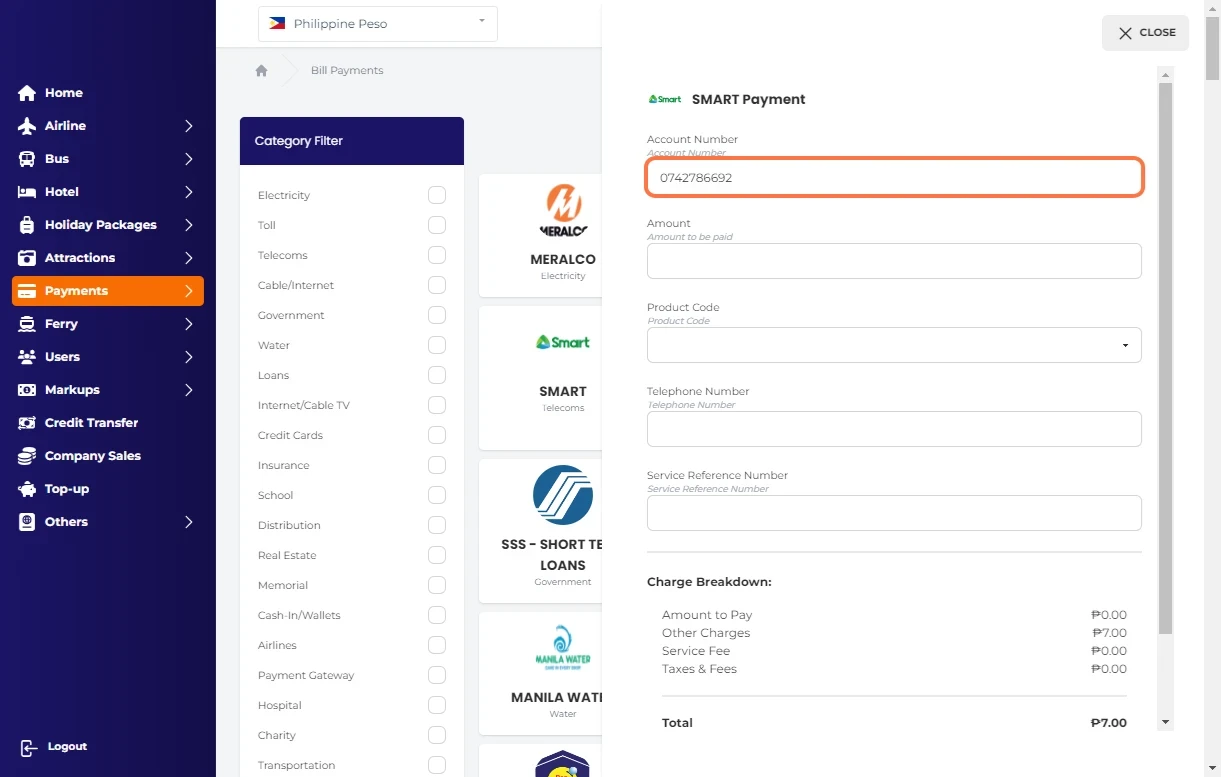
Type "0742786692"
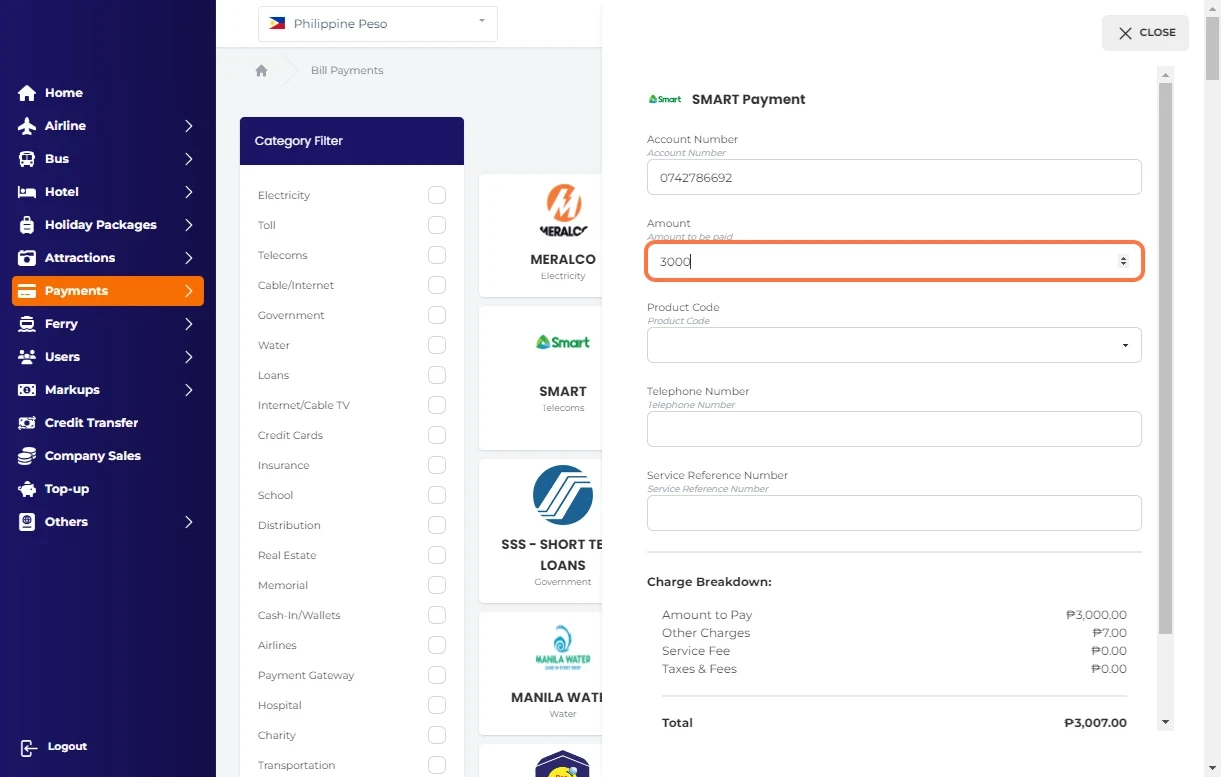
Type "3000"
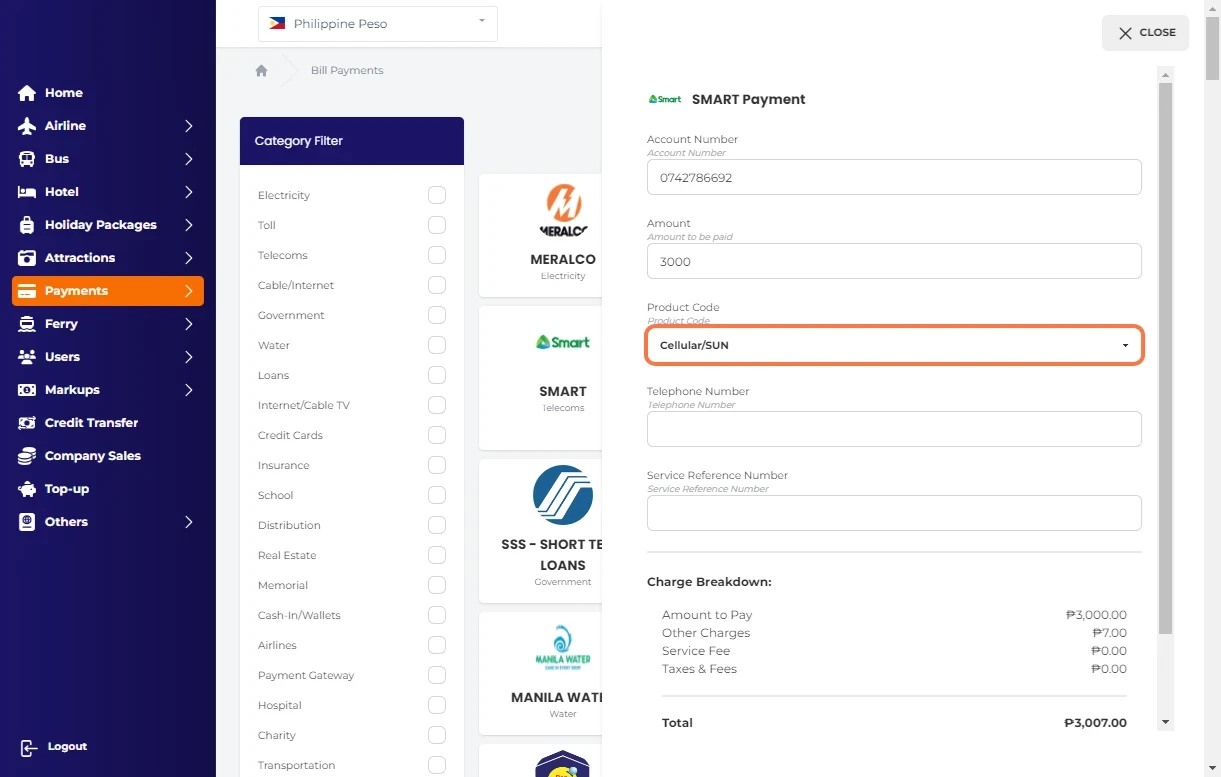
Select Cellular/SUN
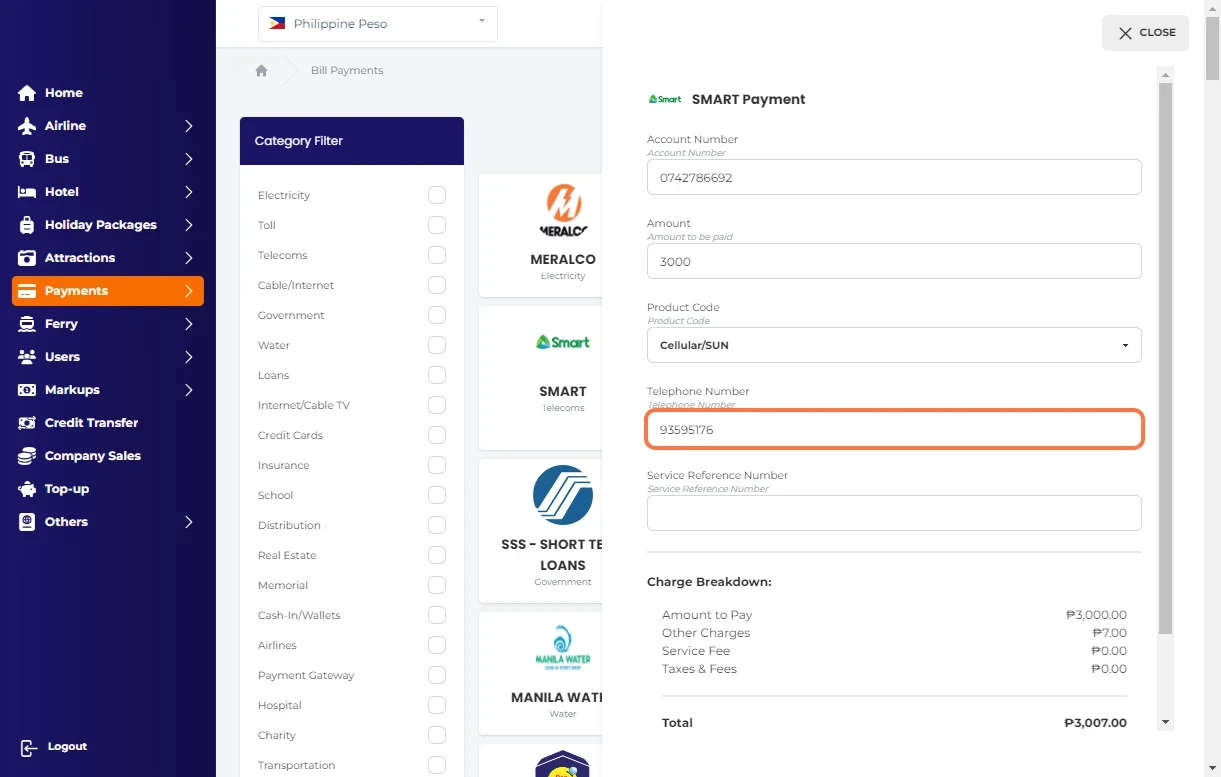
Type "93595176"
Type "1234598765"
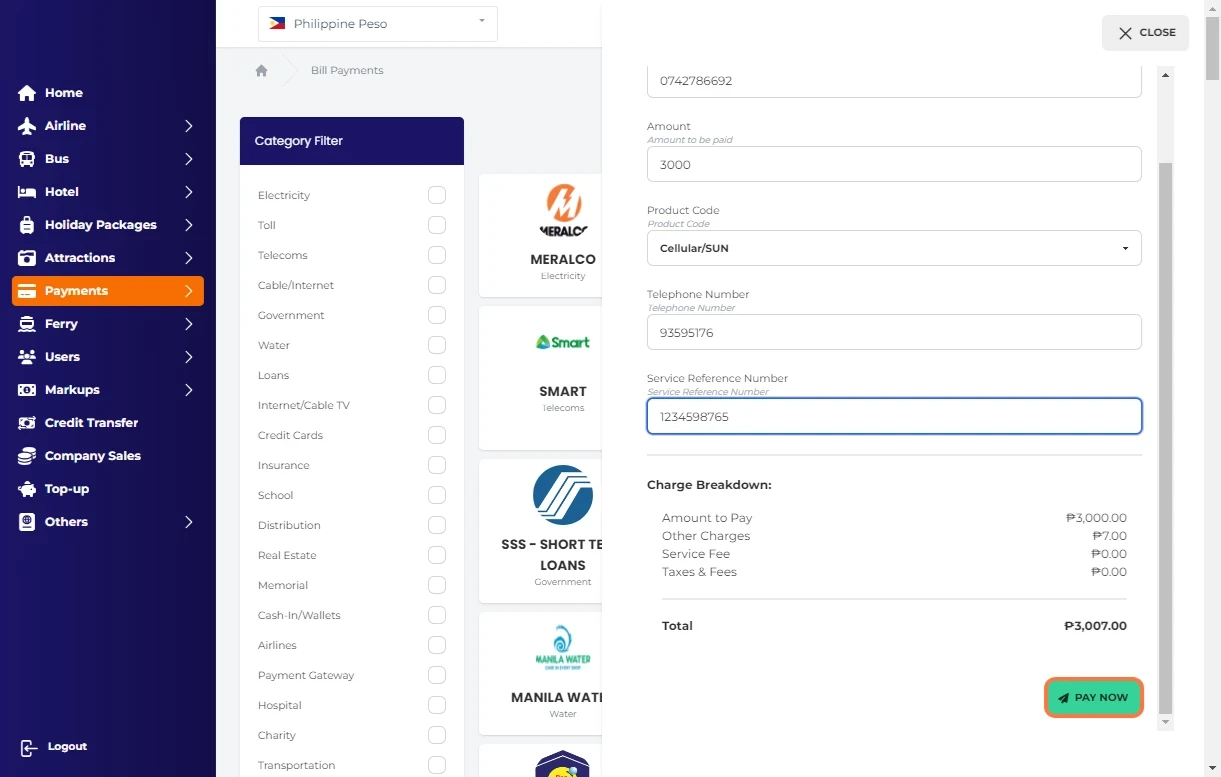
Click on PAY NOW
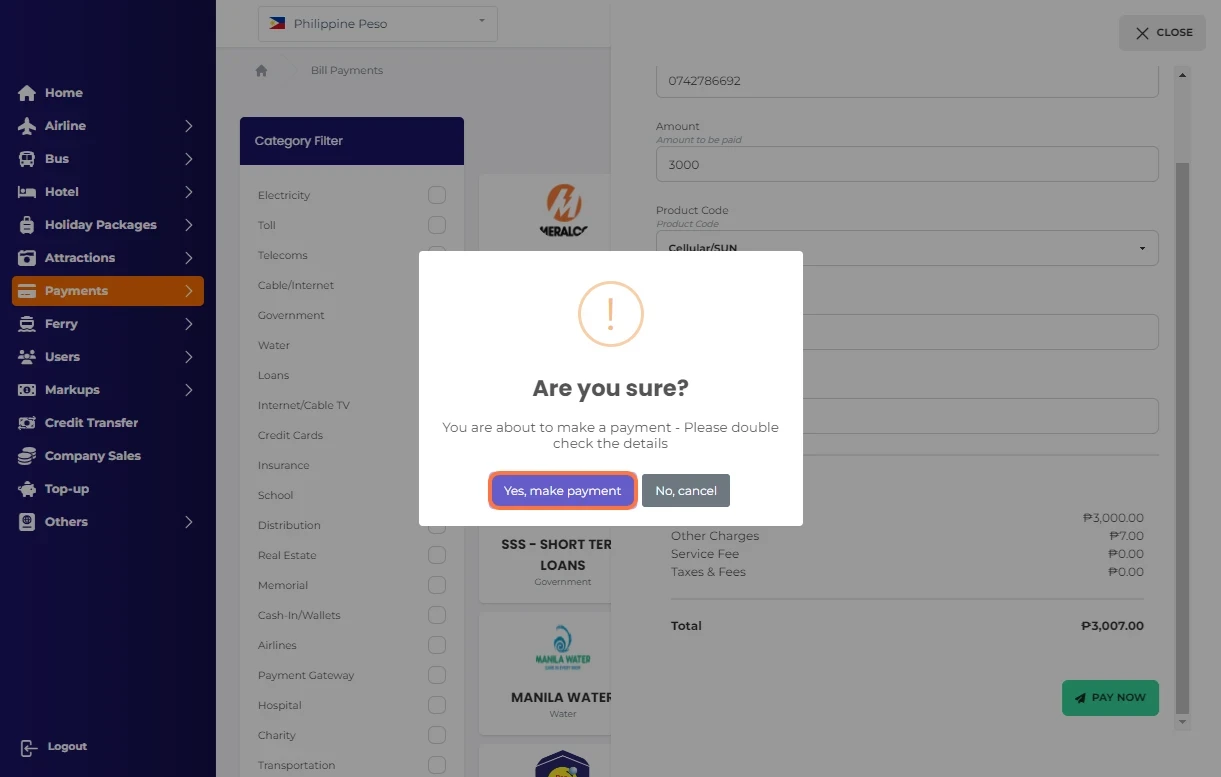
Click on Yes, make payment
-default.png)
Click on Home…
Click on Payments…
Click on Bill Payments…
Click on SMART…
Type "0742786692"
Type "3000"
Select Cellular/SUN
Type "93595176"
Type "1234598765"
Click on PAY NOW
Click on Yes, make payment
Was this article helpful?
