-default.png)
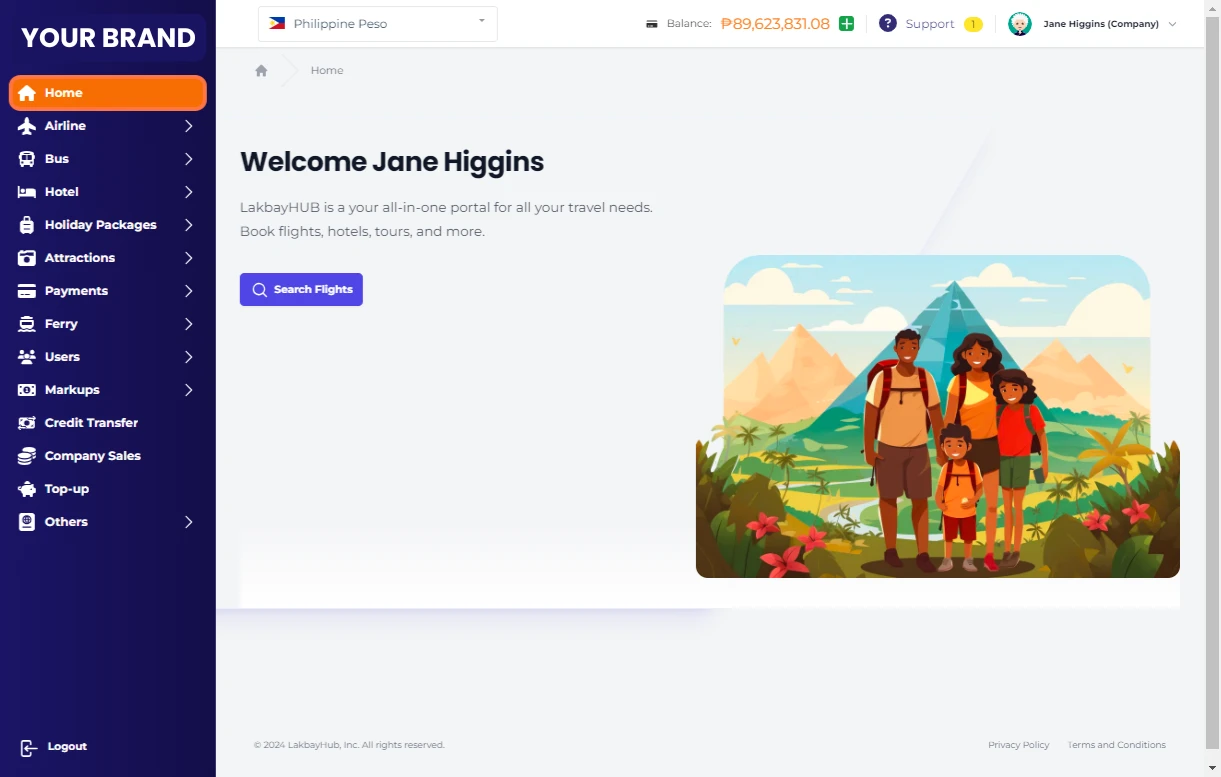
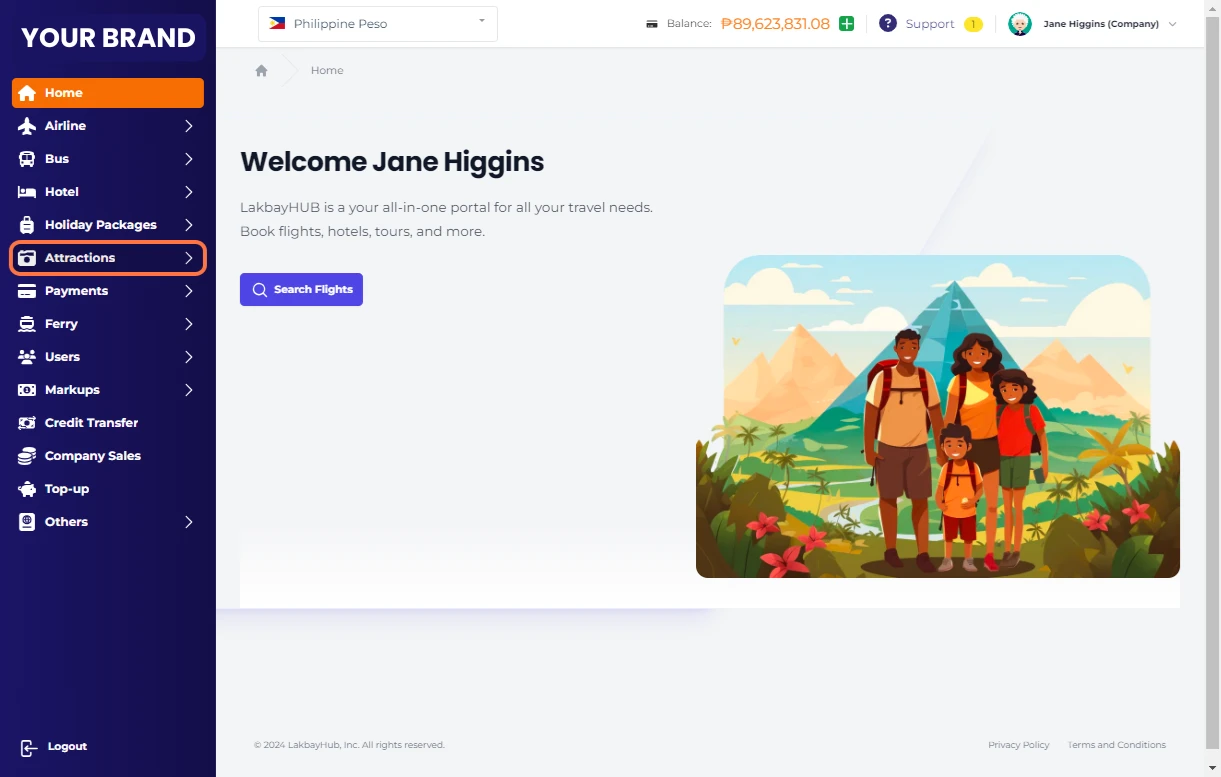
2 Click on Attractions…
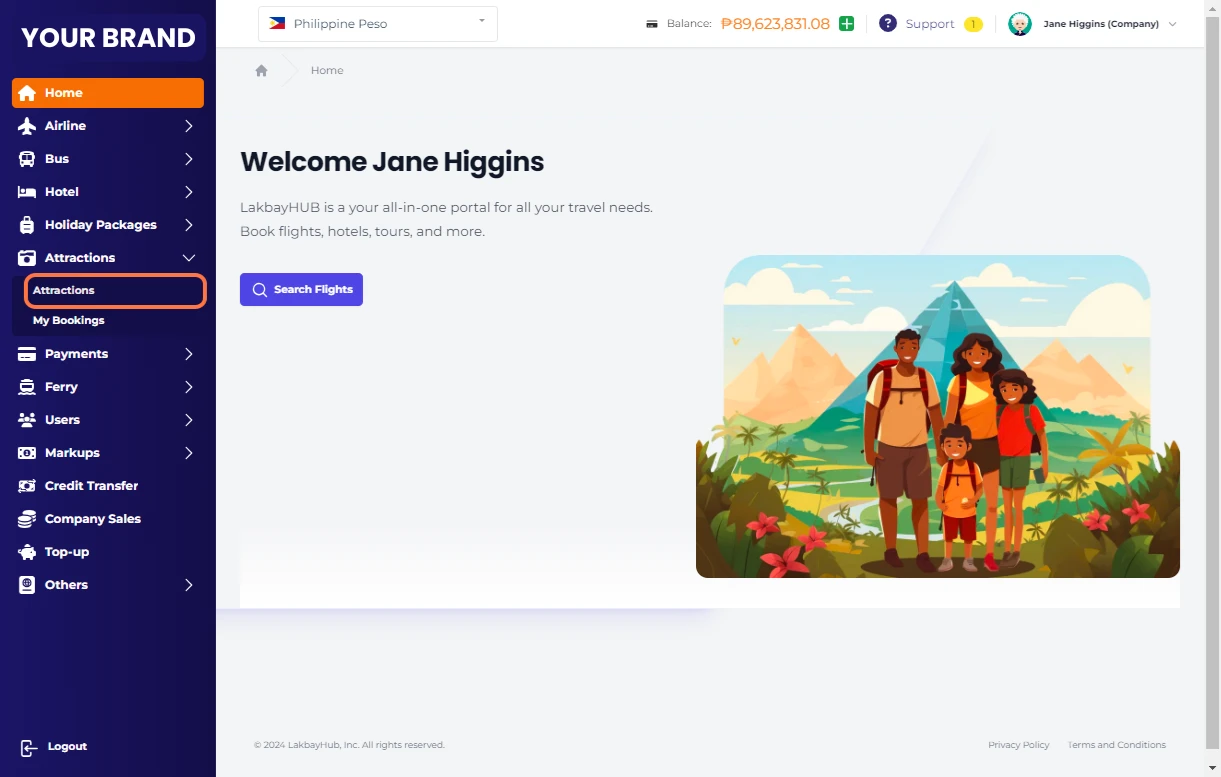
3 Select on Attractions…
4 Select Country
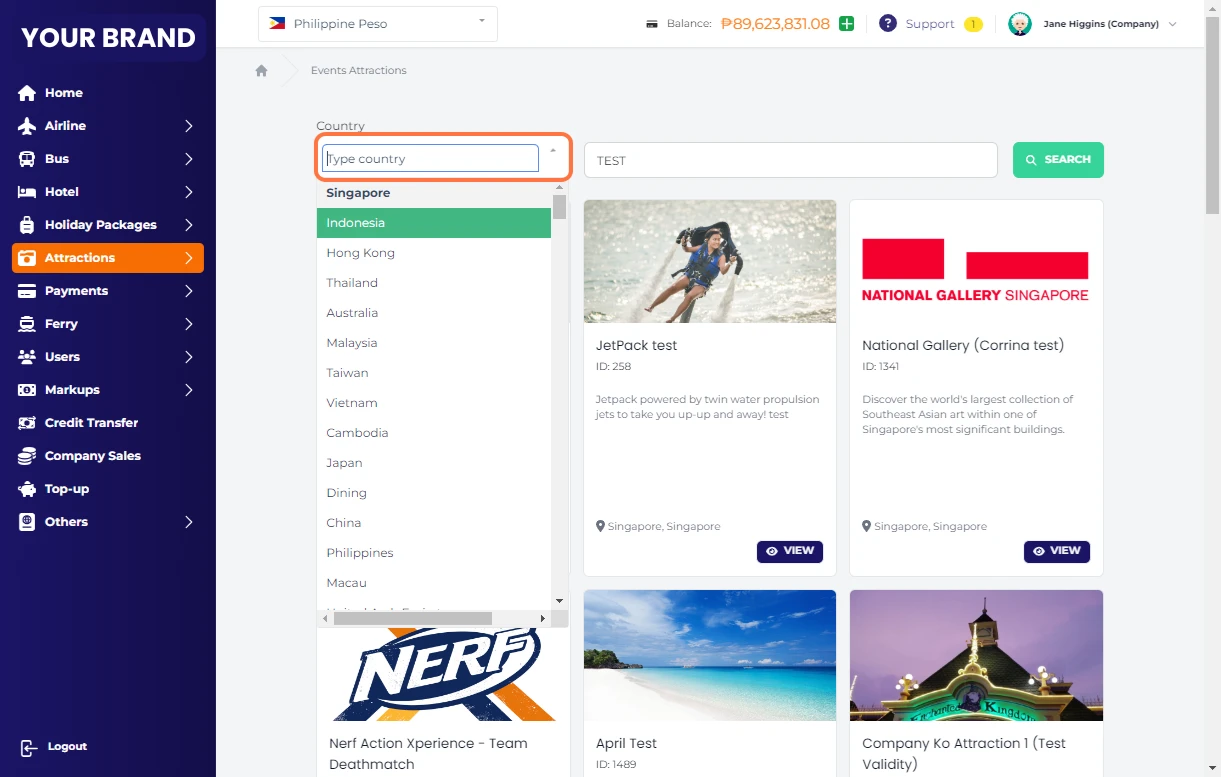
5 Search Holiday packages, "Test" for sample purposes
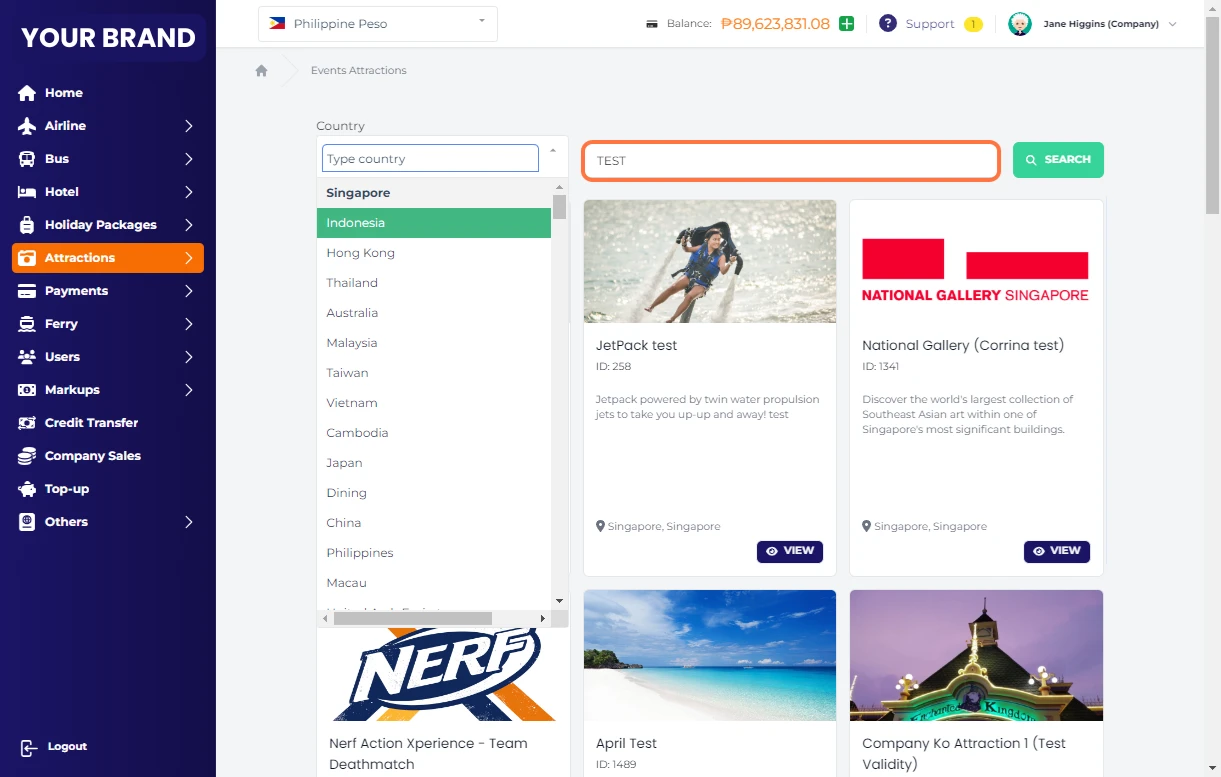
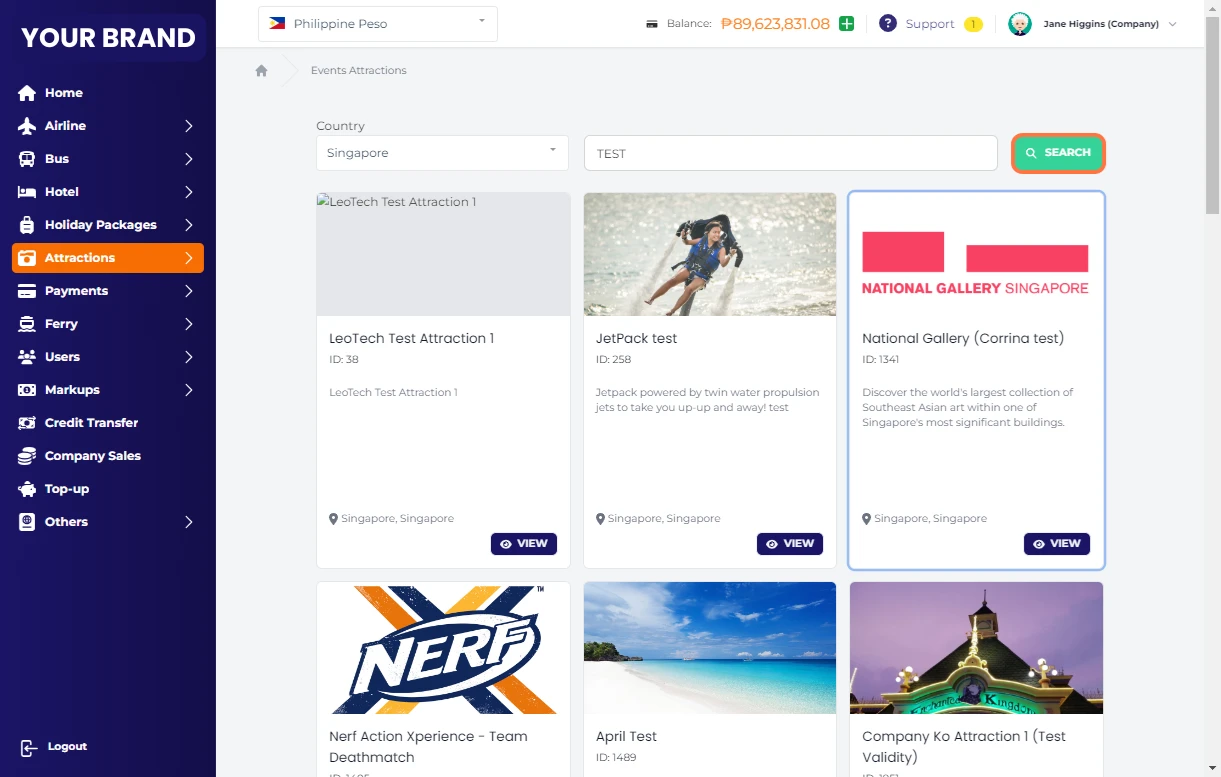
6 Click on Search
7 Click on VIEW
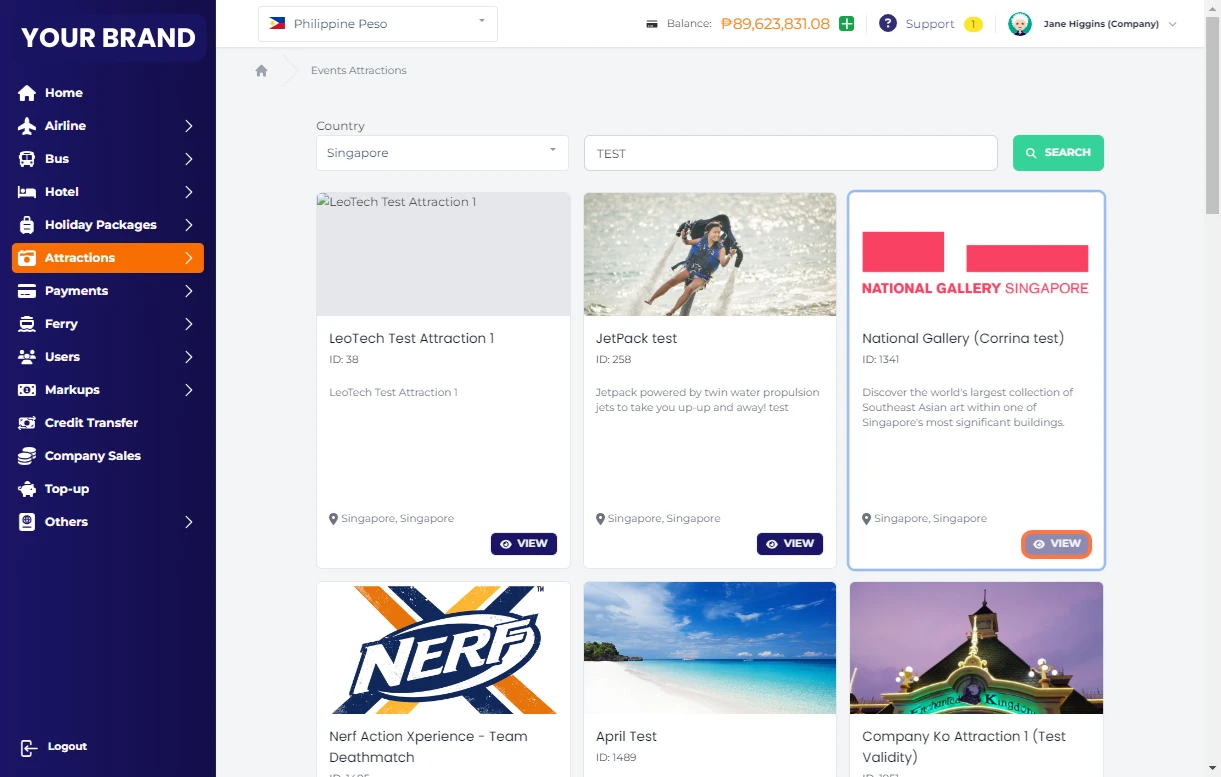
8 Read the details of the package
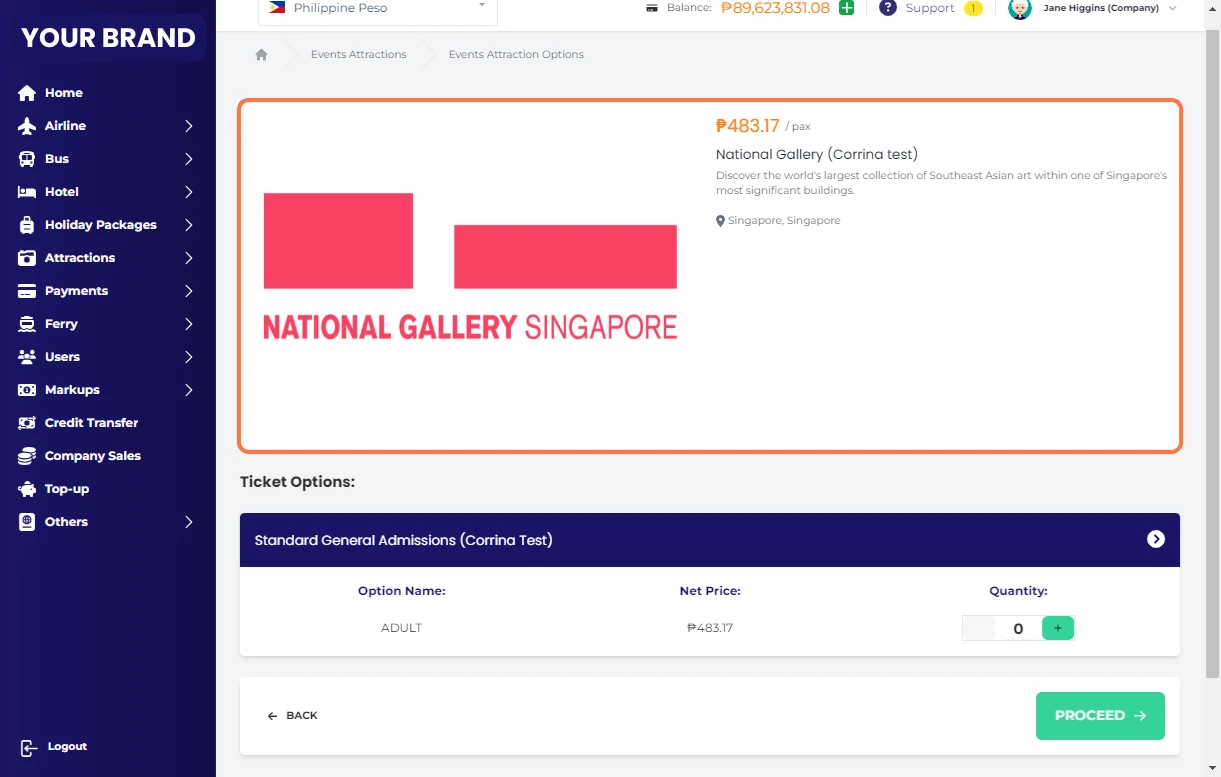
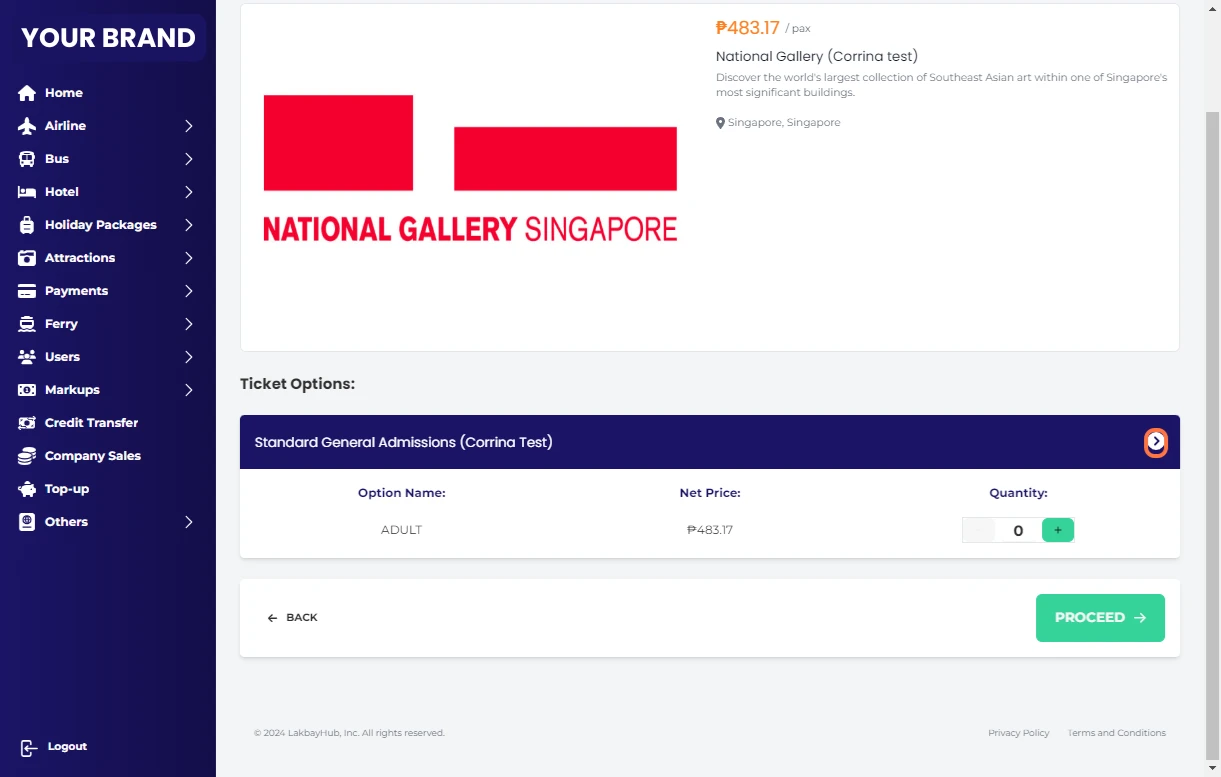
9 Click on this arrow for more Information
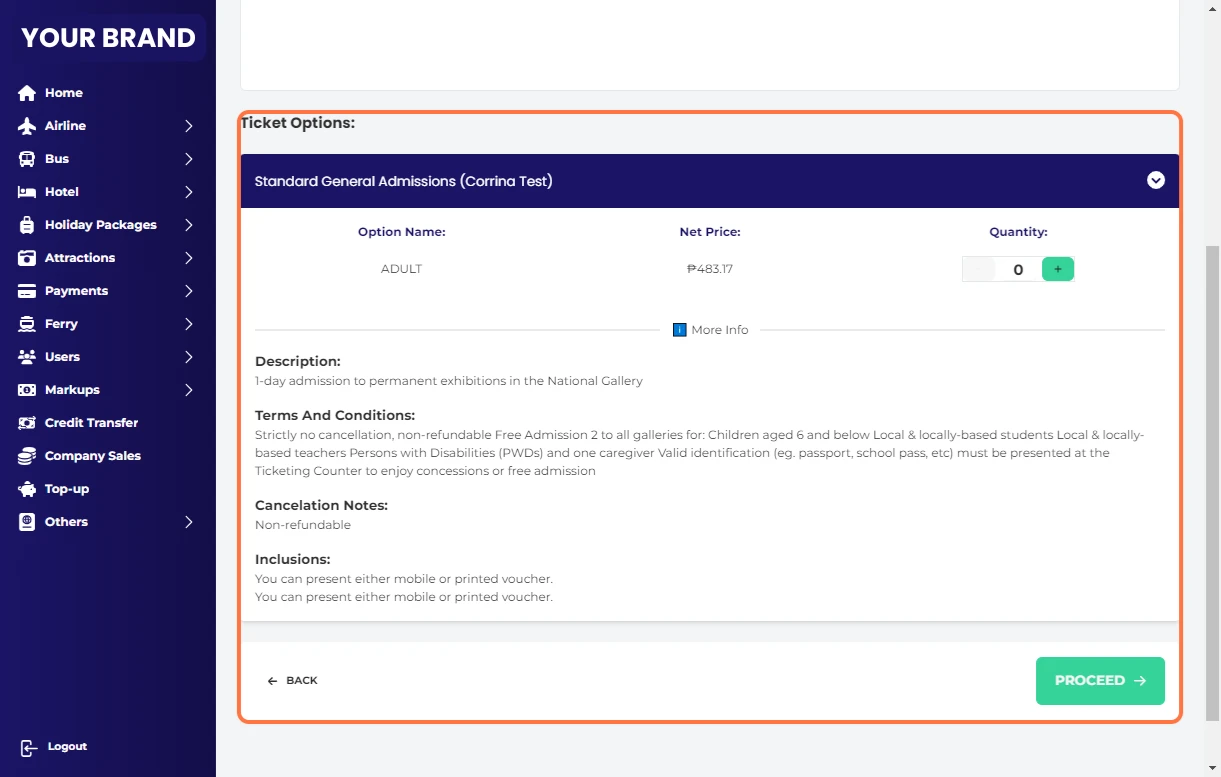
10 Read Package details
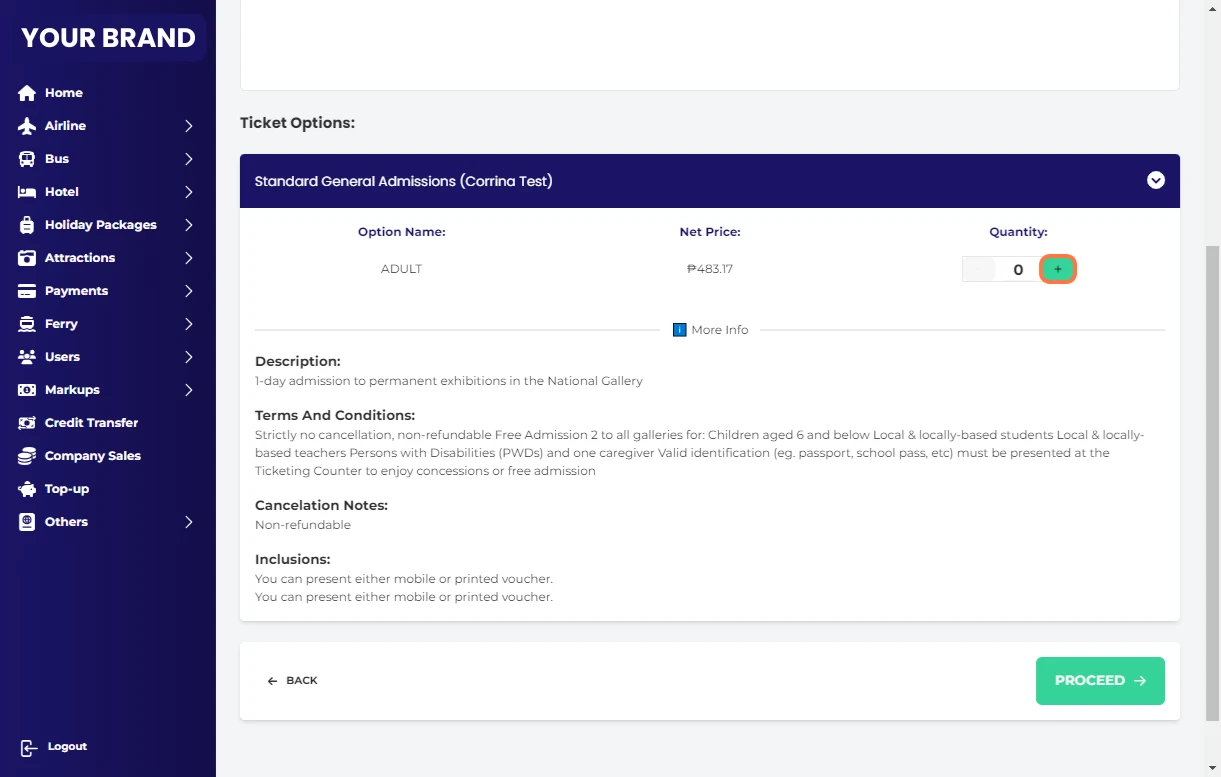
11 Enter Quantity of persons
12 Click on PROCEED
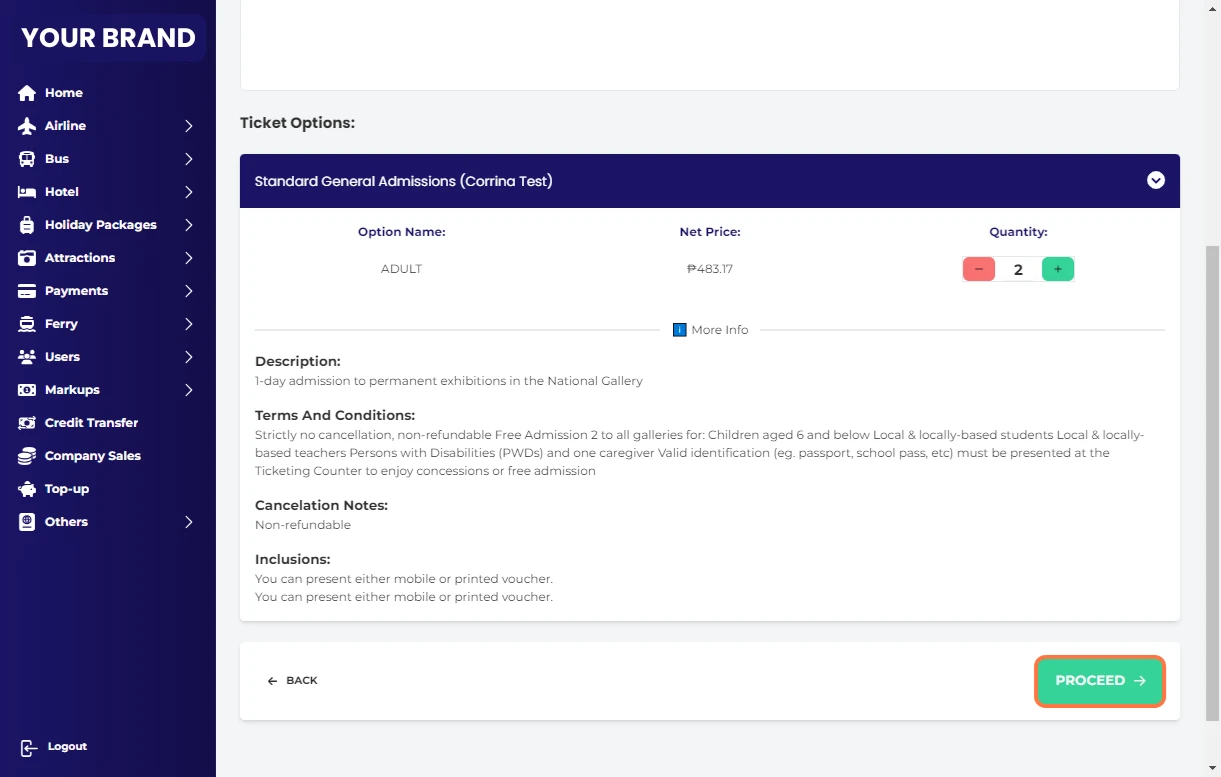
13 Check the details
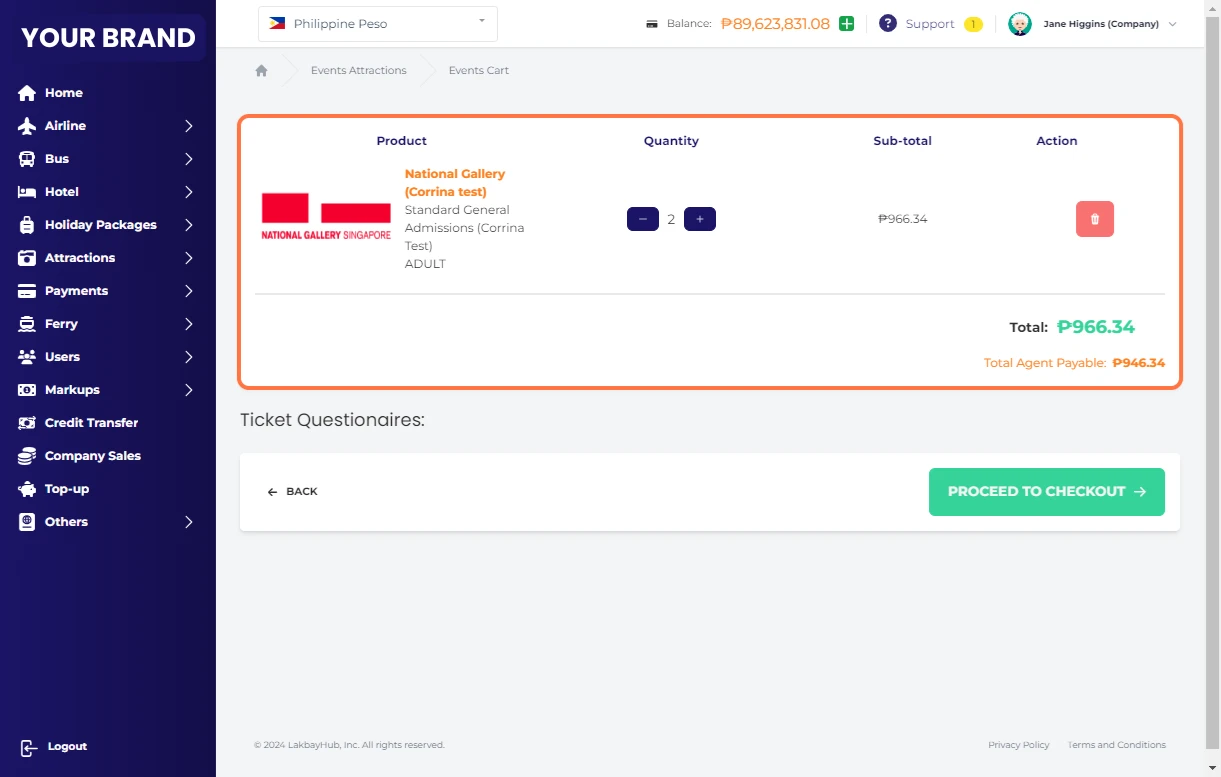
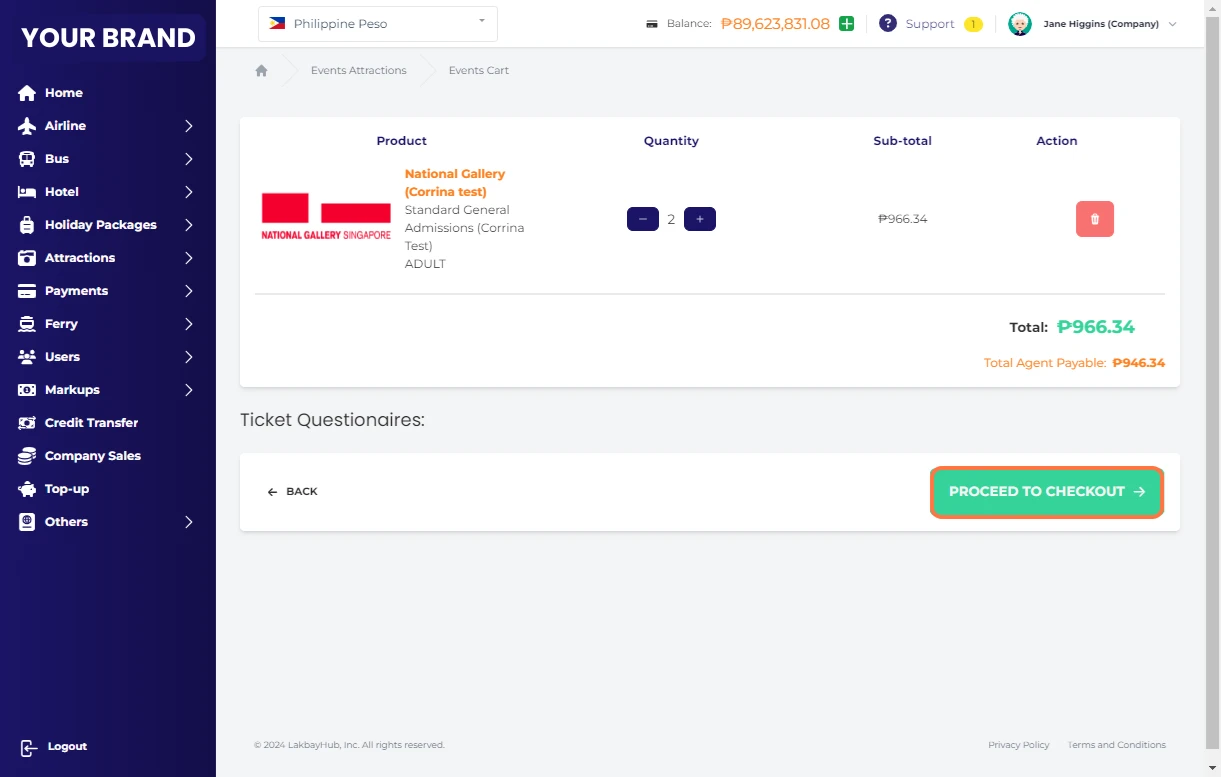
14 Click on PROCEED TO CHECKOUT
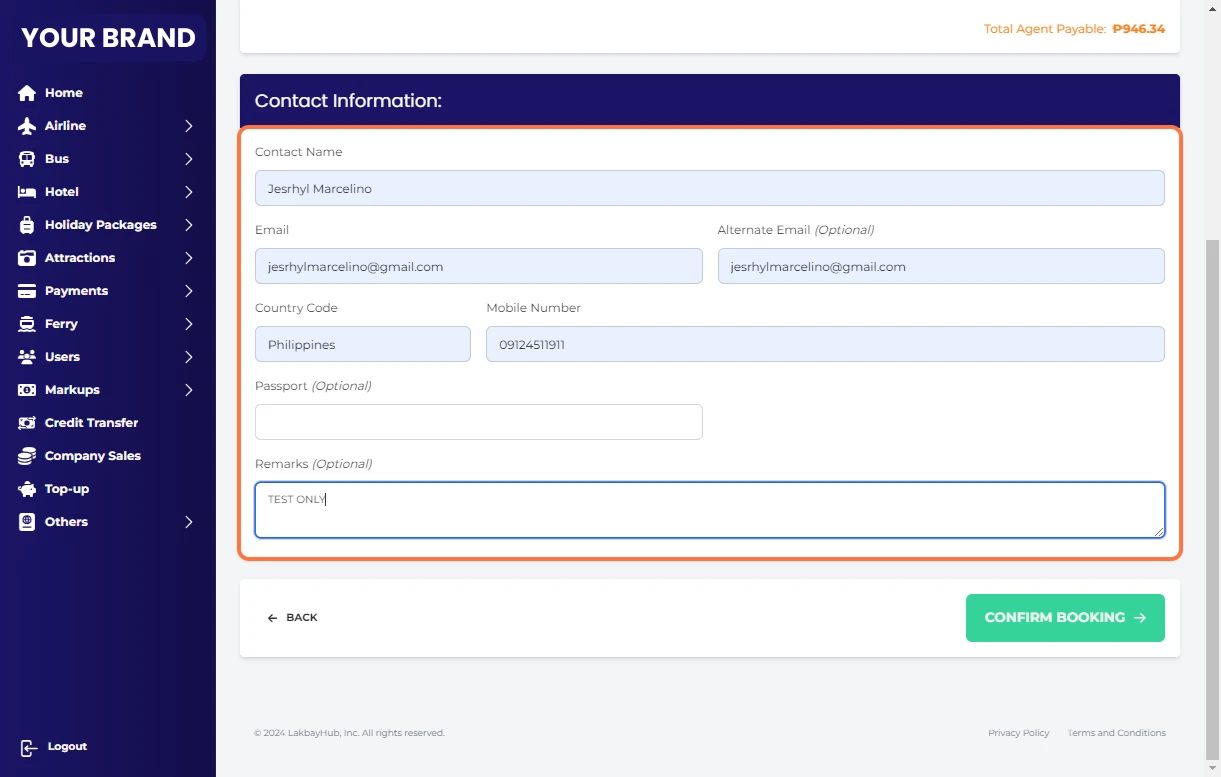
15 Fill-out necessary informations
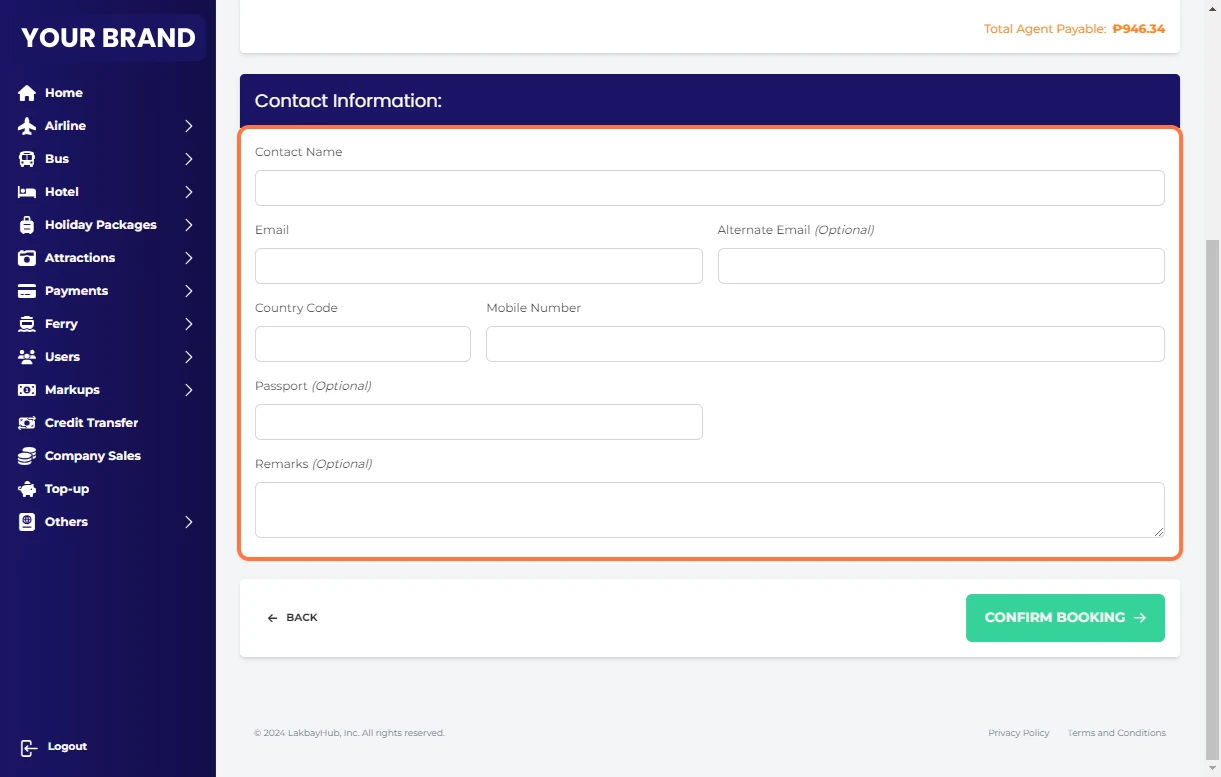
16 Fill-out necessary informations (Sample)
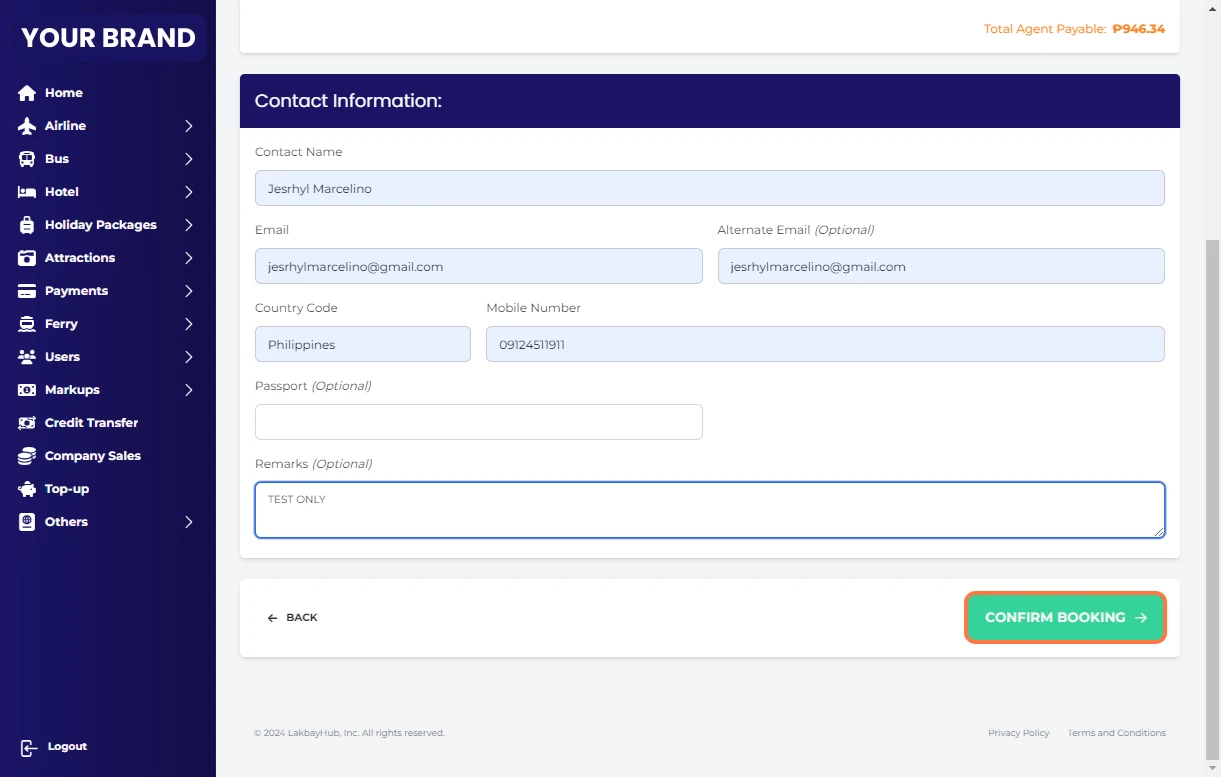
17 Click on CONFIRM BOOKING
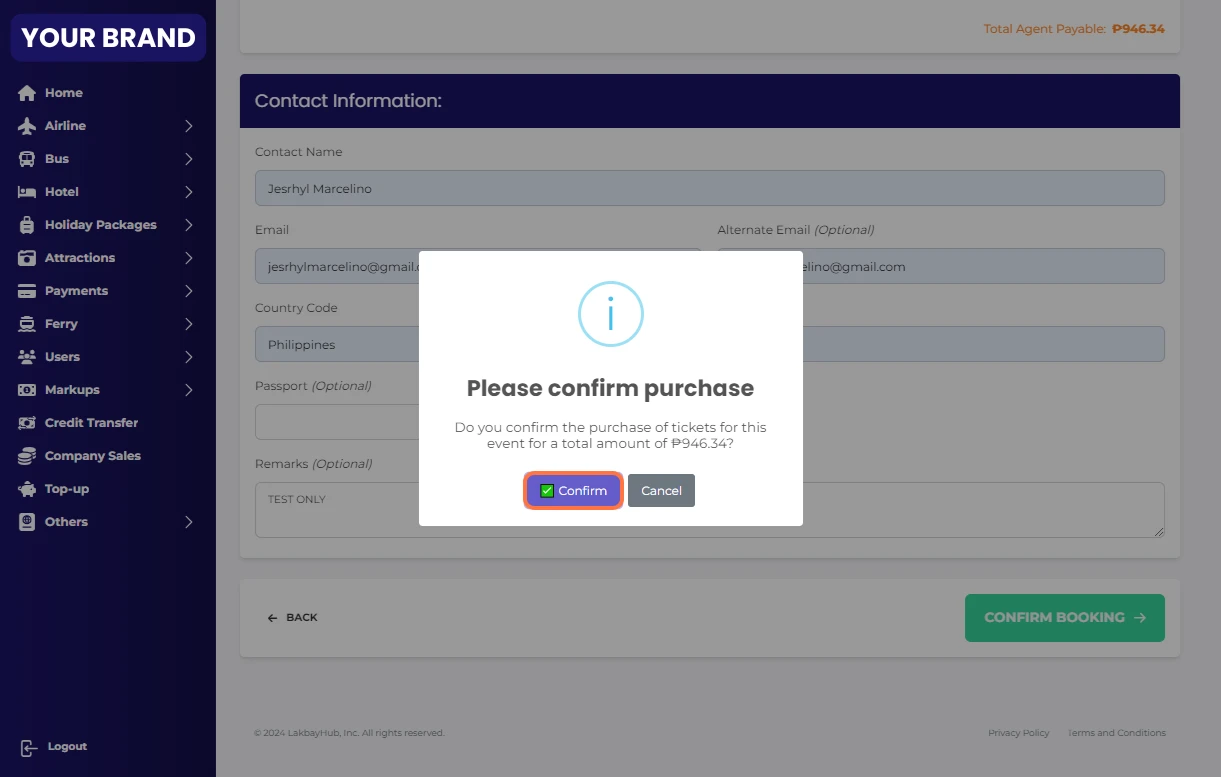
18 Click on ✅ Confirm
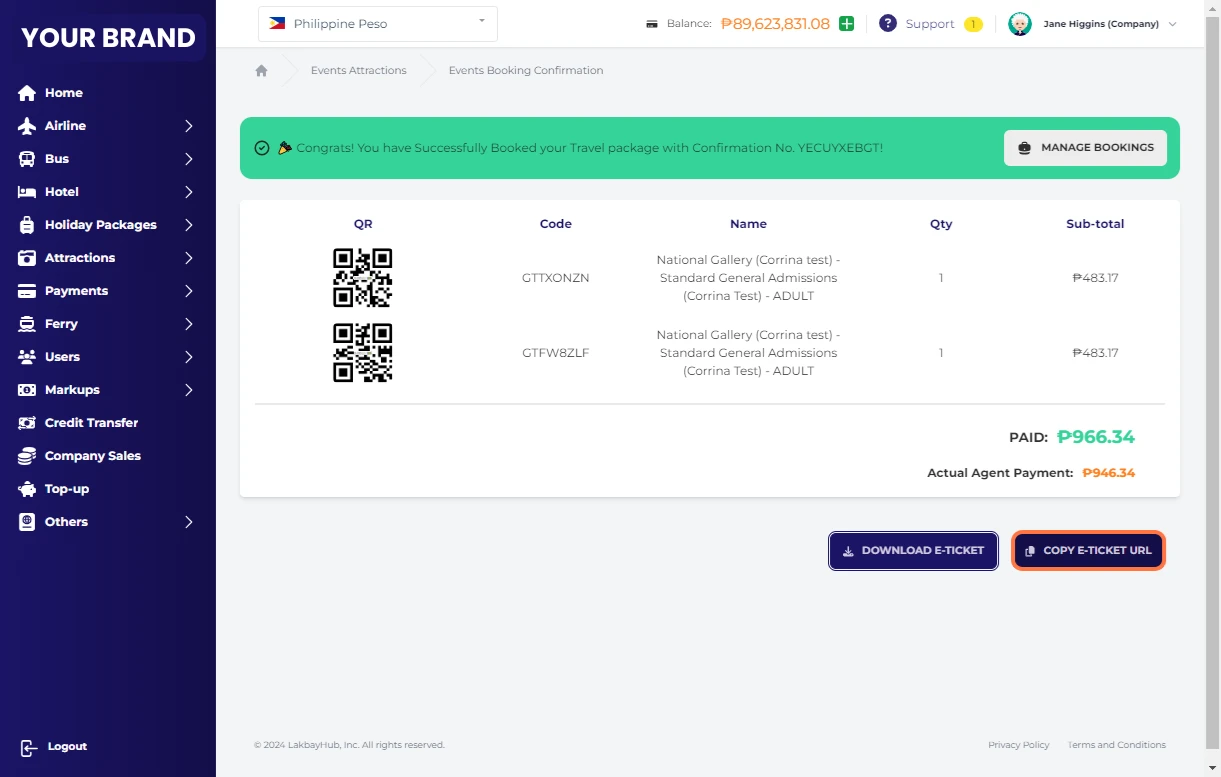
19 🎉 Congrats! You have Successfully Booked your Travel package!
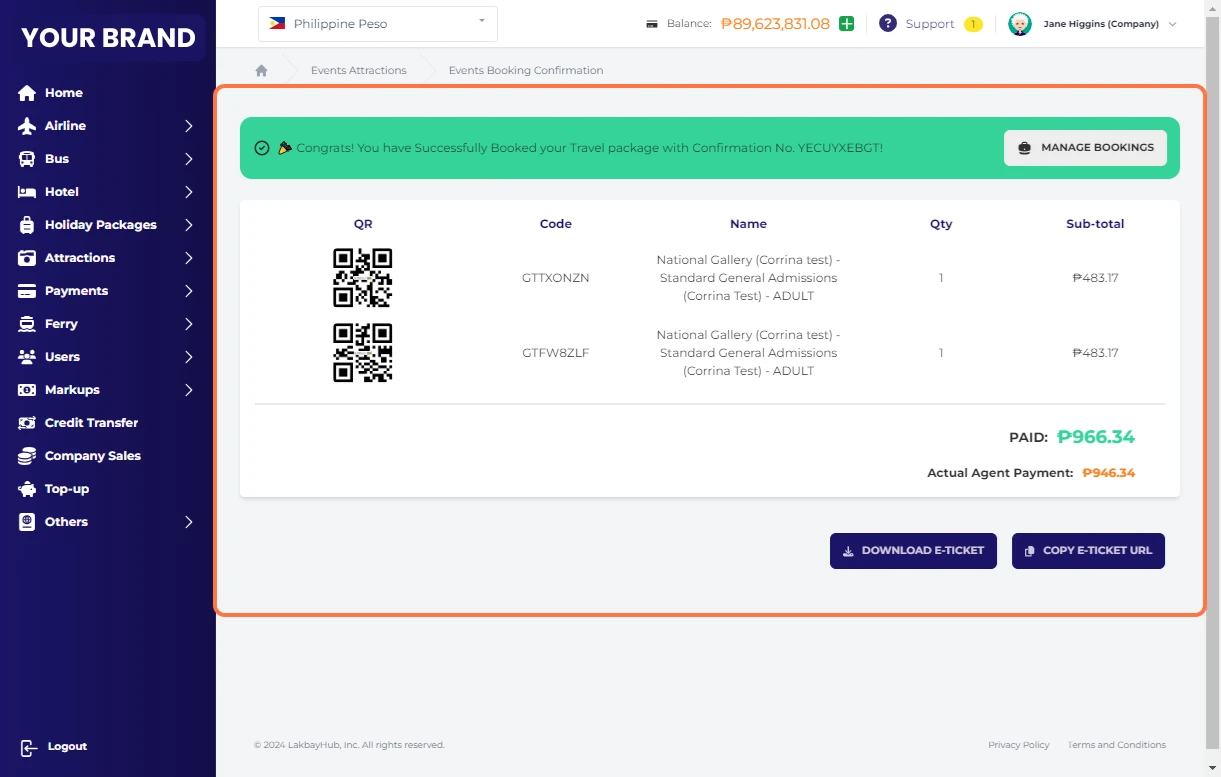
20 You can DOWNLOAD E-TICKET
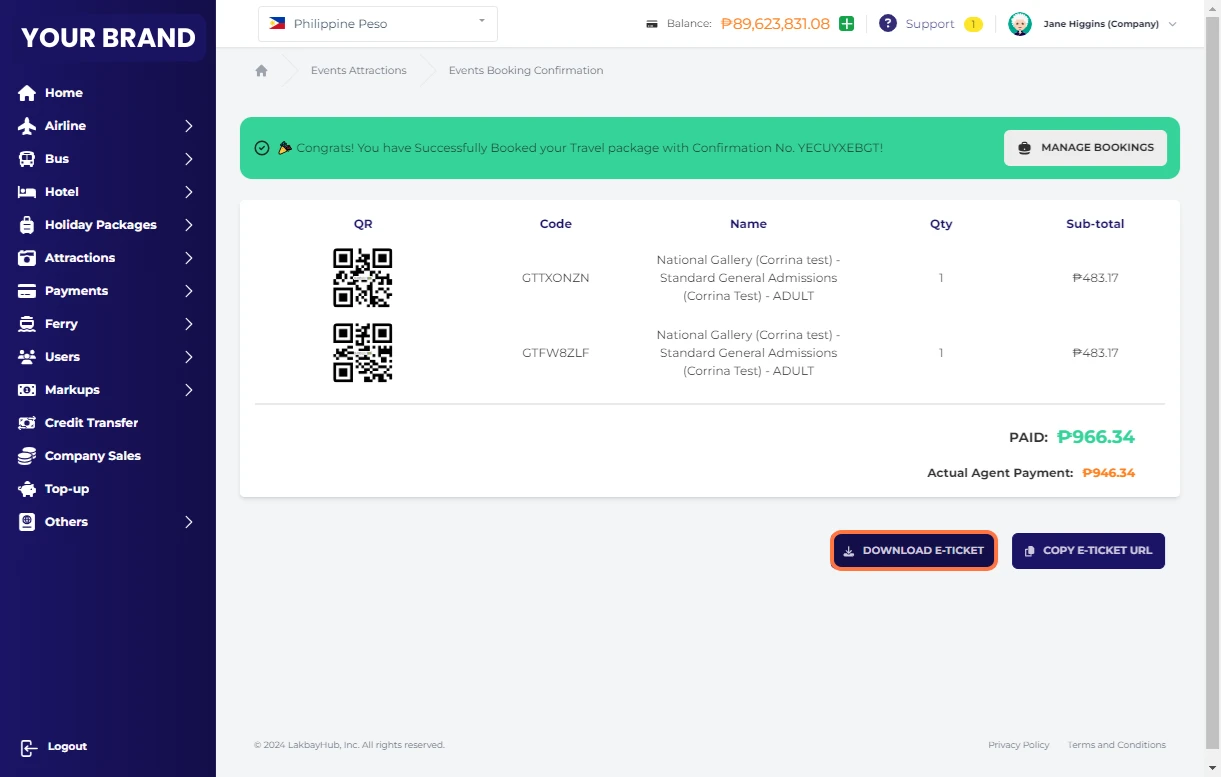
21 You can also COPY E-TICKET URL