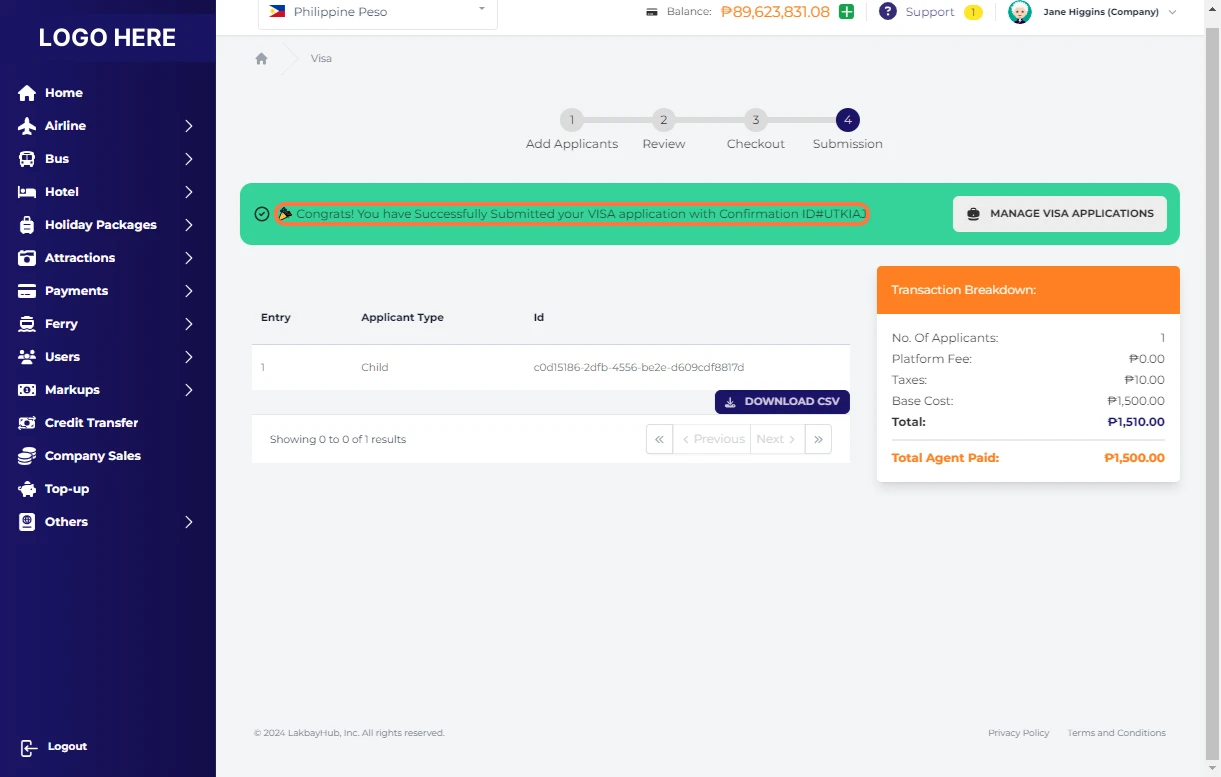
-default.png)
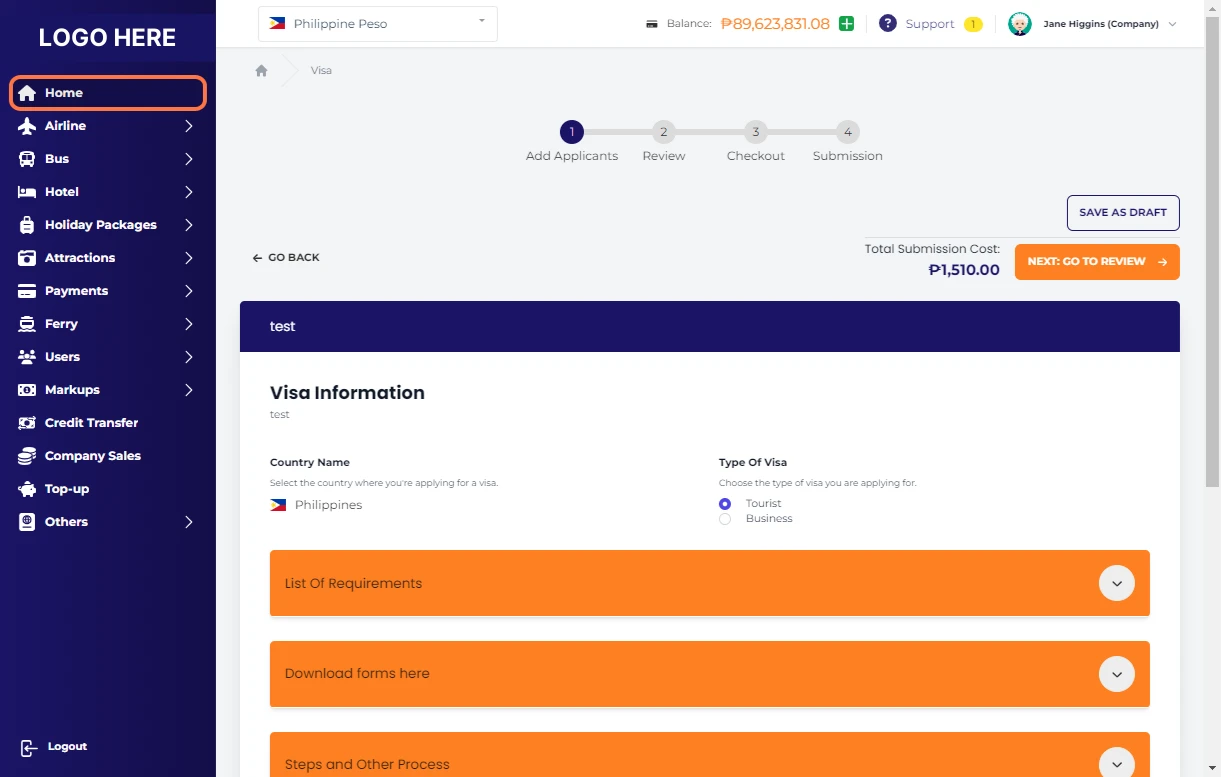
Click on Home
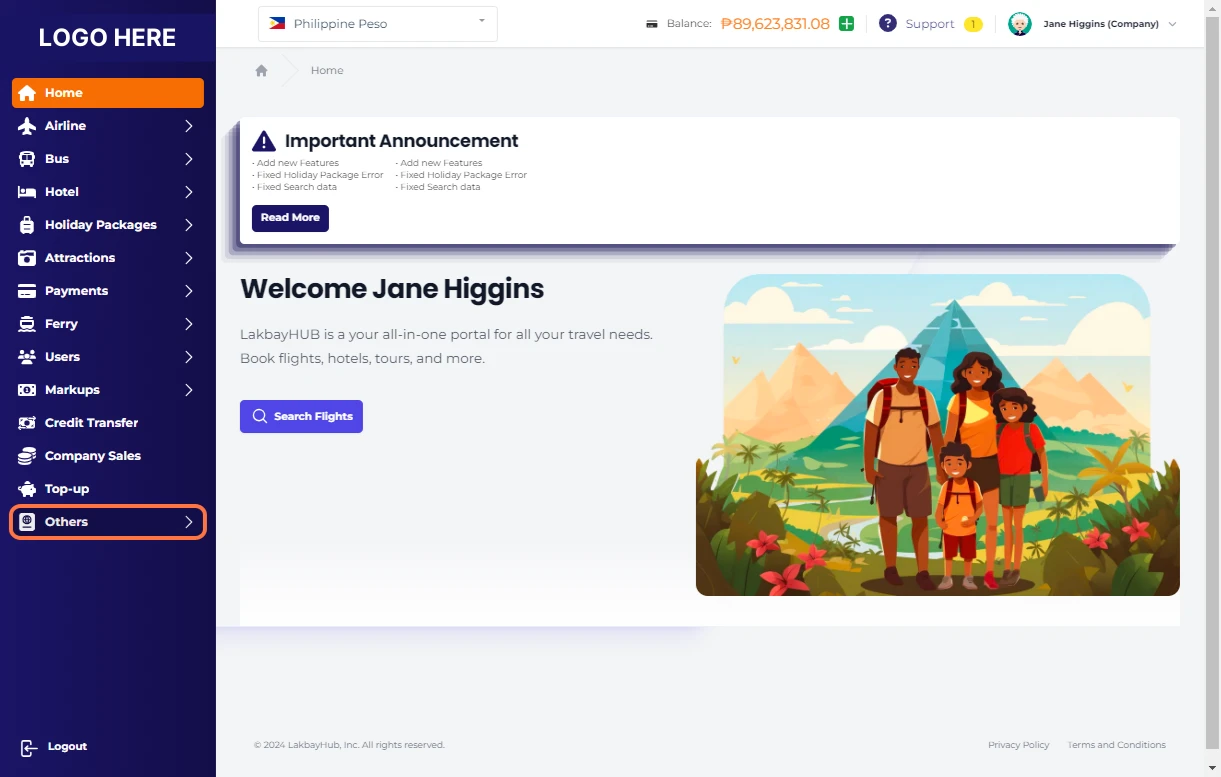
Click on Others
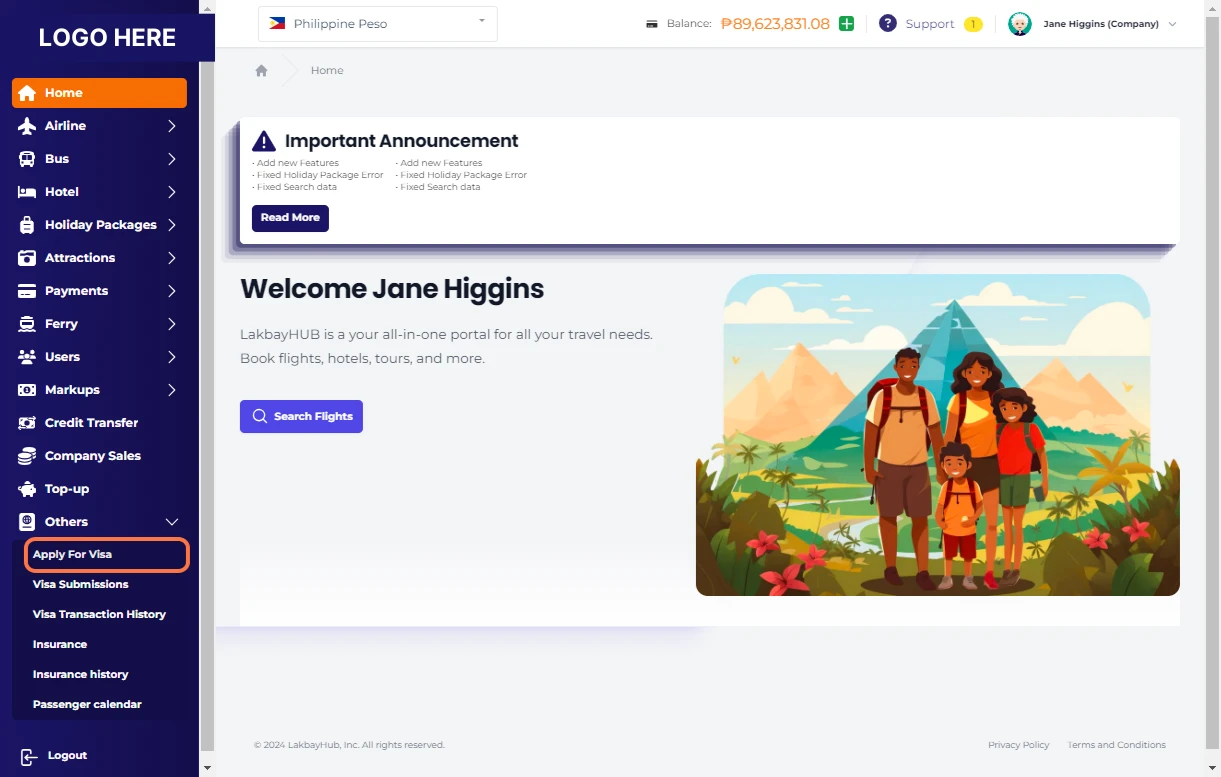
Click on Apply for Visa
Visa Forms Table
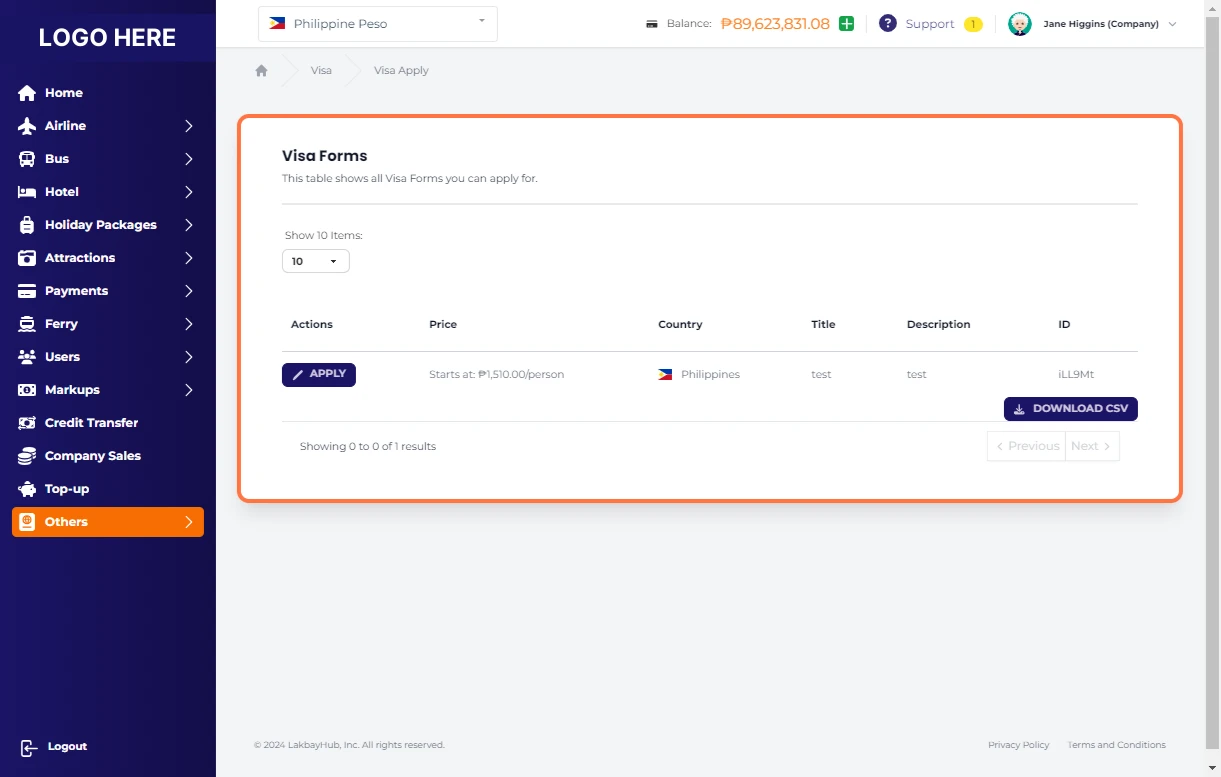
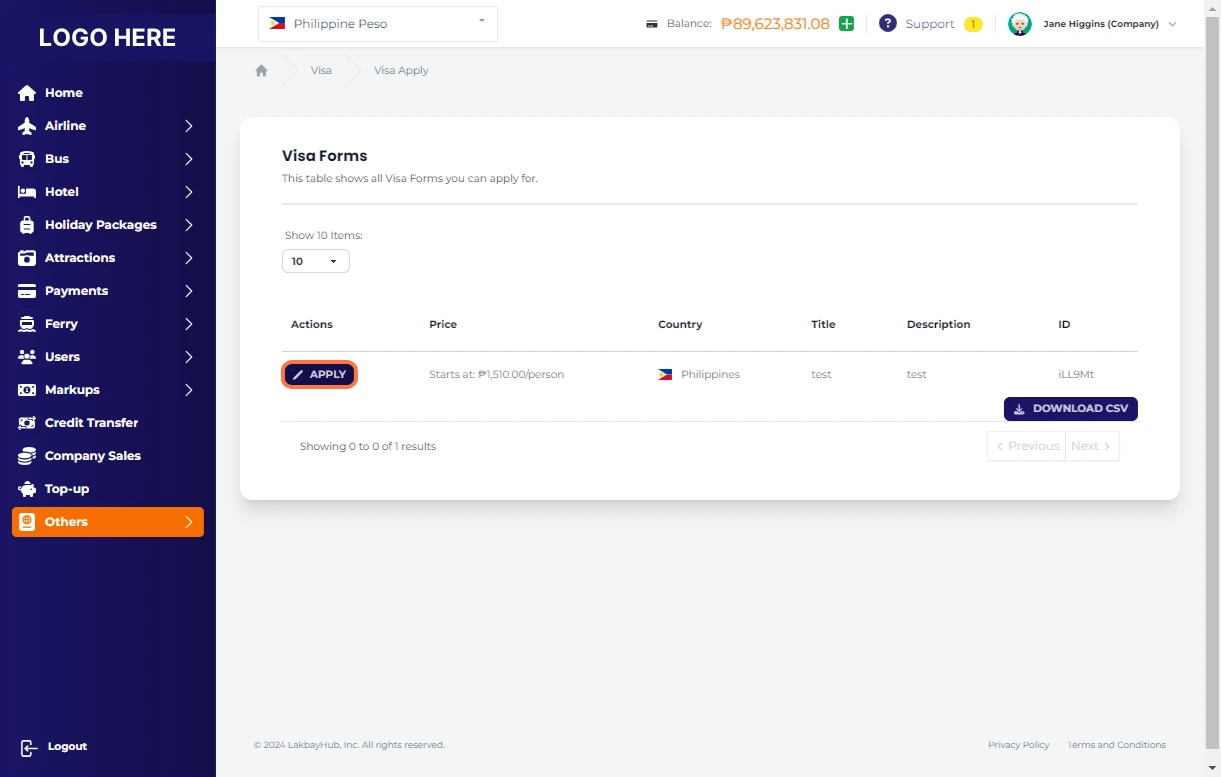
Click on APPLY
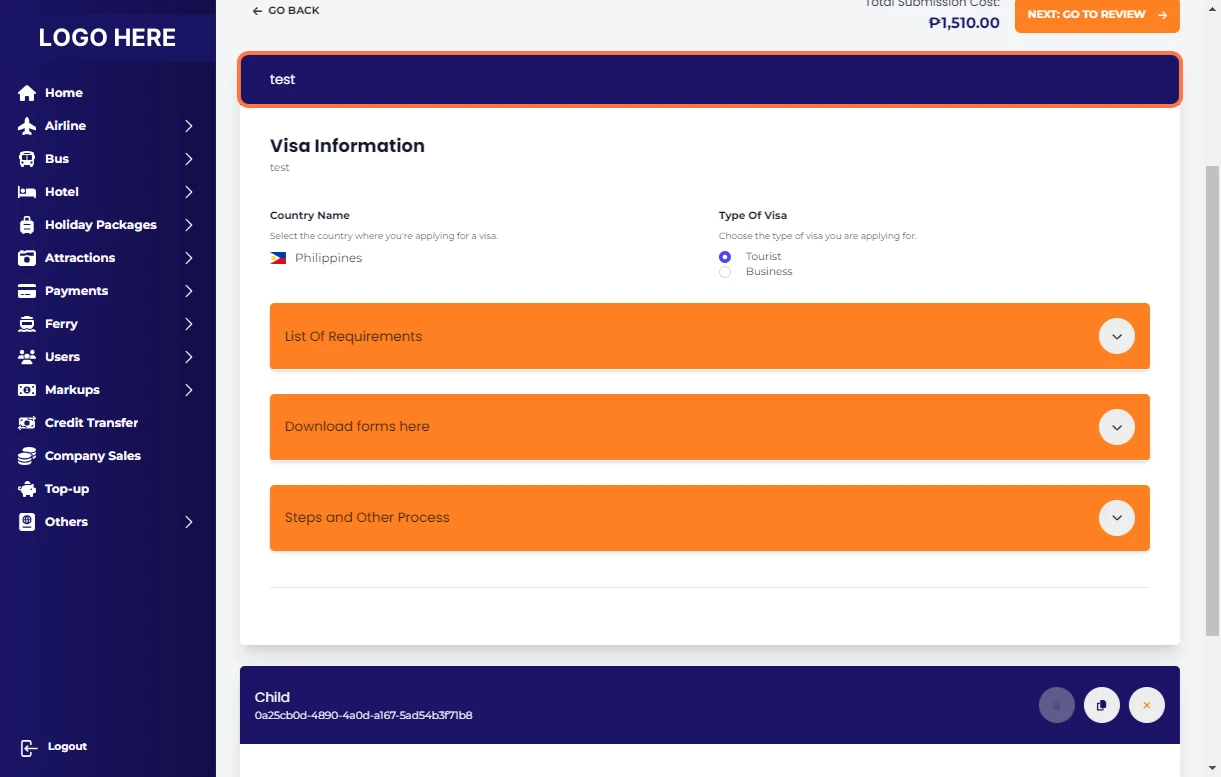
Visa Information Table
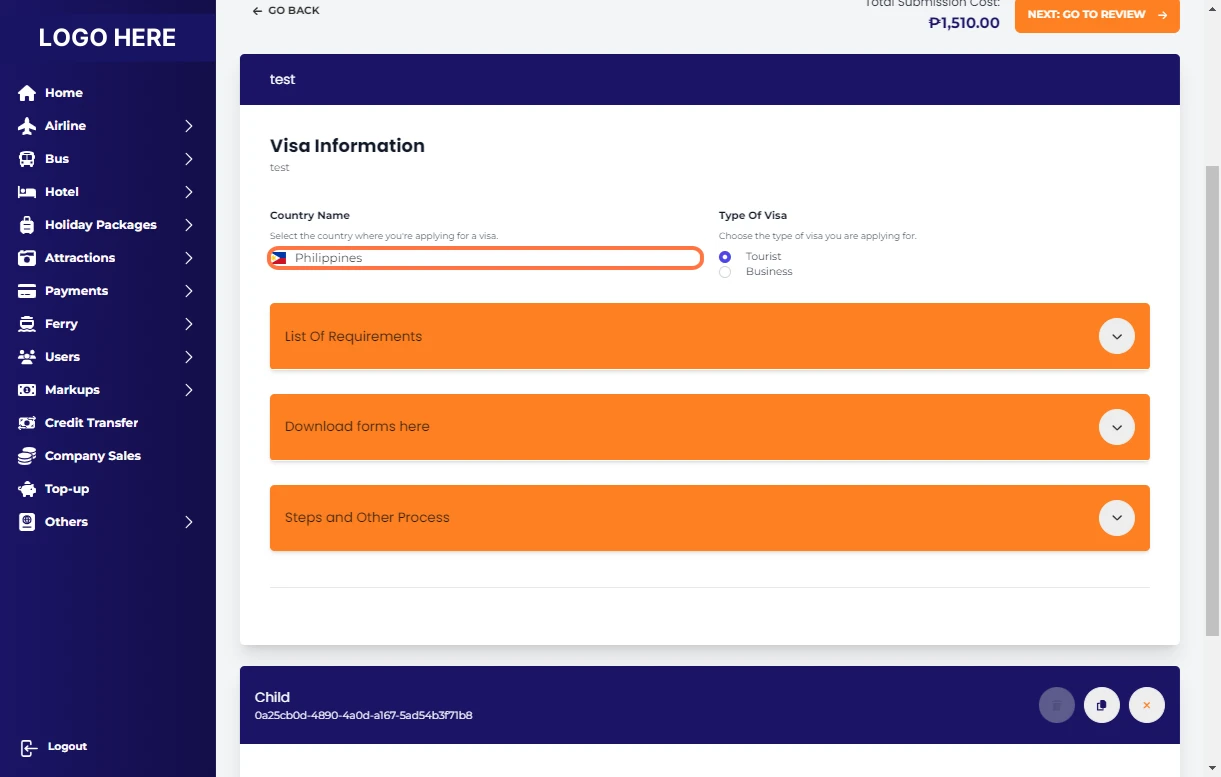
Select Country where you are applying for Visa
Choose type of Visa you are applying for
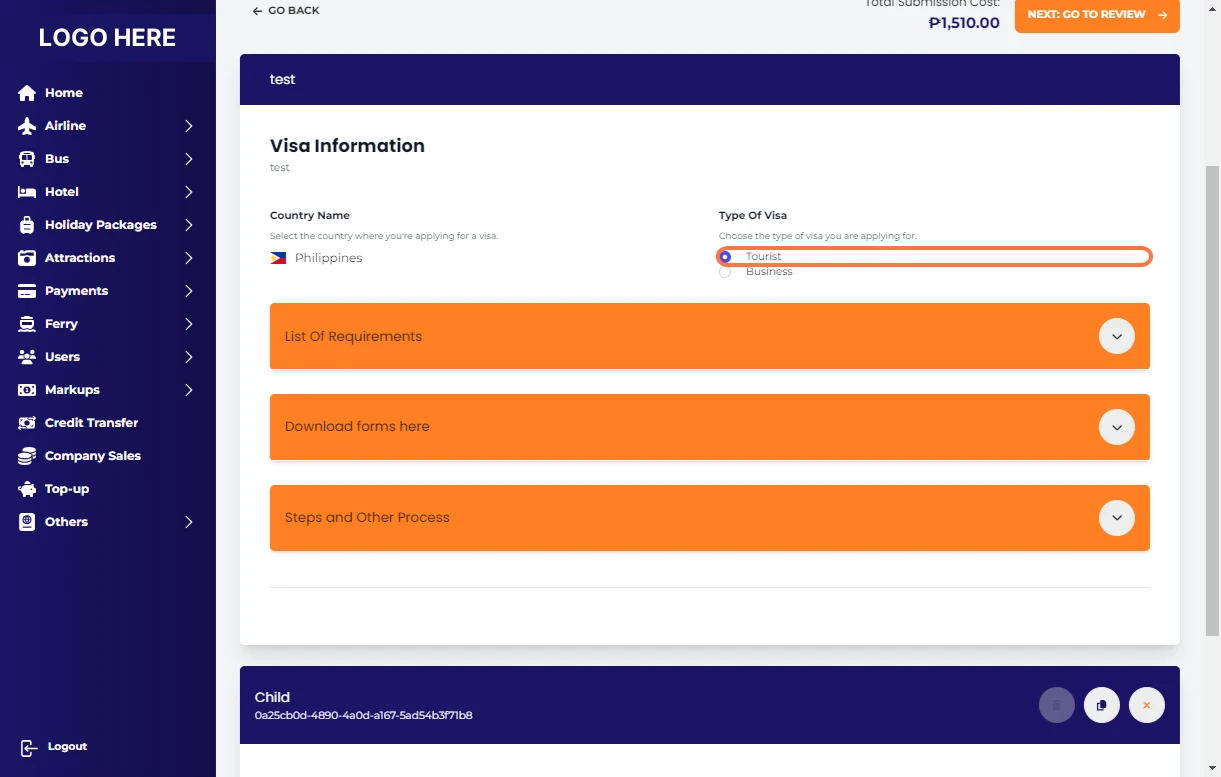
Click on List Of Requirements
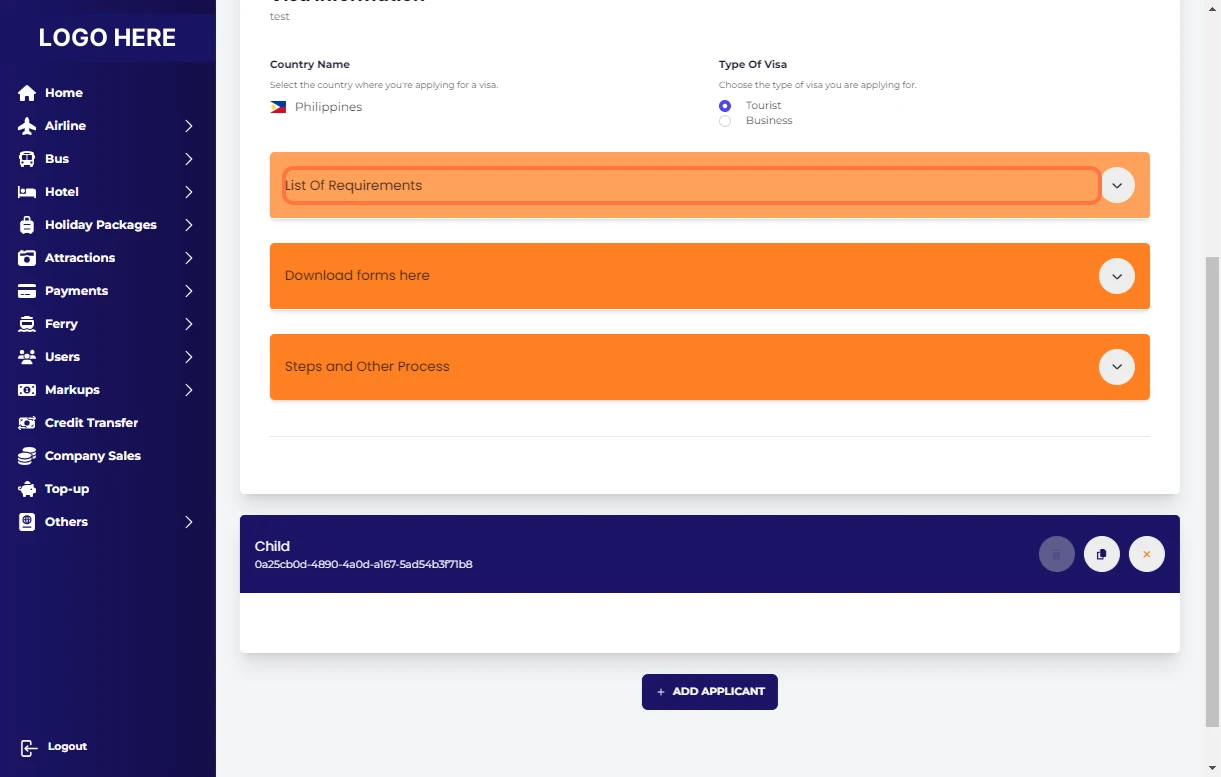
Click on Download forms here
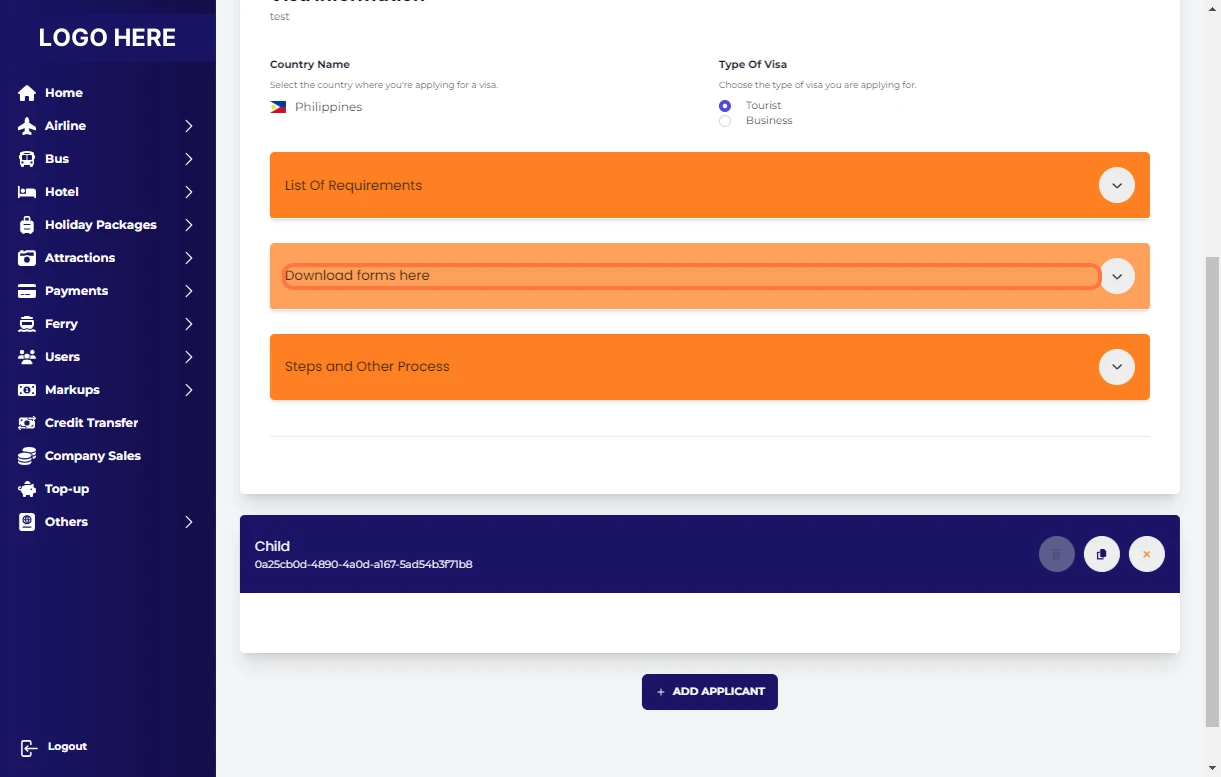
Click on Steps and Other Process
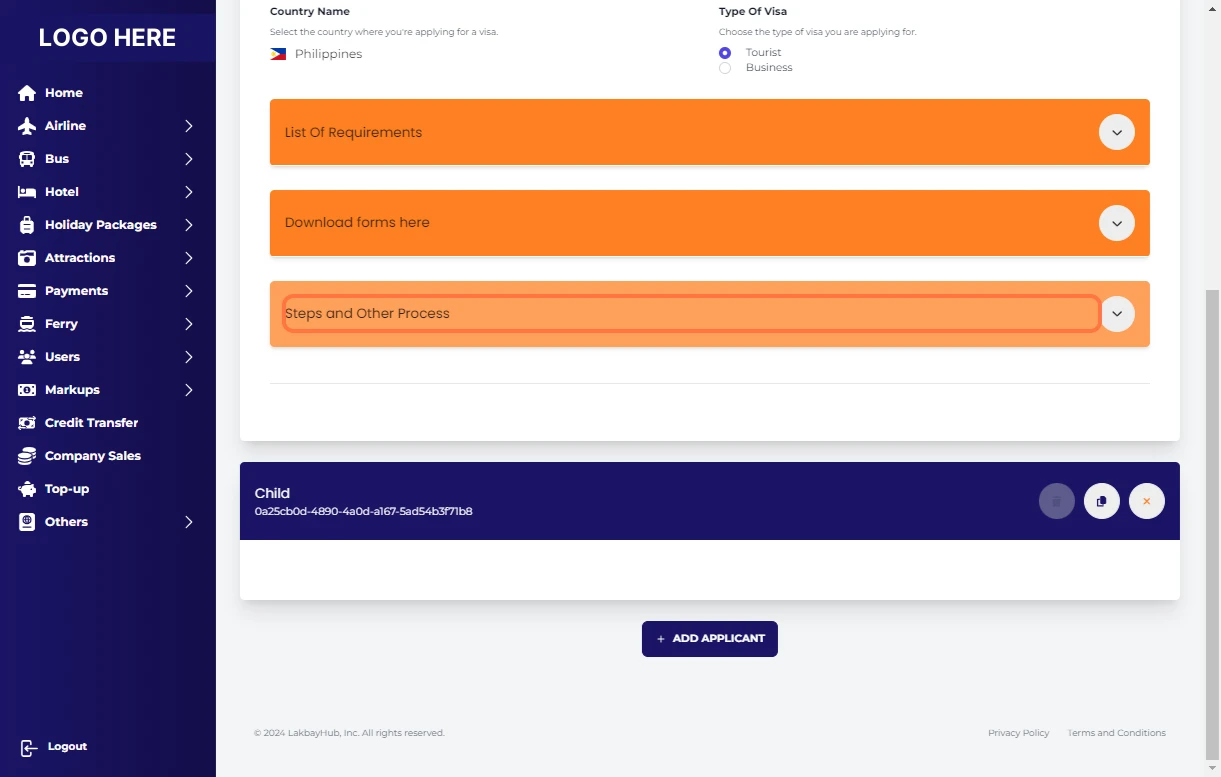
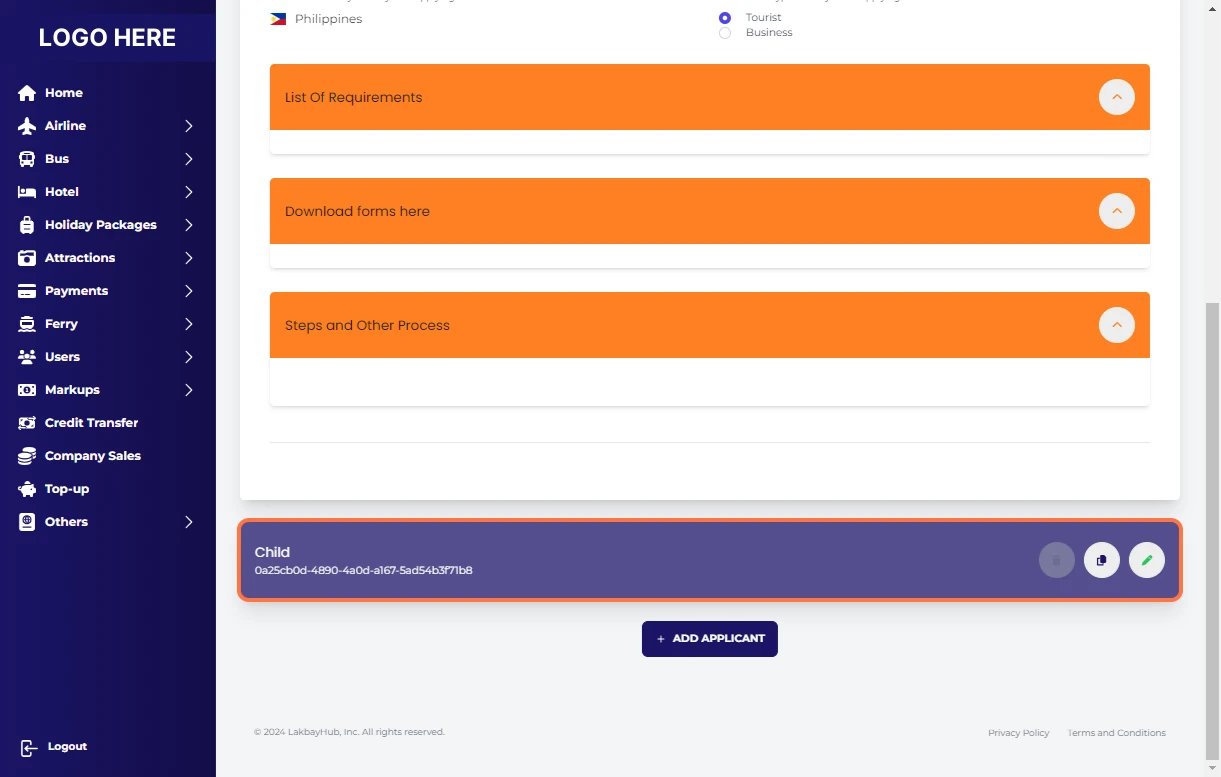
Click on Child
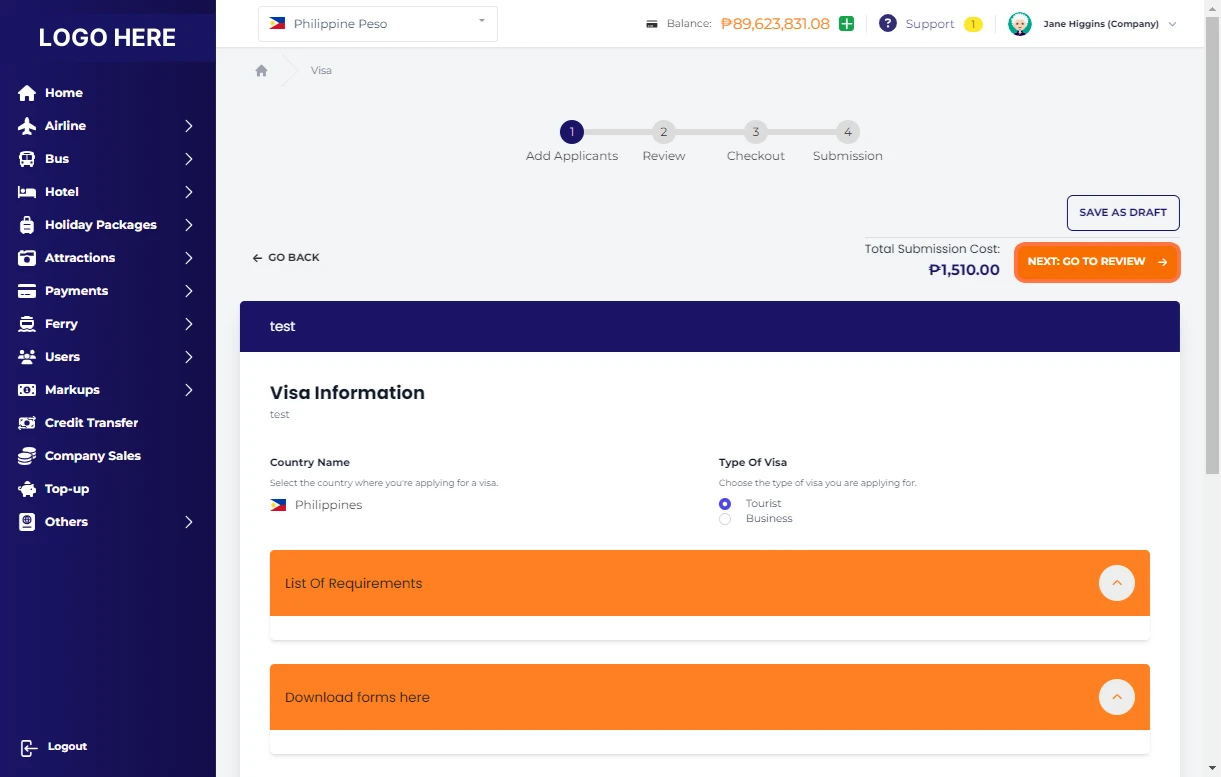
Click on NEXT: GO TO REVIEW
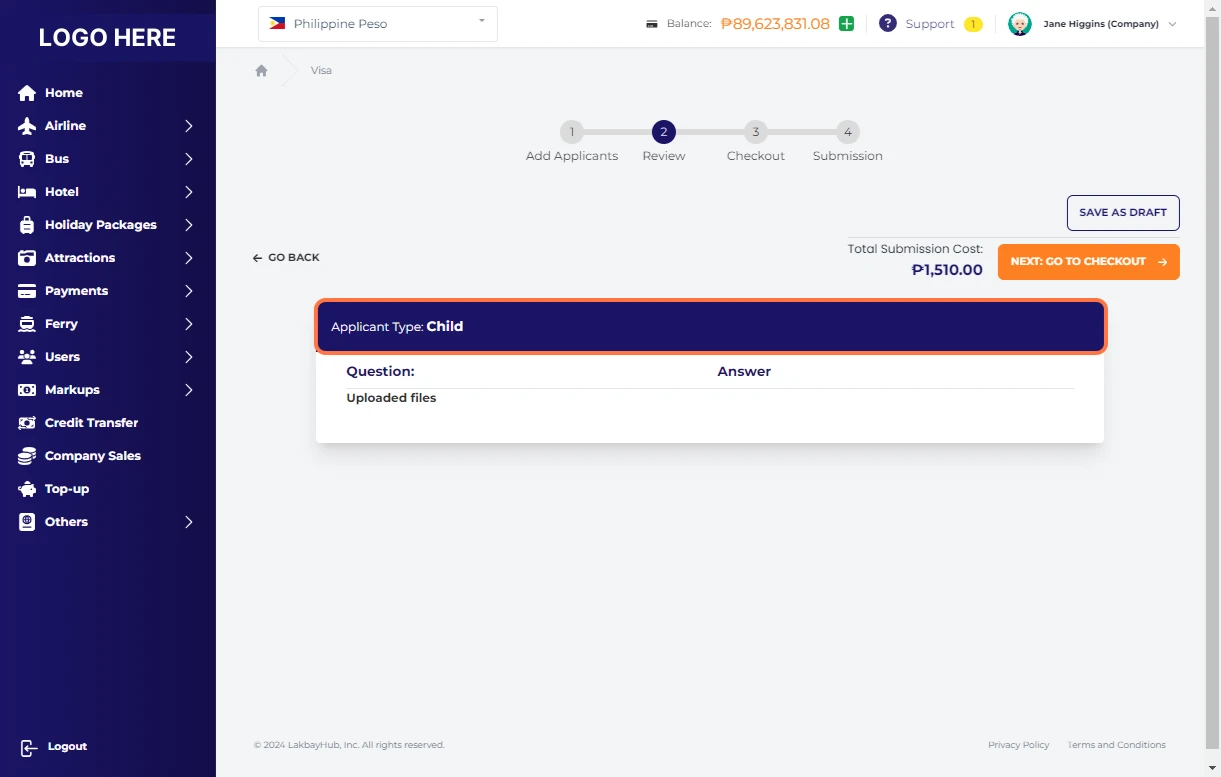
Click on Applicant Type: Child
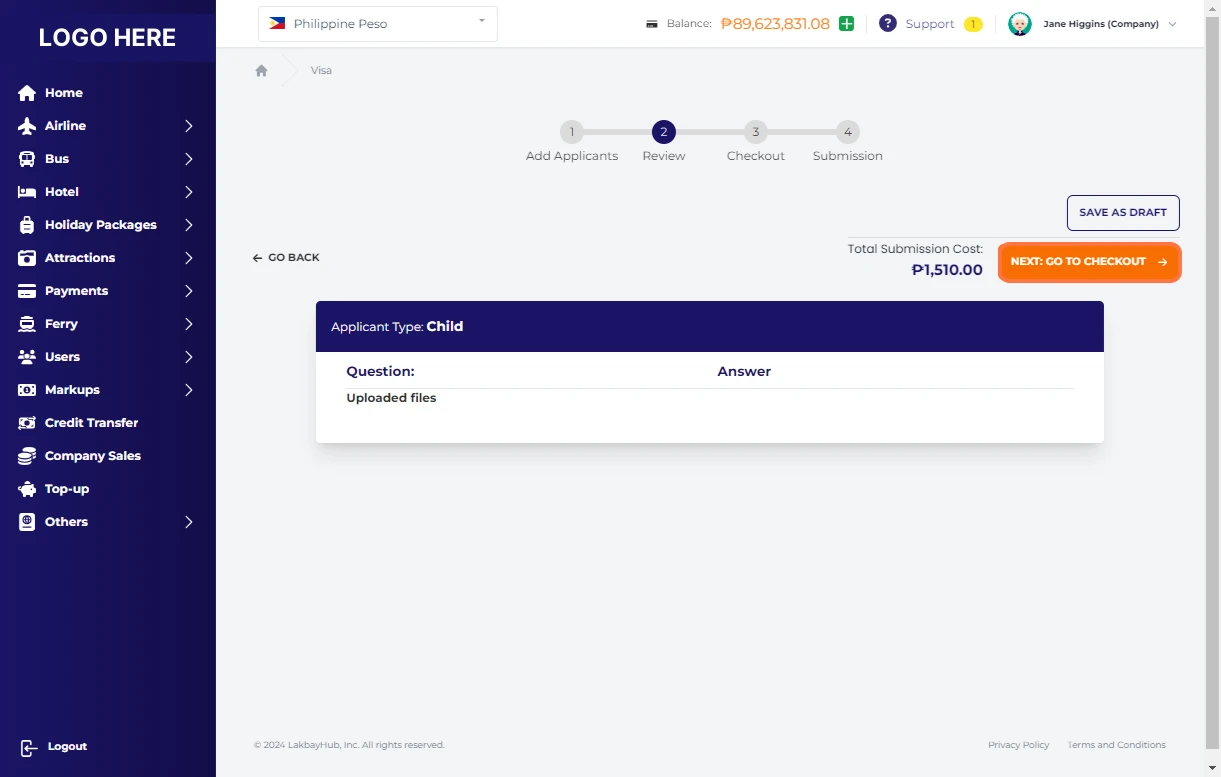
Click on NEXT: GO TO CHECKOUT
Fill out Contact Details:
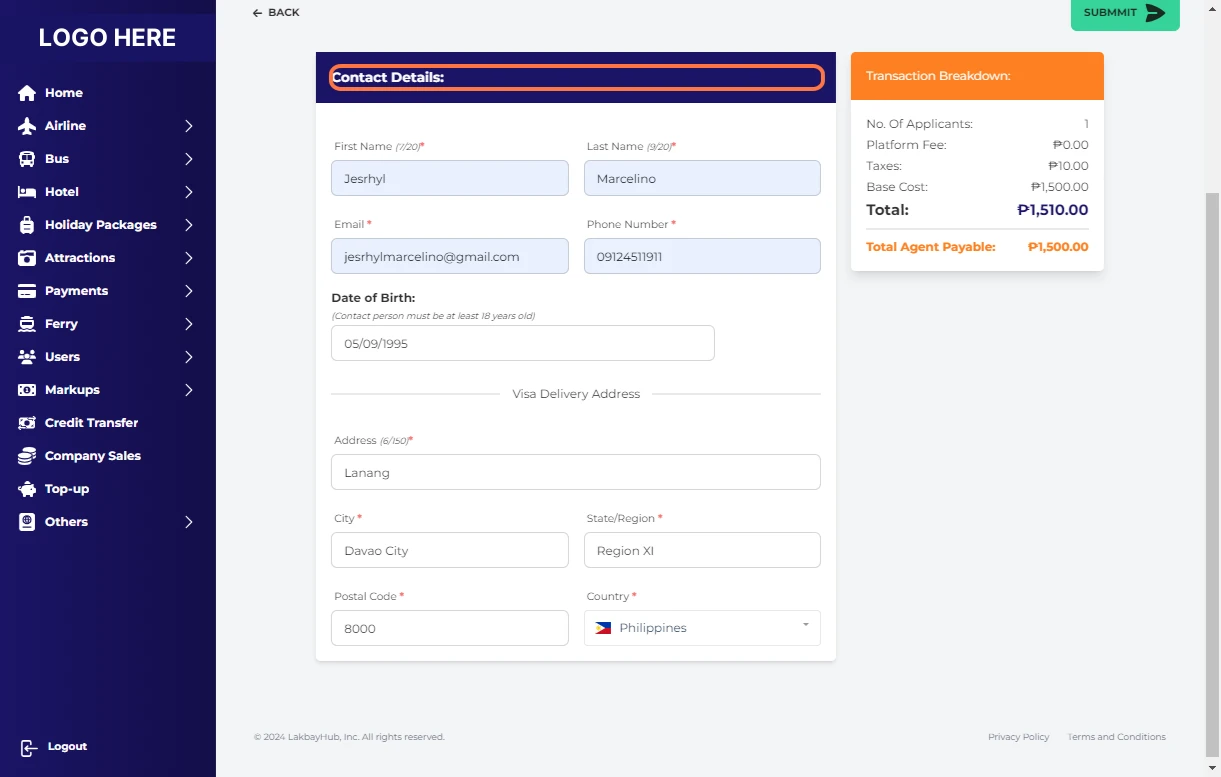
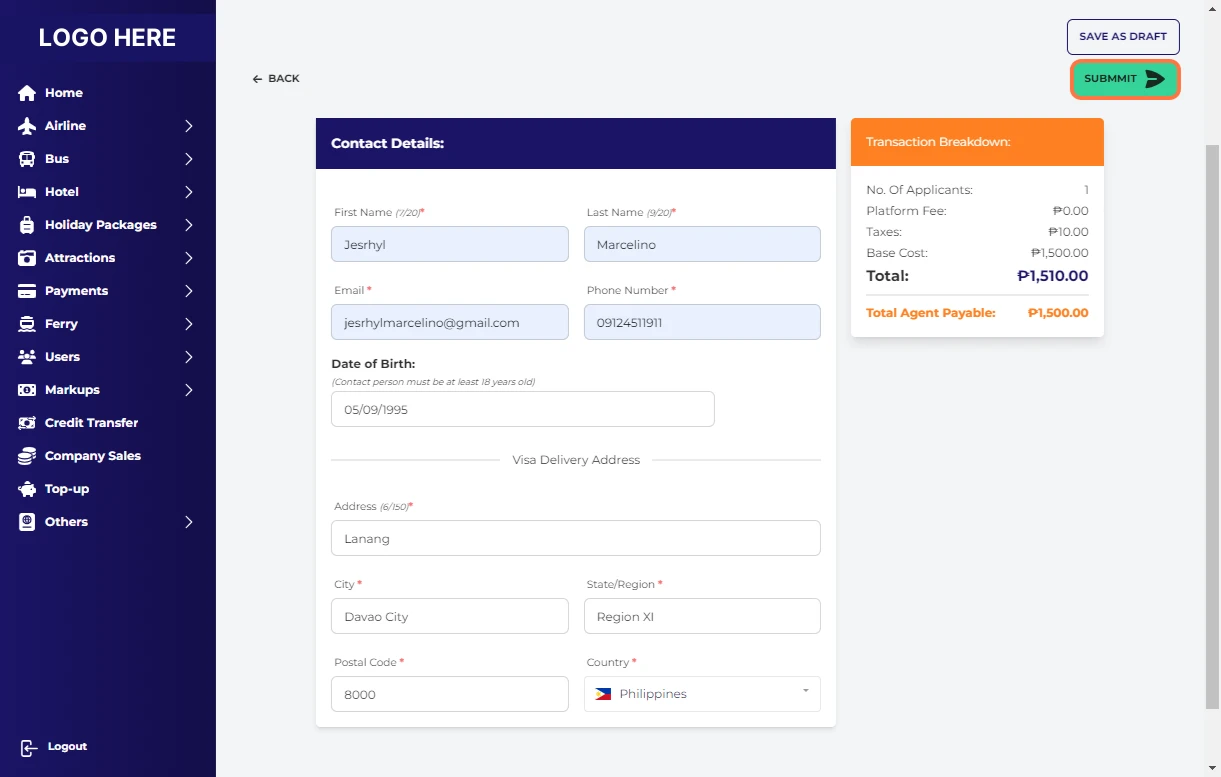
Click on SUBMMIT
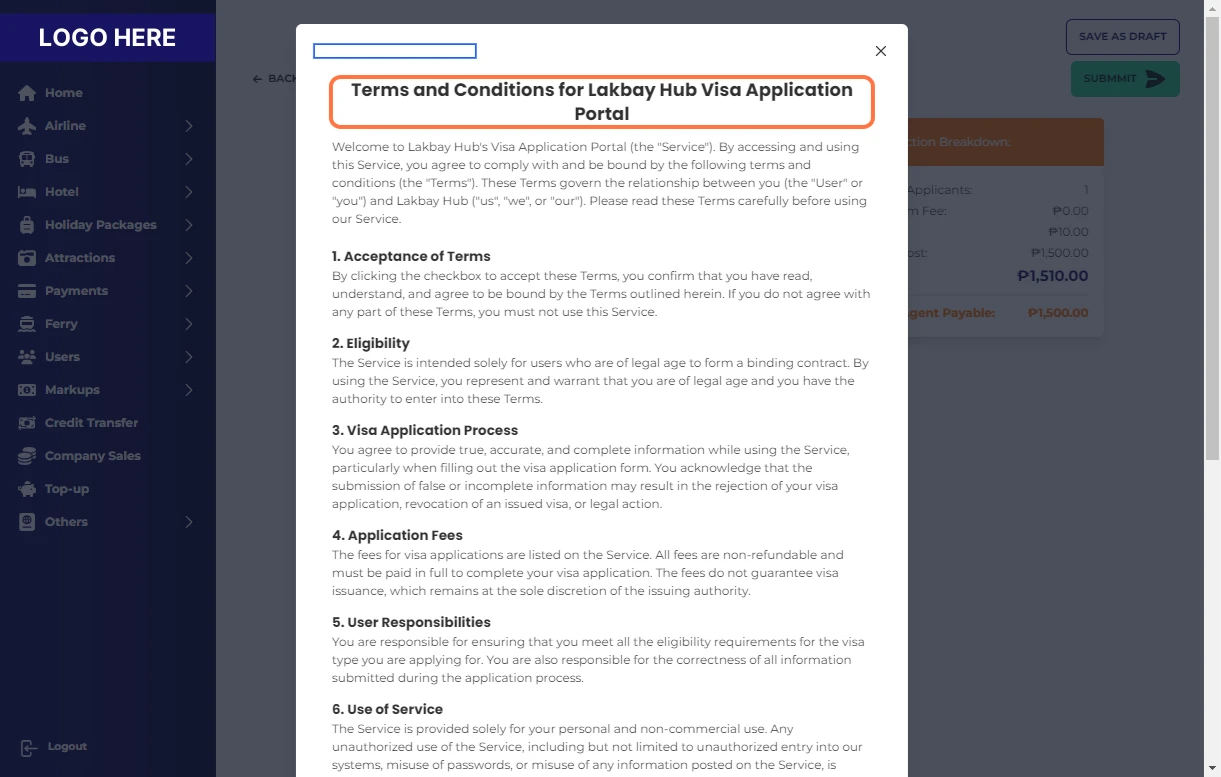
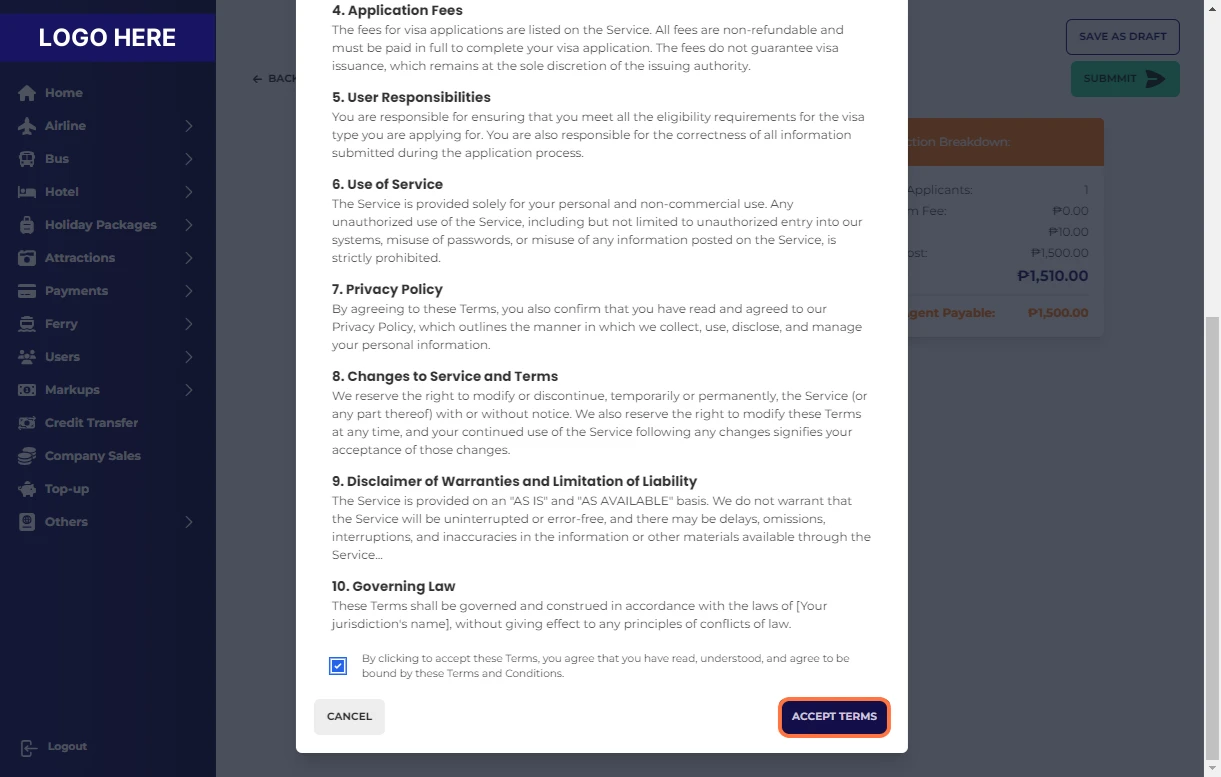
Read Terms and Conditions for Booking Portal Visa Application Portal
Check By clicking to accept these Terms, you agree that you have read, understood, and agree to be bound by these Terms and Conditions.
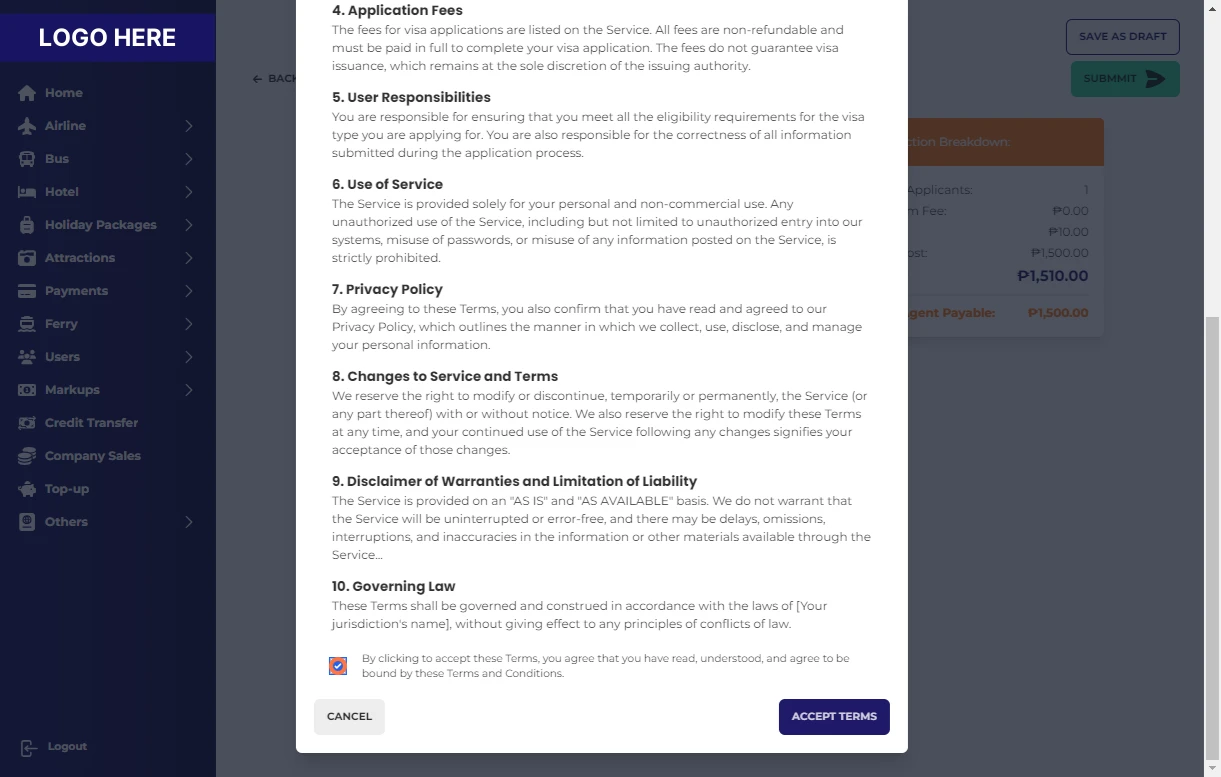
Click on ACCEPT TERMS
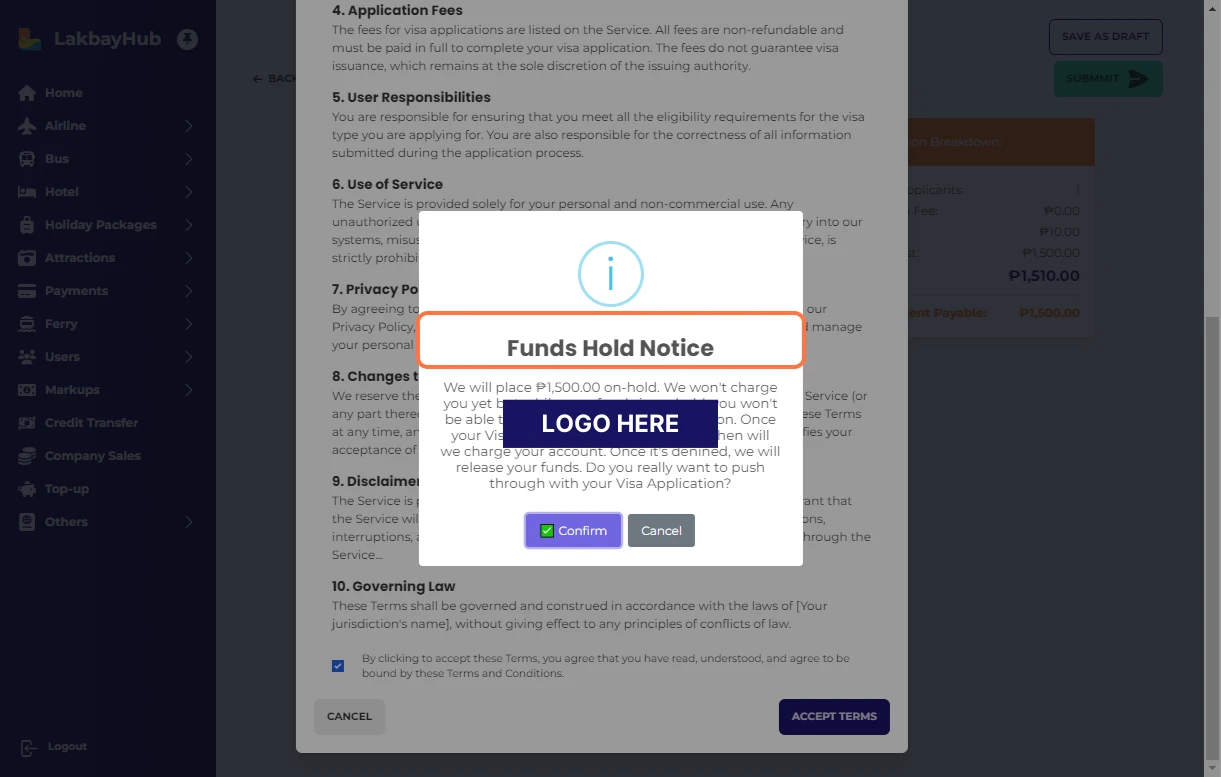
Read Funds Hold Notice
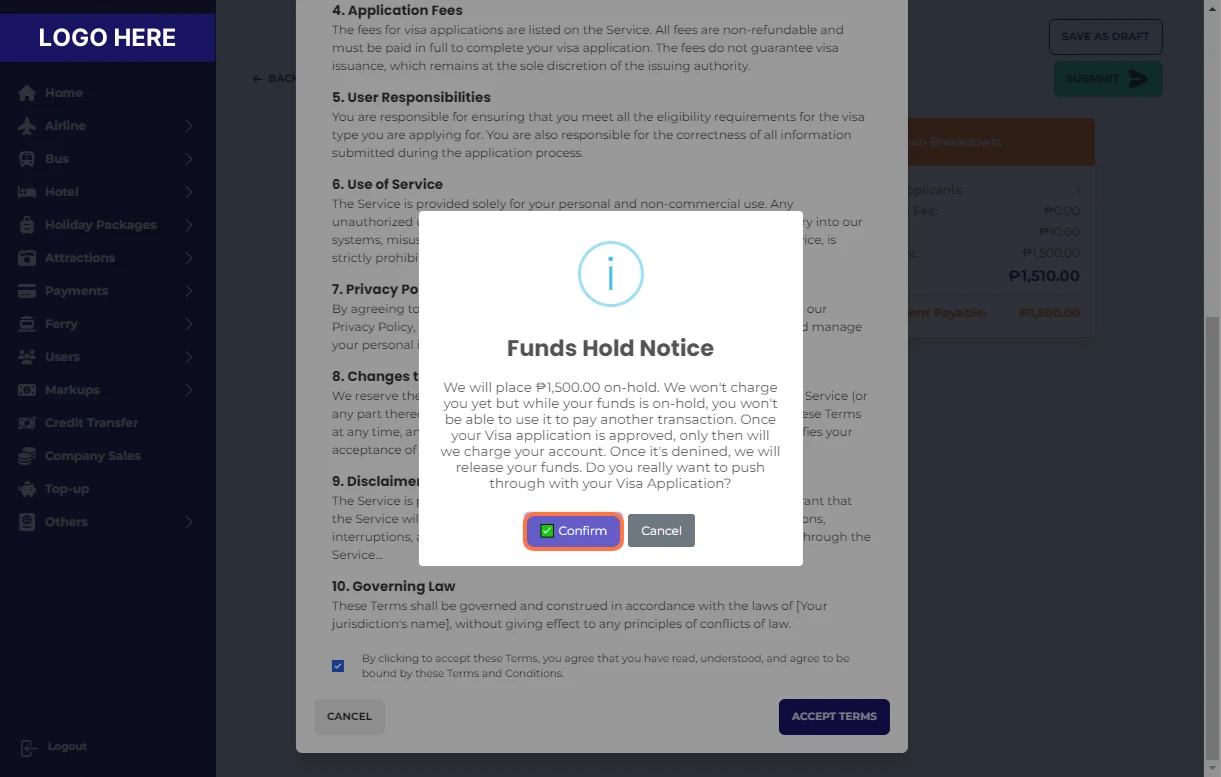
Click on ✅ Confirm
Click on Success
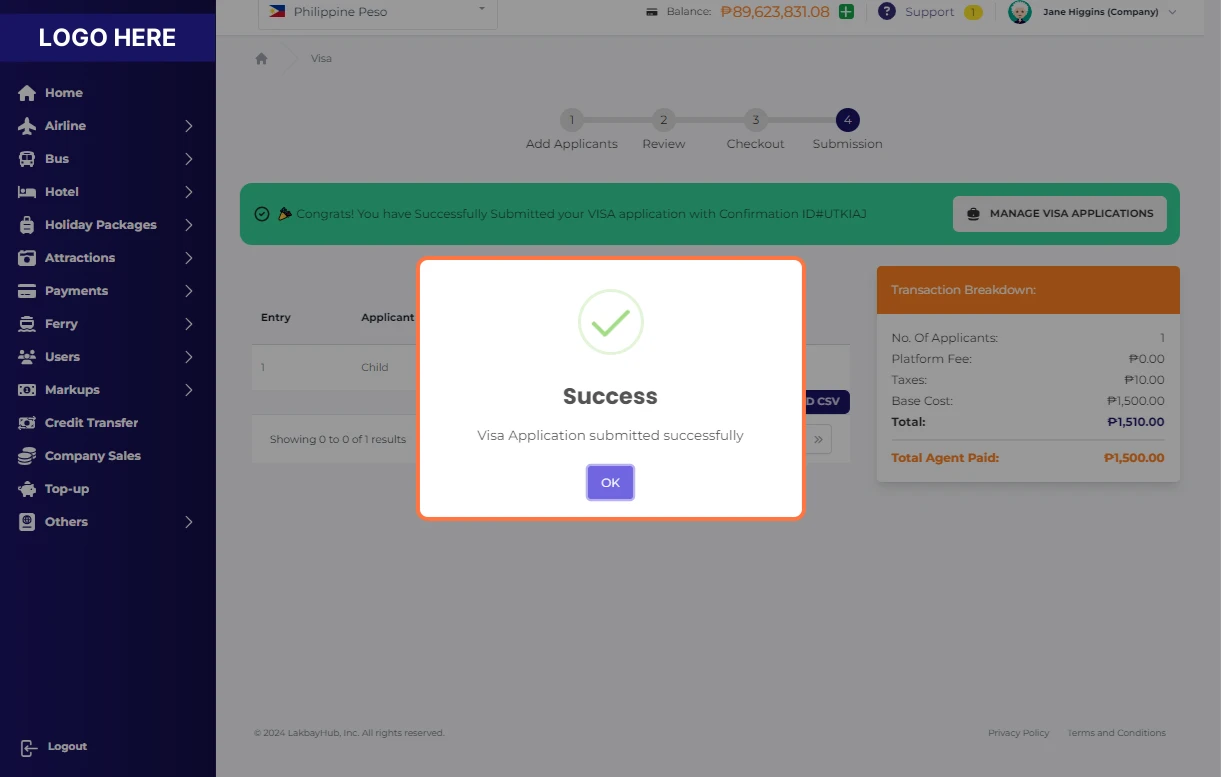
🎉 Congrats! You have Successfully Submitted your VISA application!