-default.png)
Click on Home
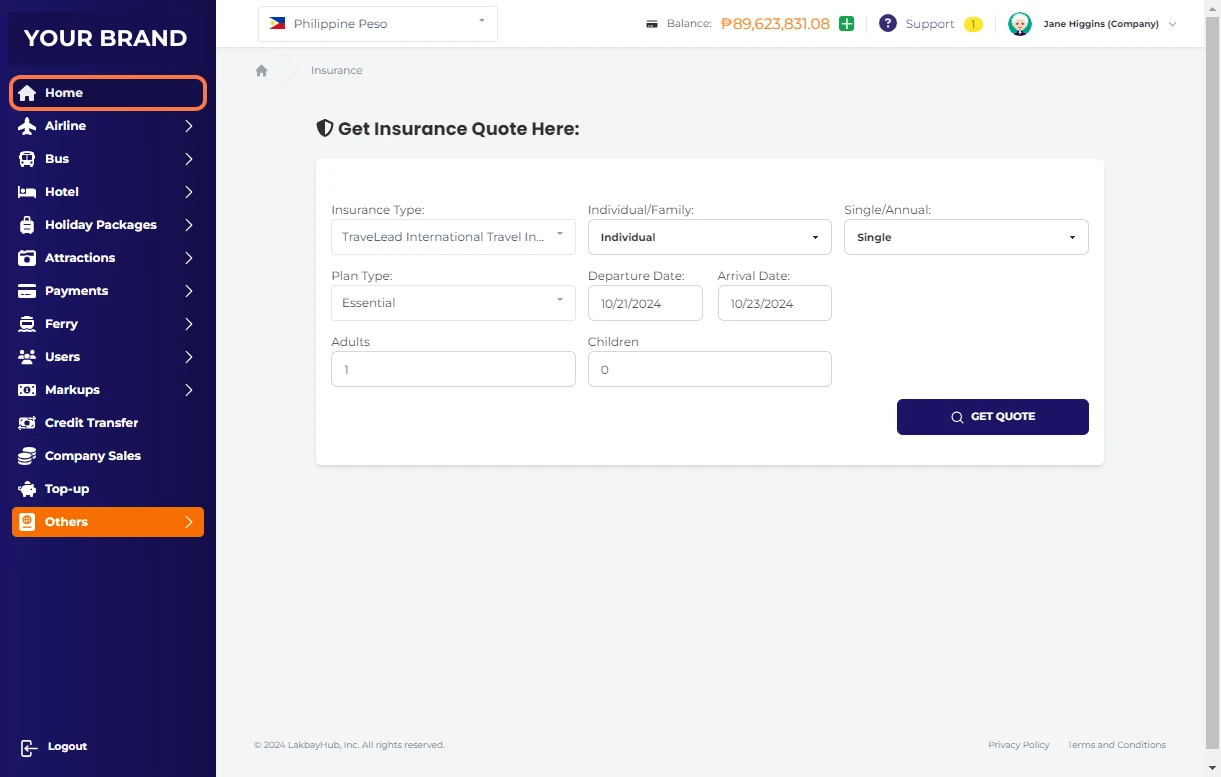
Click on Others
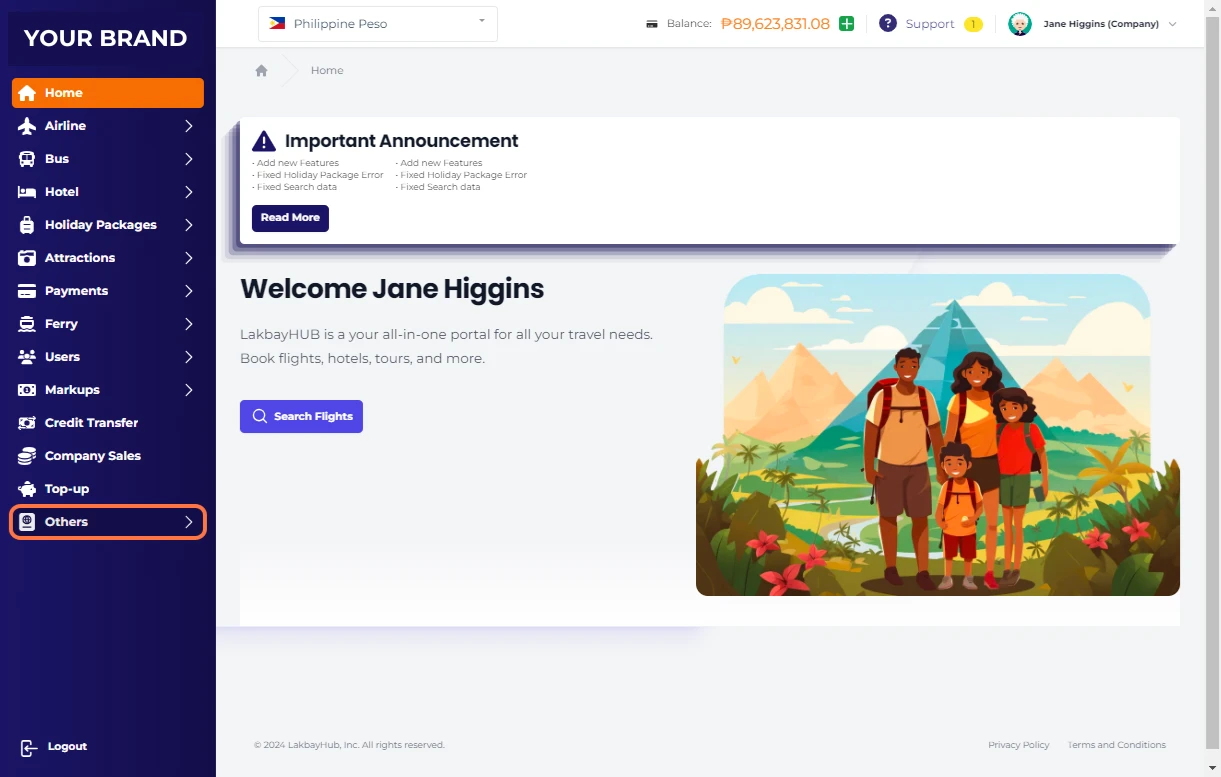
Click on Insurance
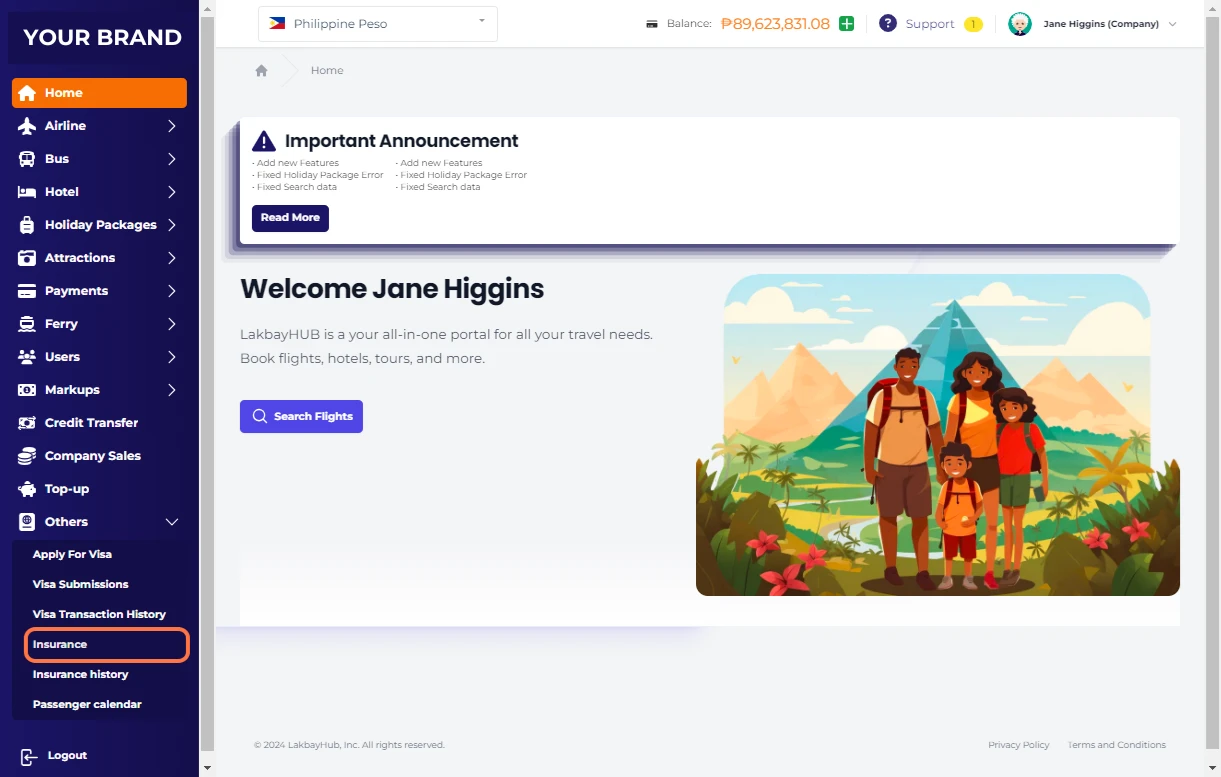
Fill out necessary details
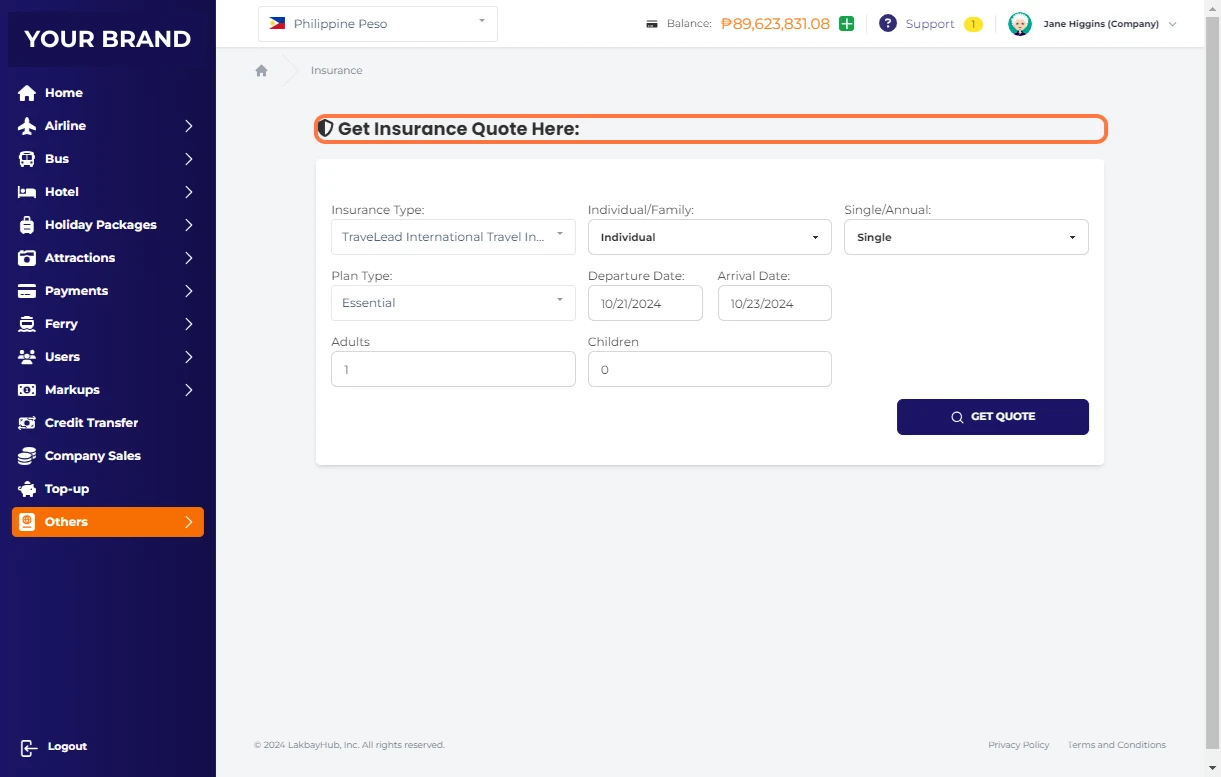
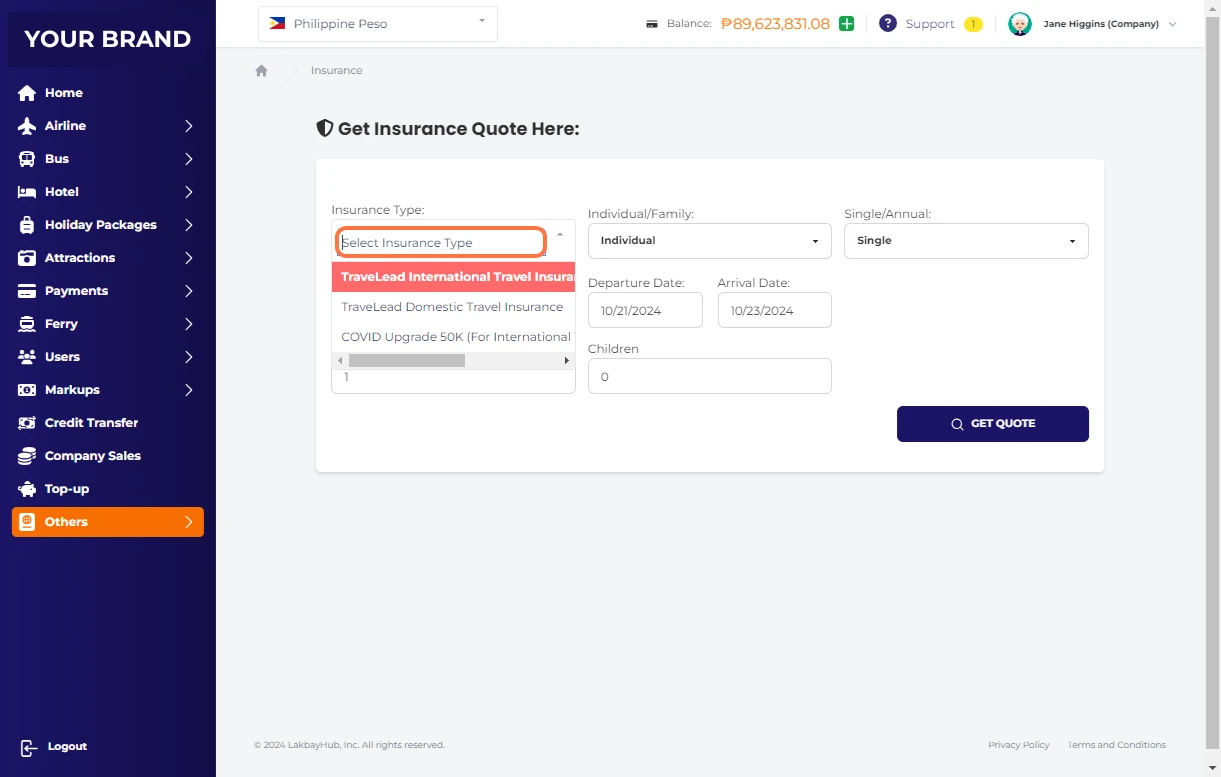
At Insurance Type, you can choose 3 options
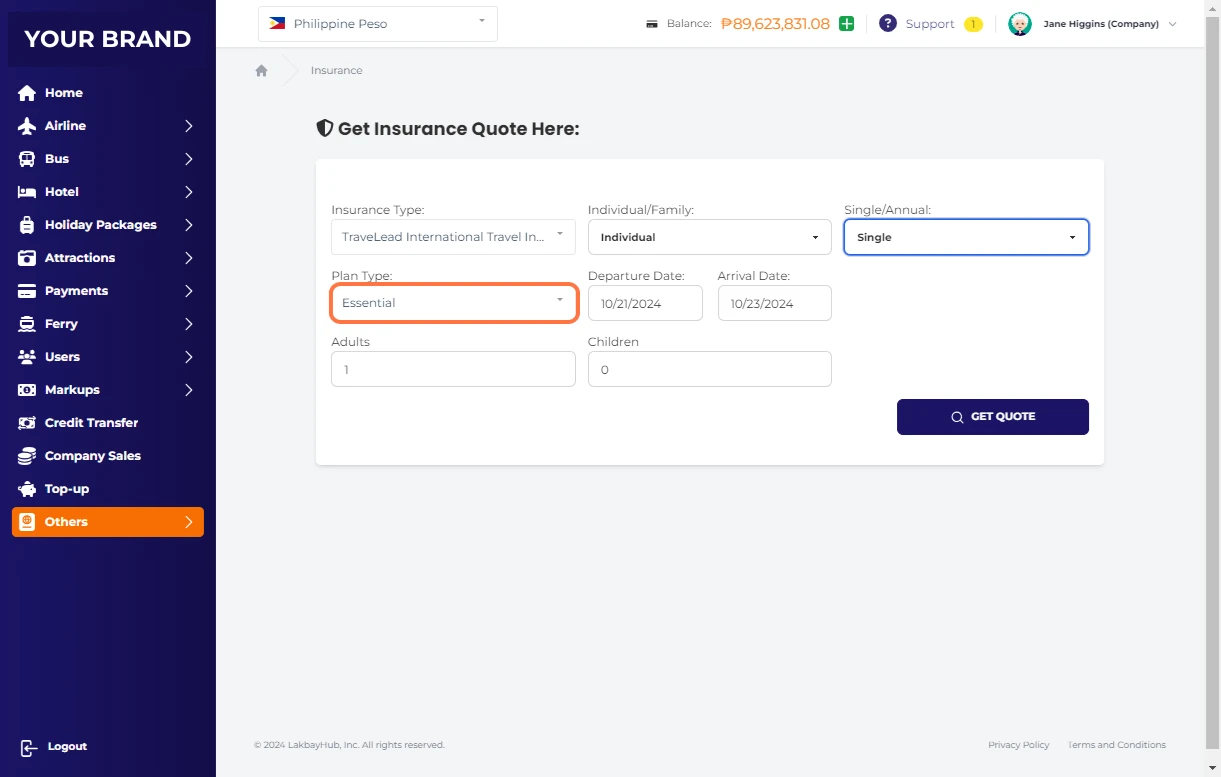
In Plan Type, you can choose "Essential or Extra"
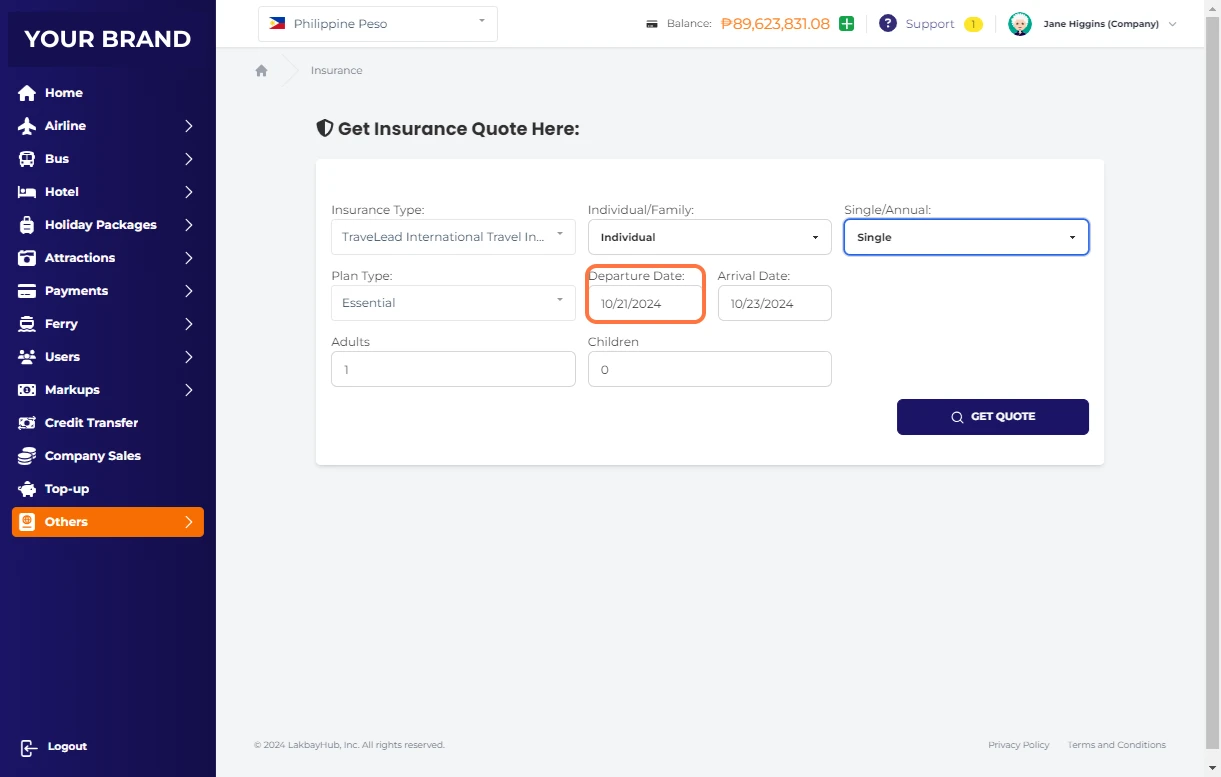
Click on Departure Date:
Click on Arrival Date:
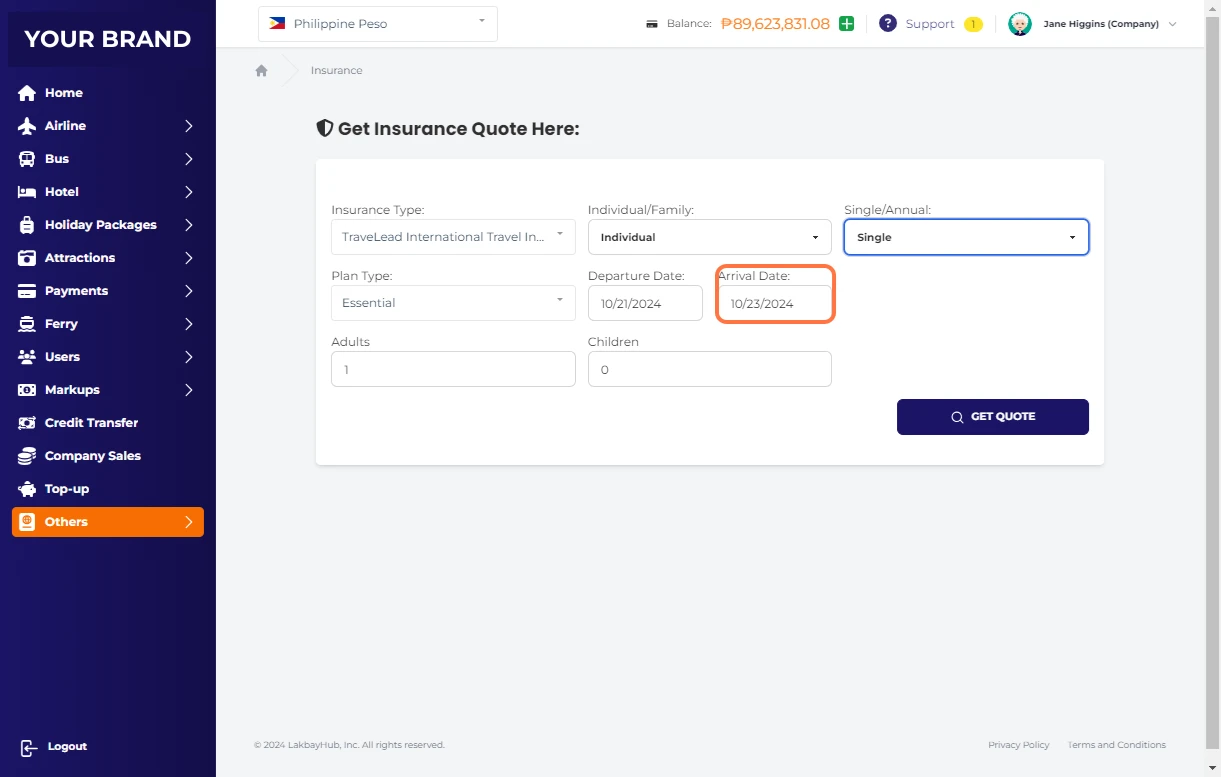
Enter number of Adults
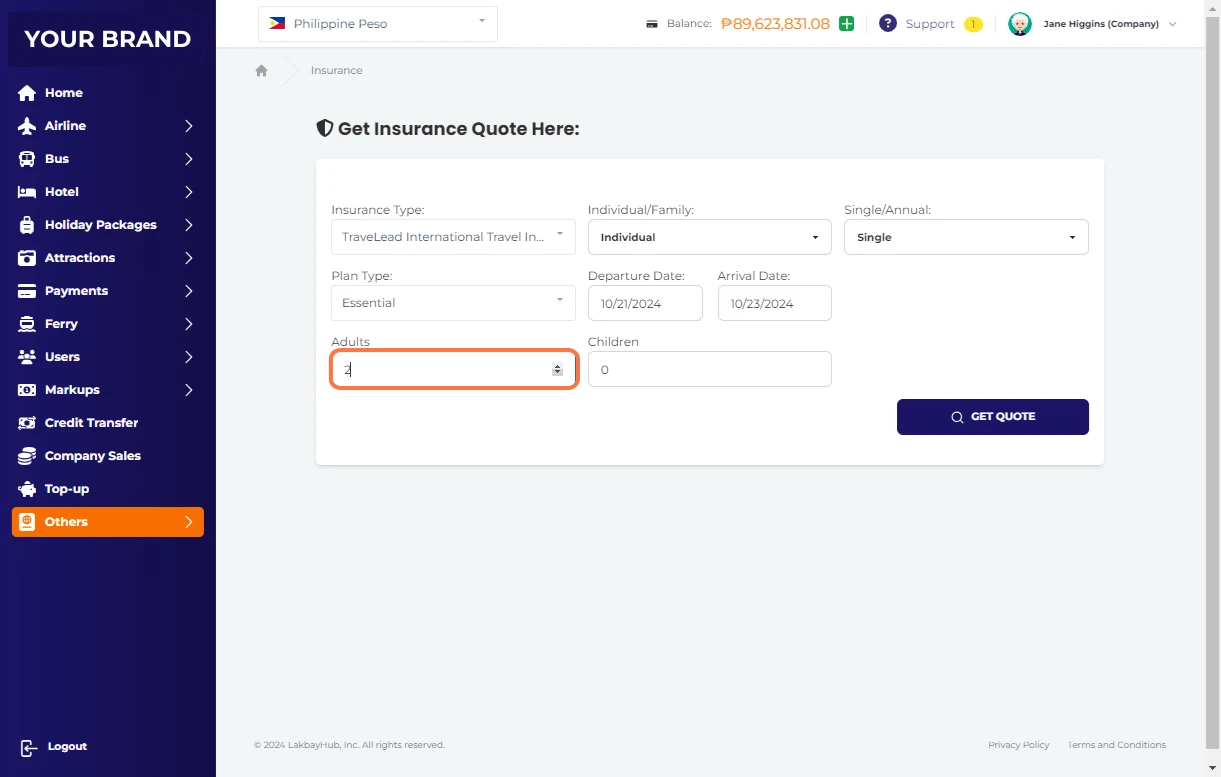
Enter number of Children
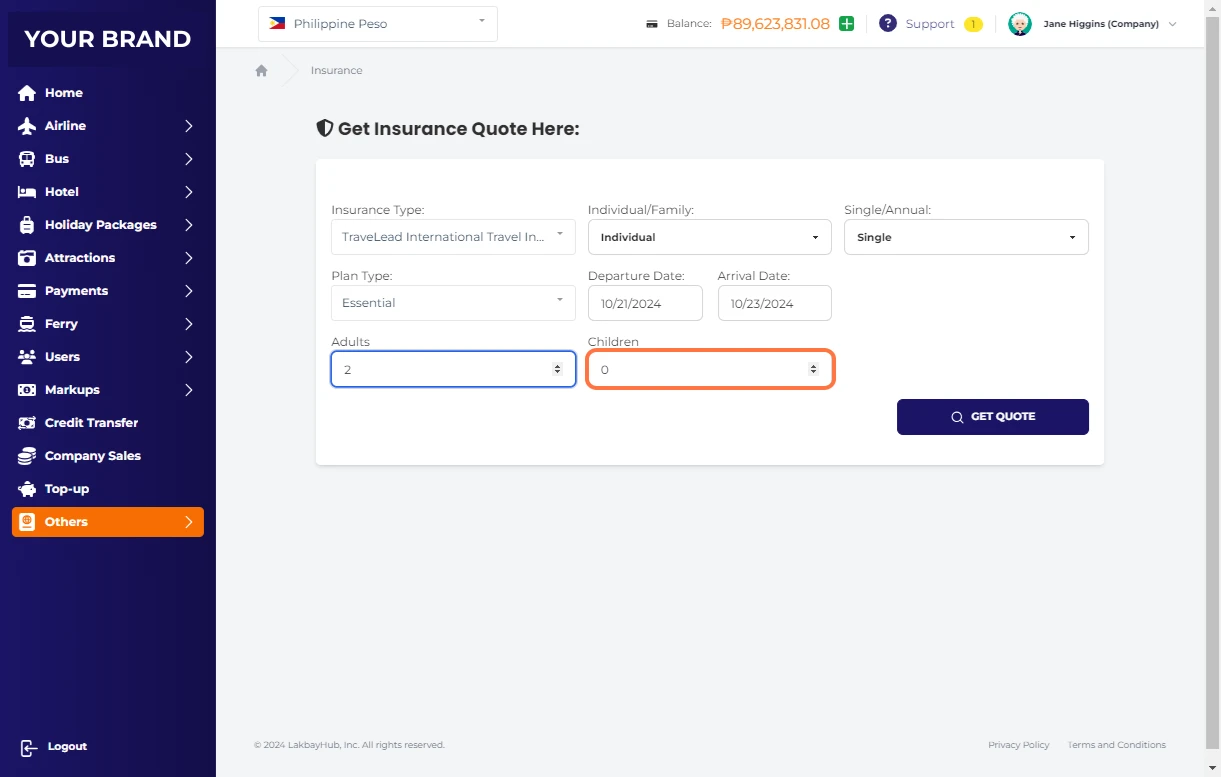
Click on GET QUOTE
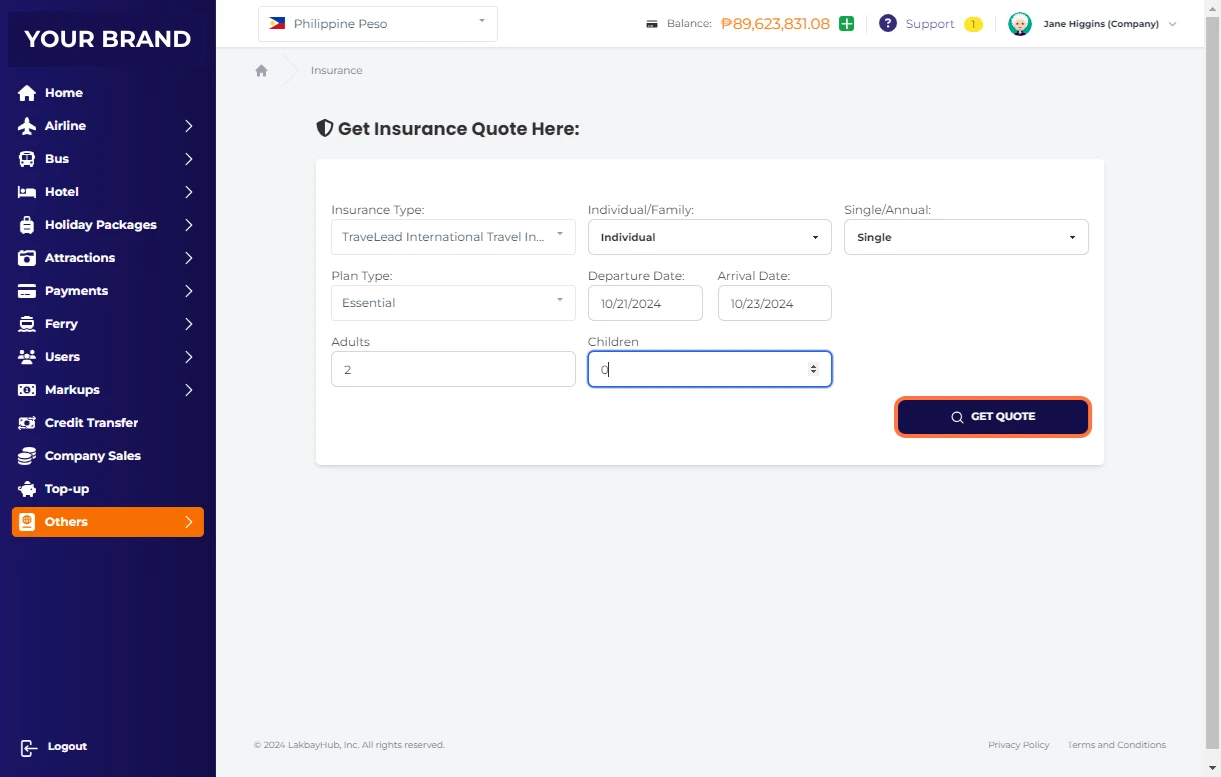
Review Premium Breakdown
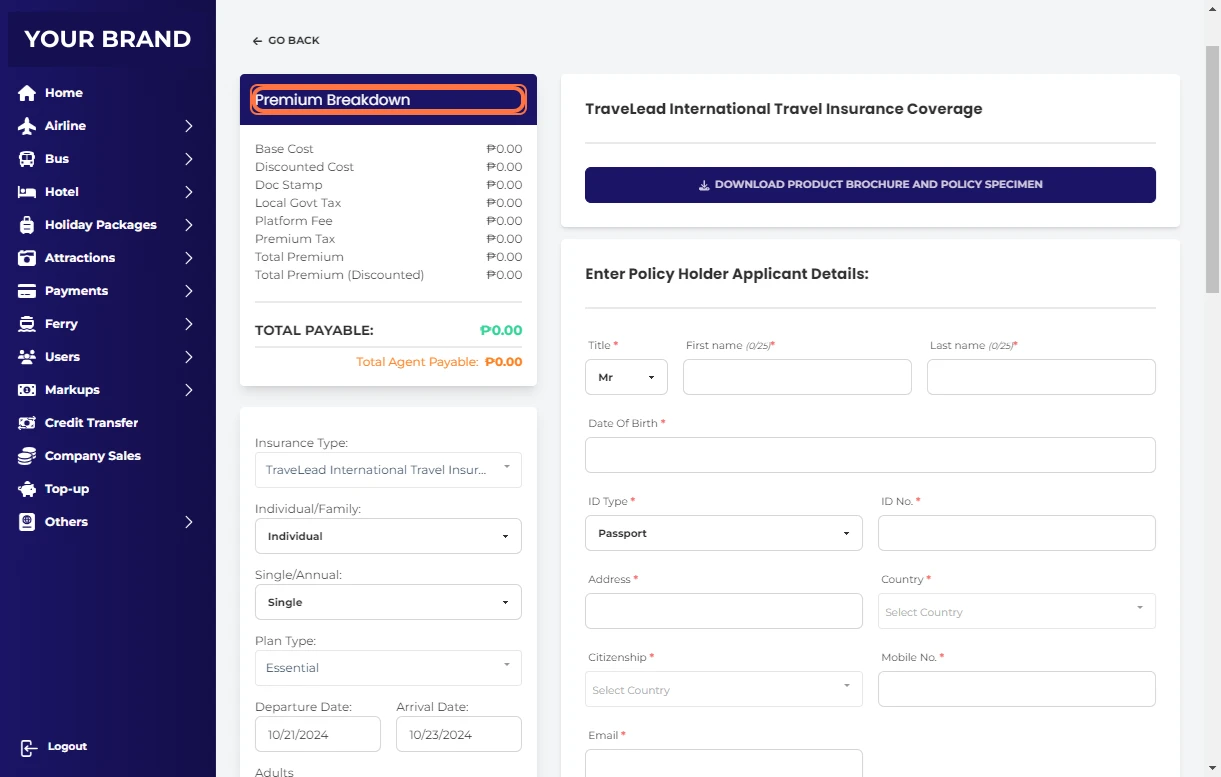
Enter Policy Holder Applicant Details:
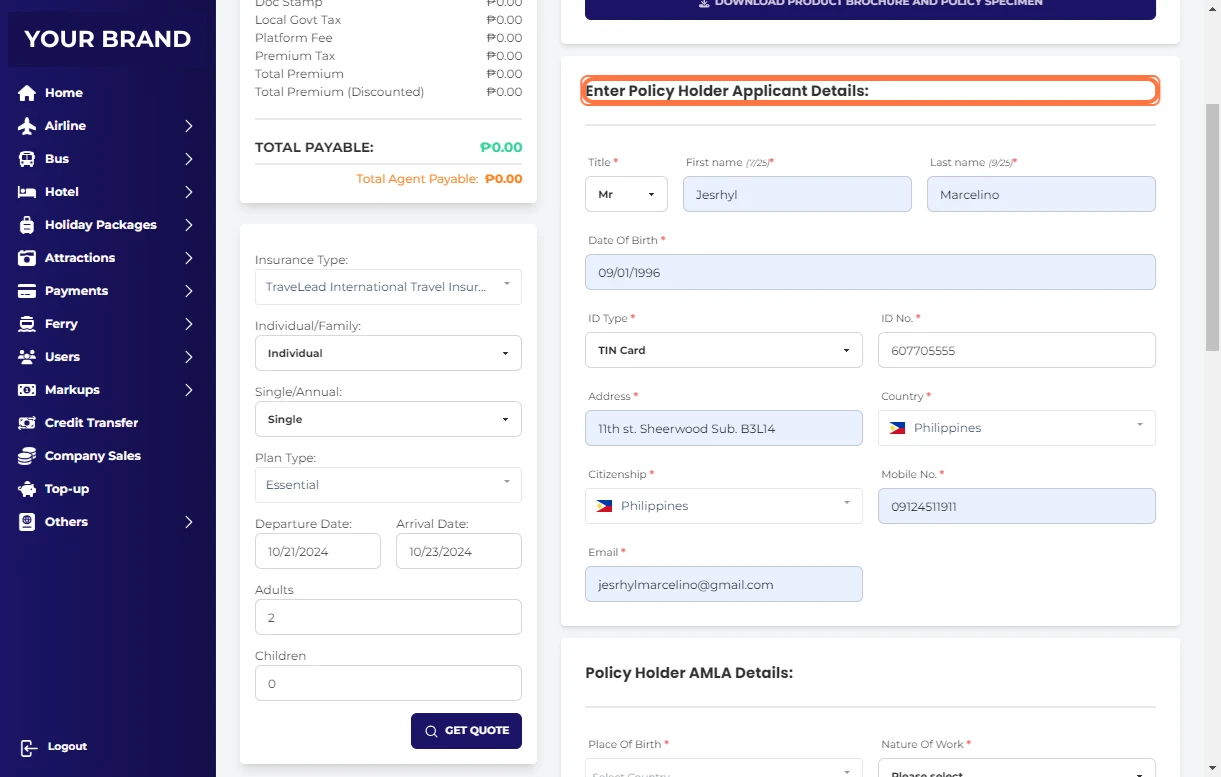
Enter on Policy Holder AMLA Details:
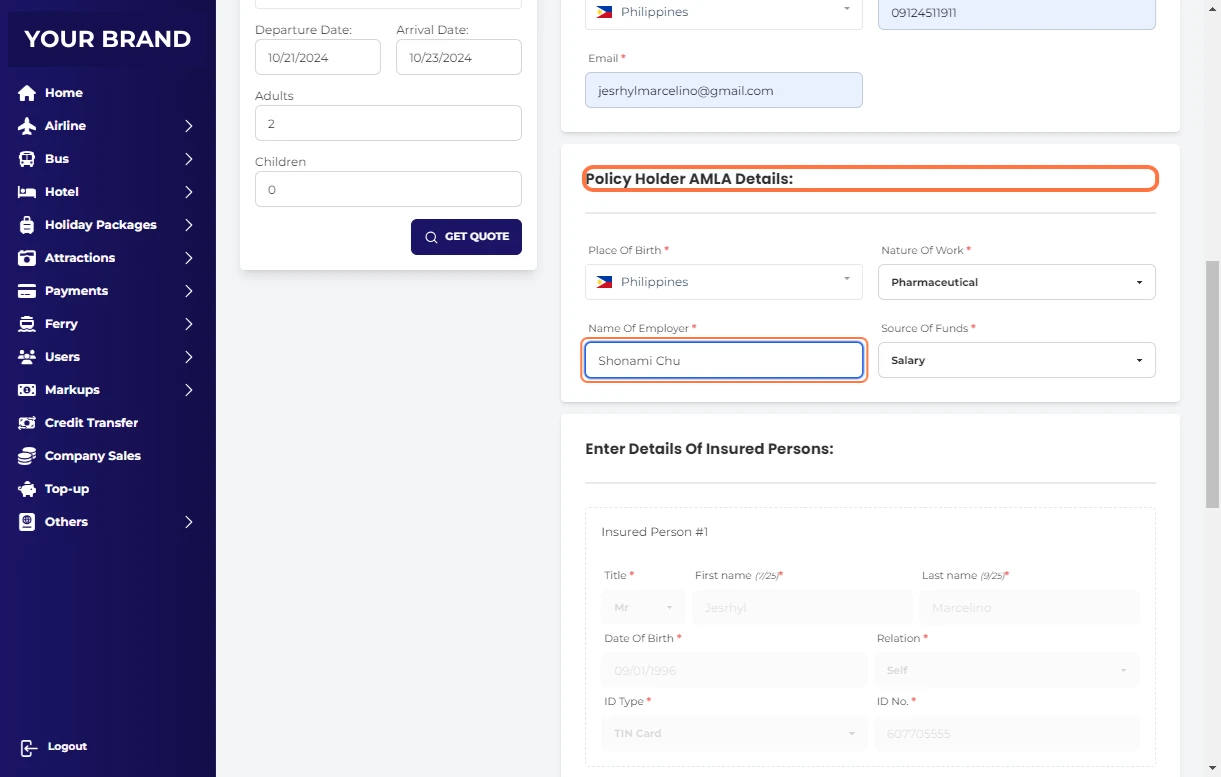
Enter Details Of Insured Persons:
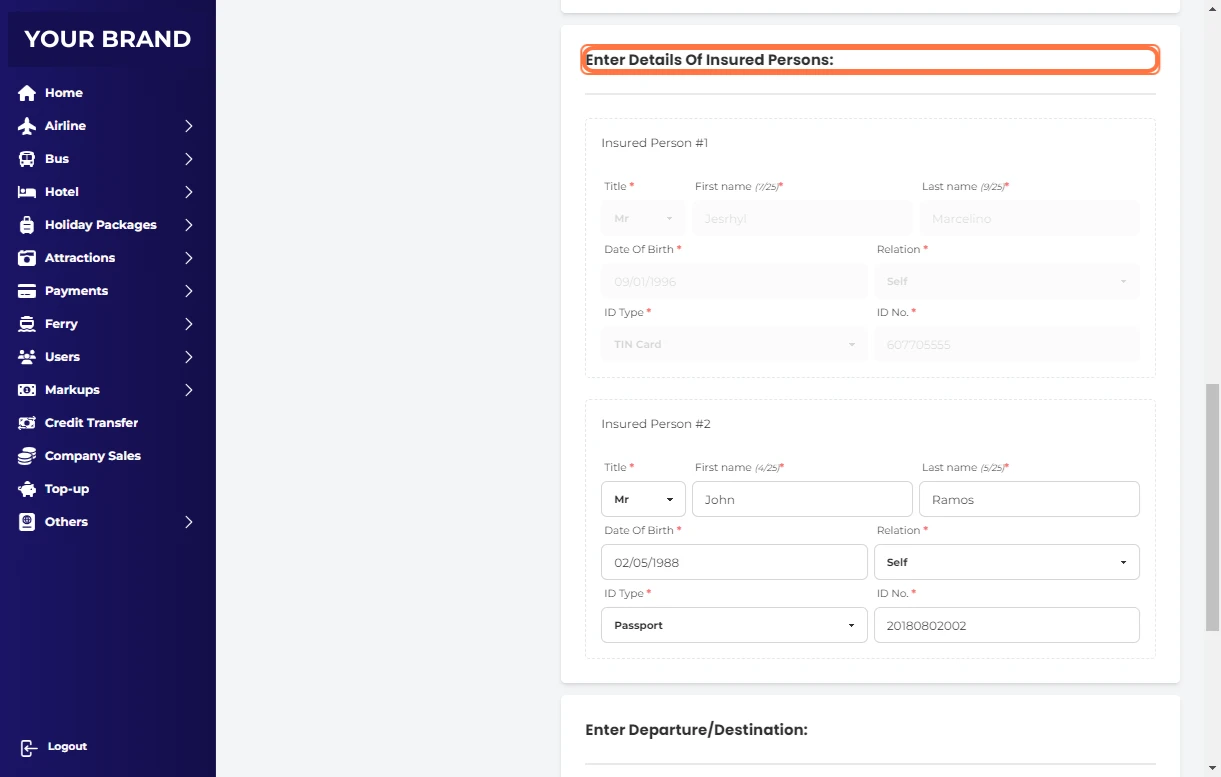
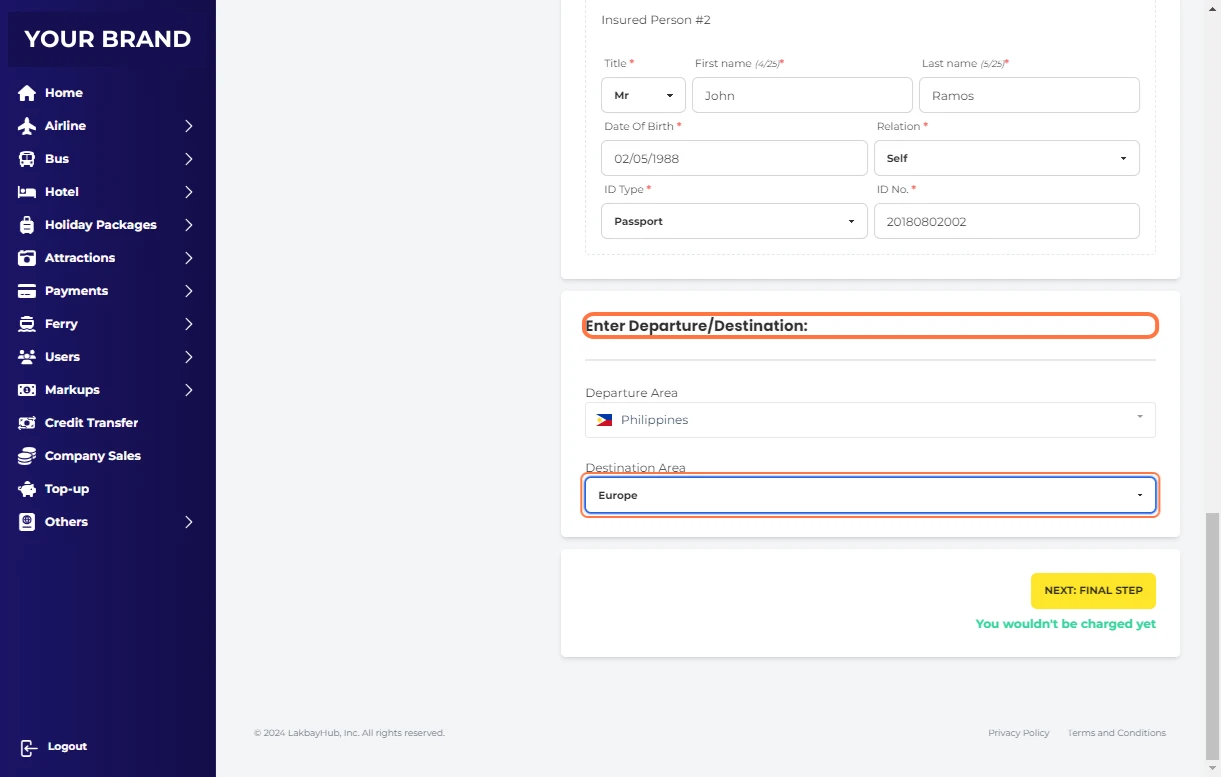
Click on Enter Departure/Destination:
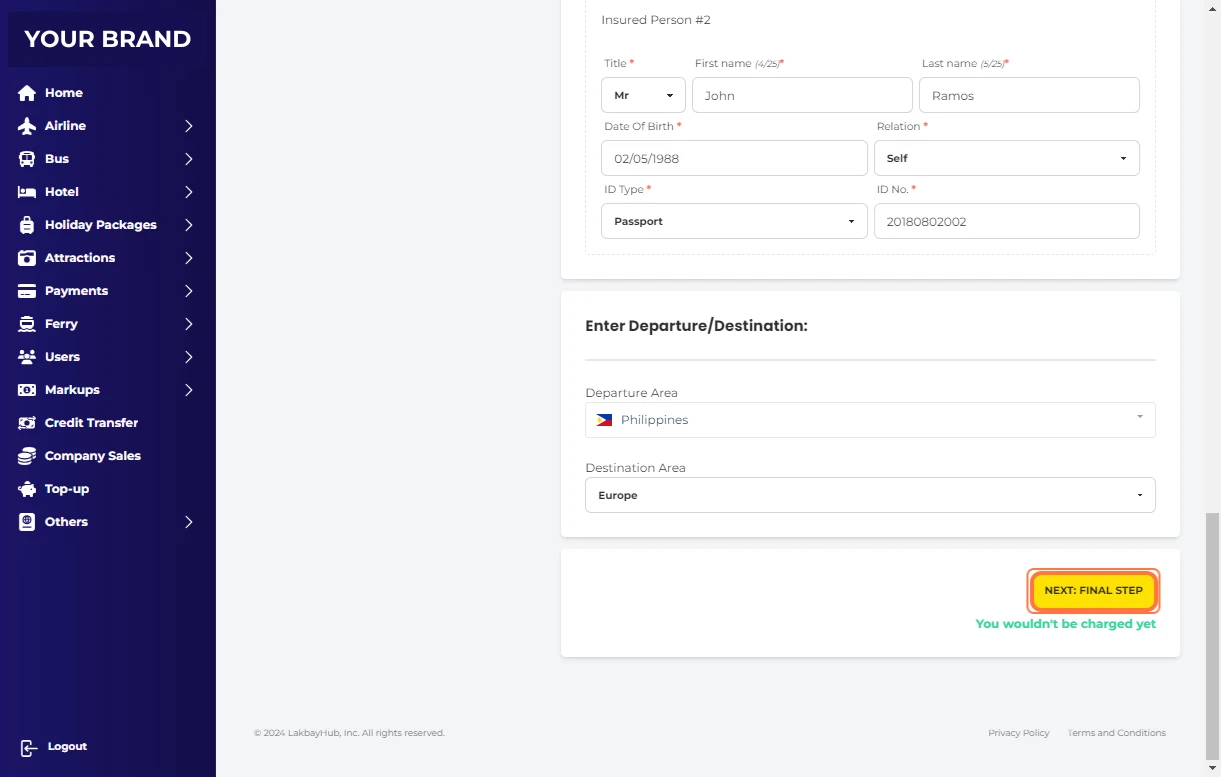
Click on NEXT: FINAL STEP
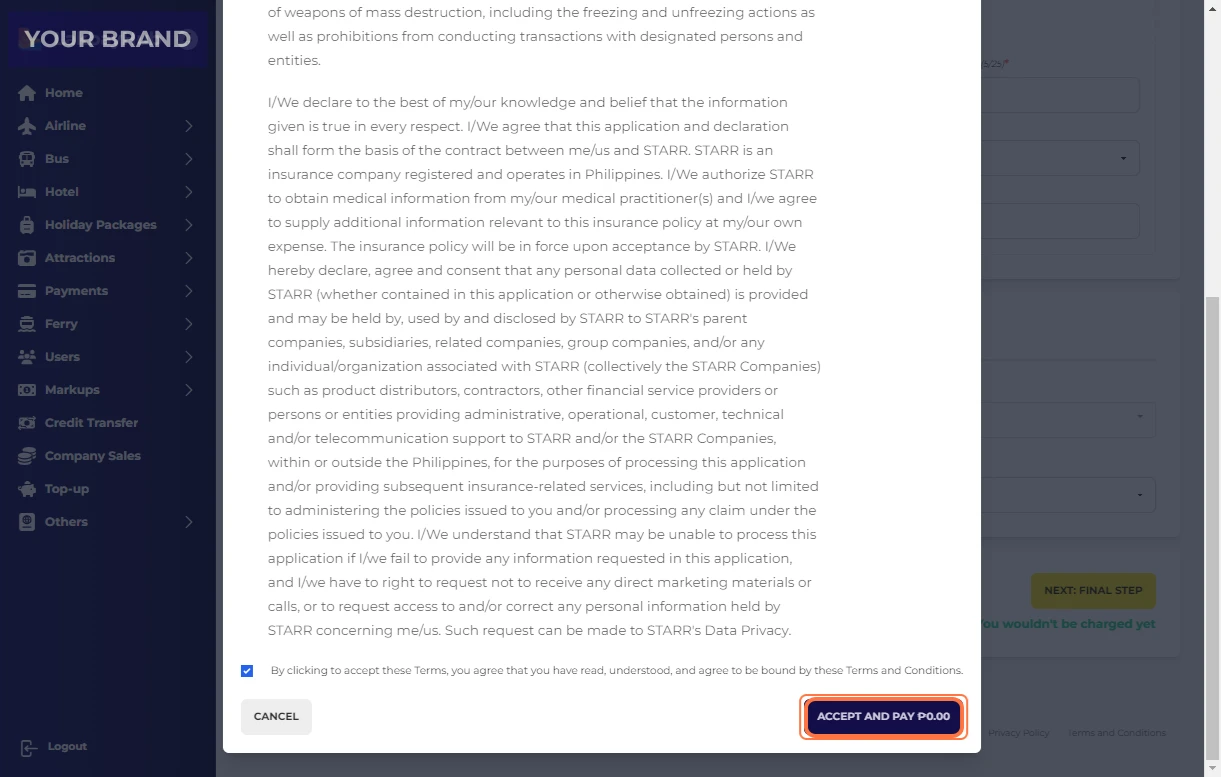
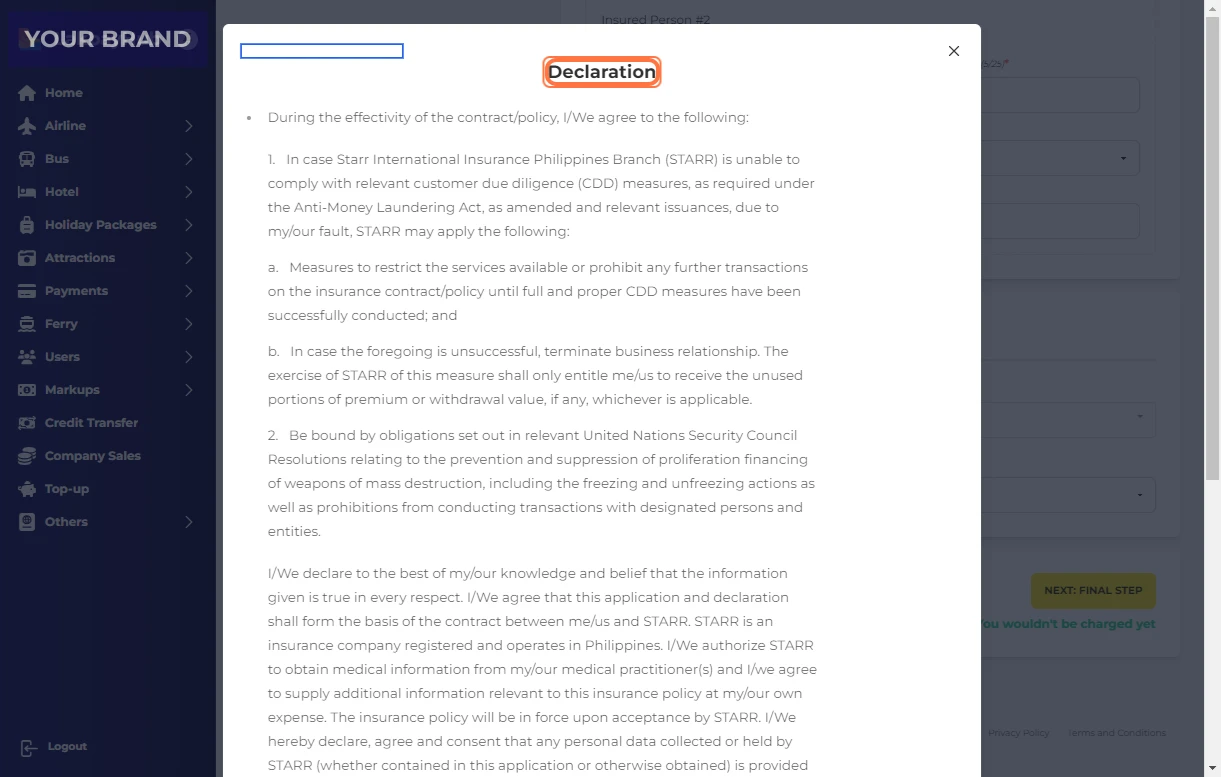
Read Declaration
Check By clicking to accept these Terms, you agree that you have read, understood, and agree to be bound by these Terms and Conditions.
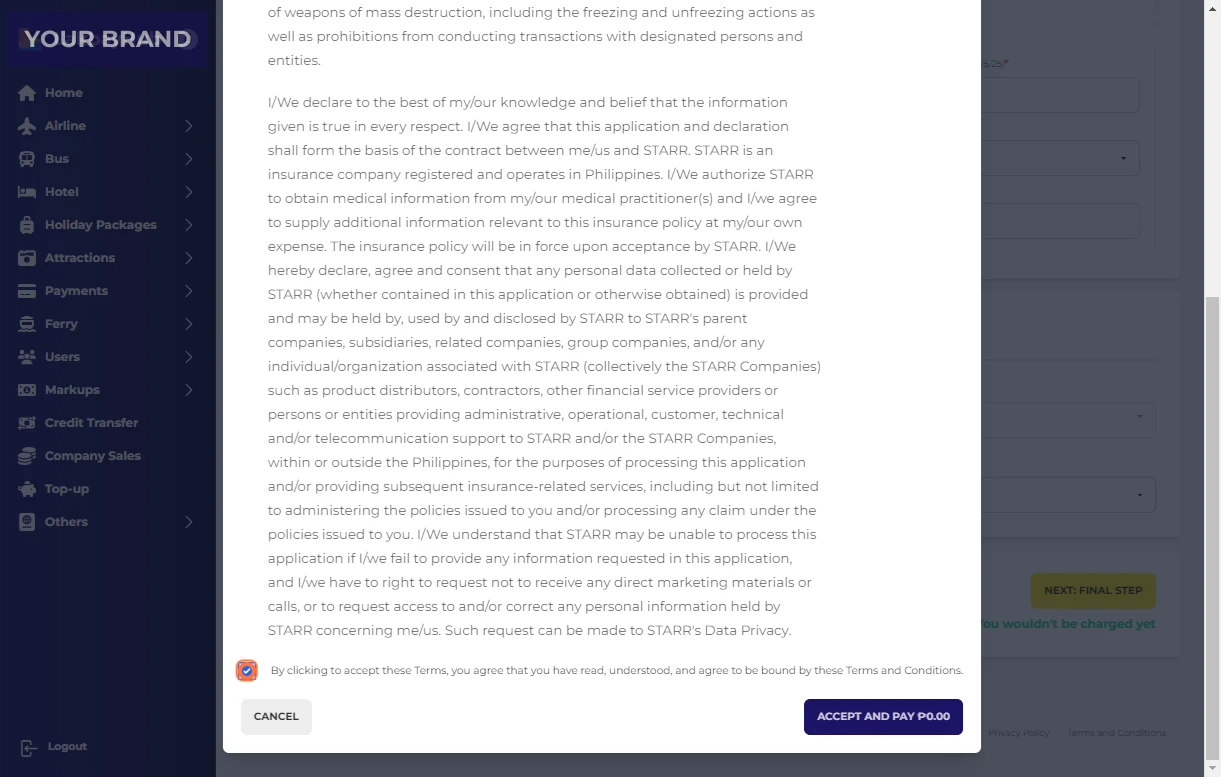
Click on ACCEPT AND PAY ₱0.00