-default.png)
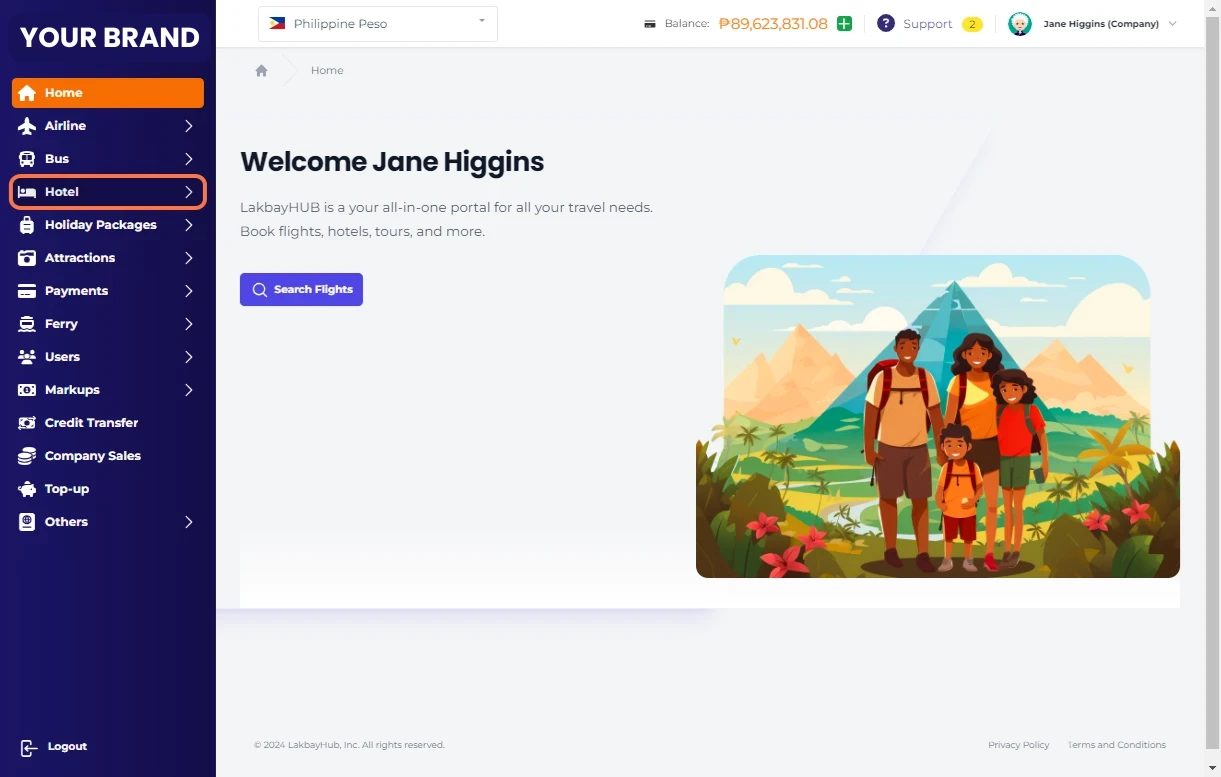
Click on Hotels
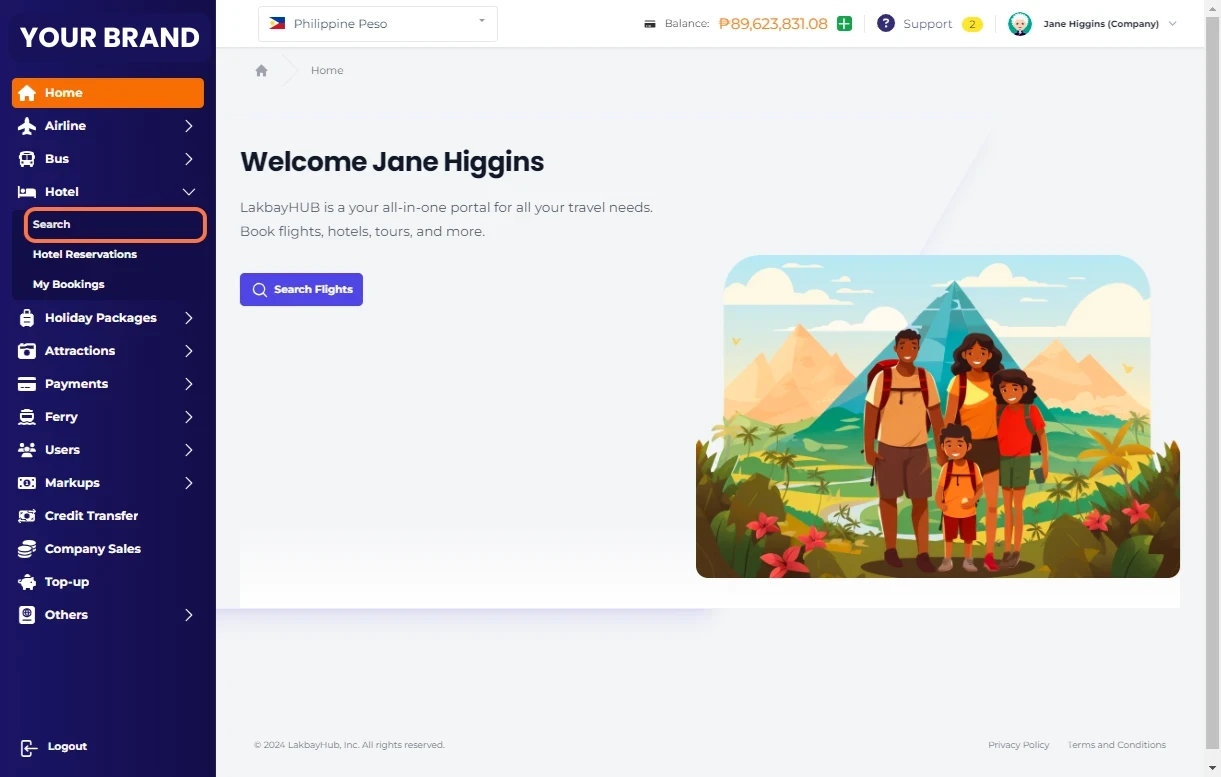
Click on Search
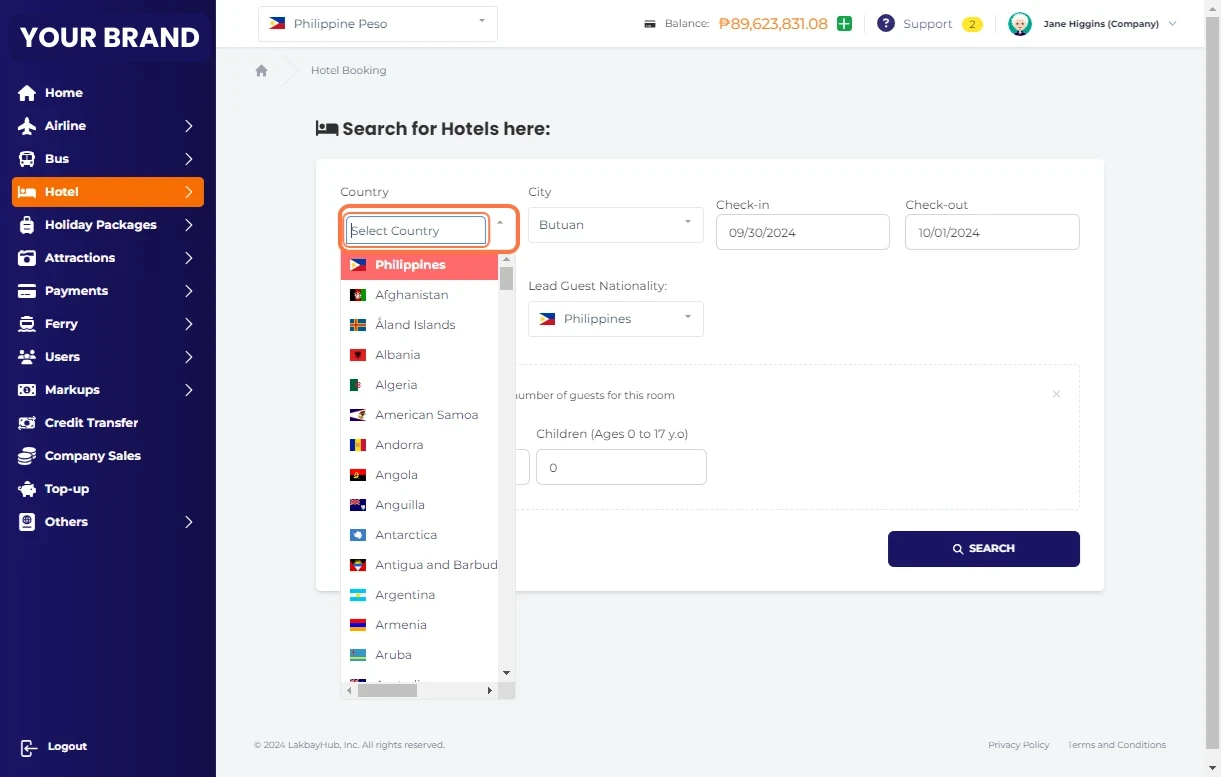
Select Country
Select City
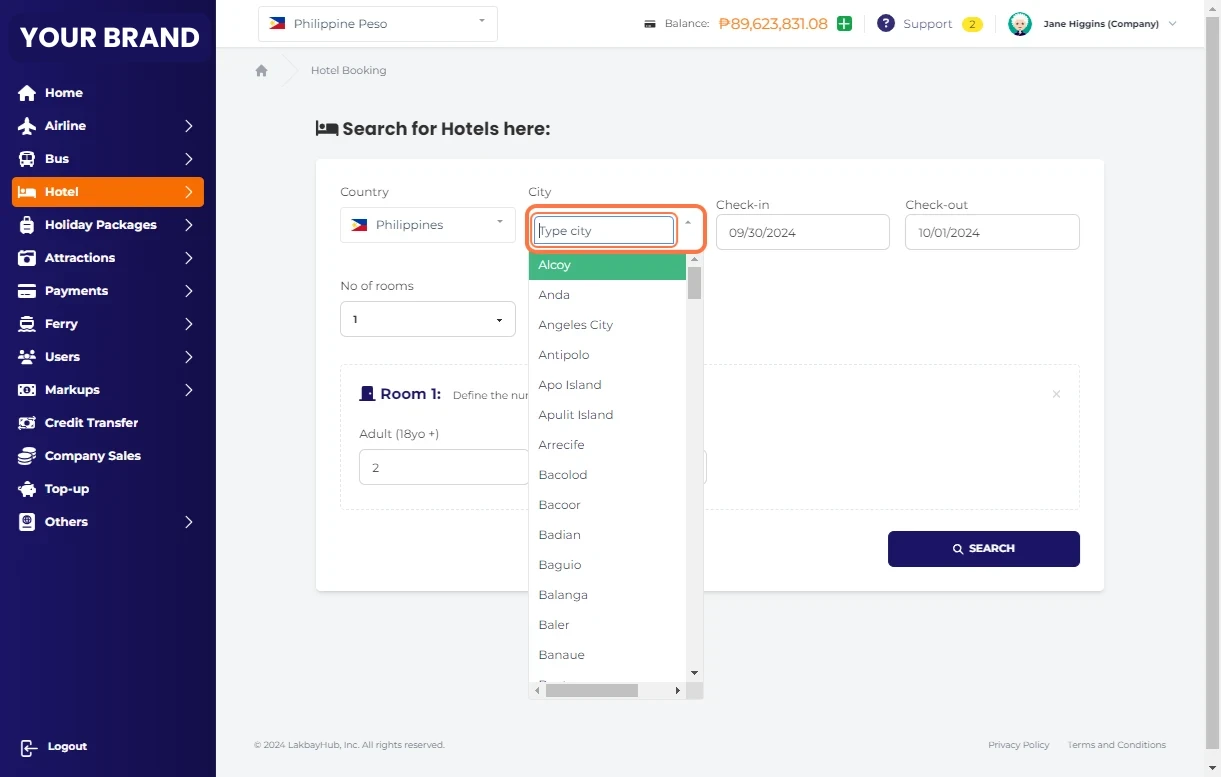
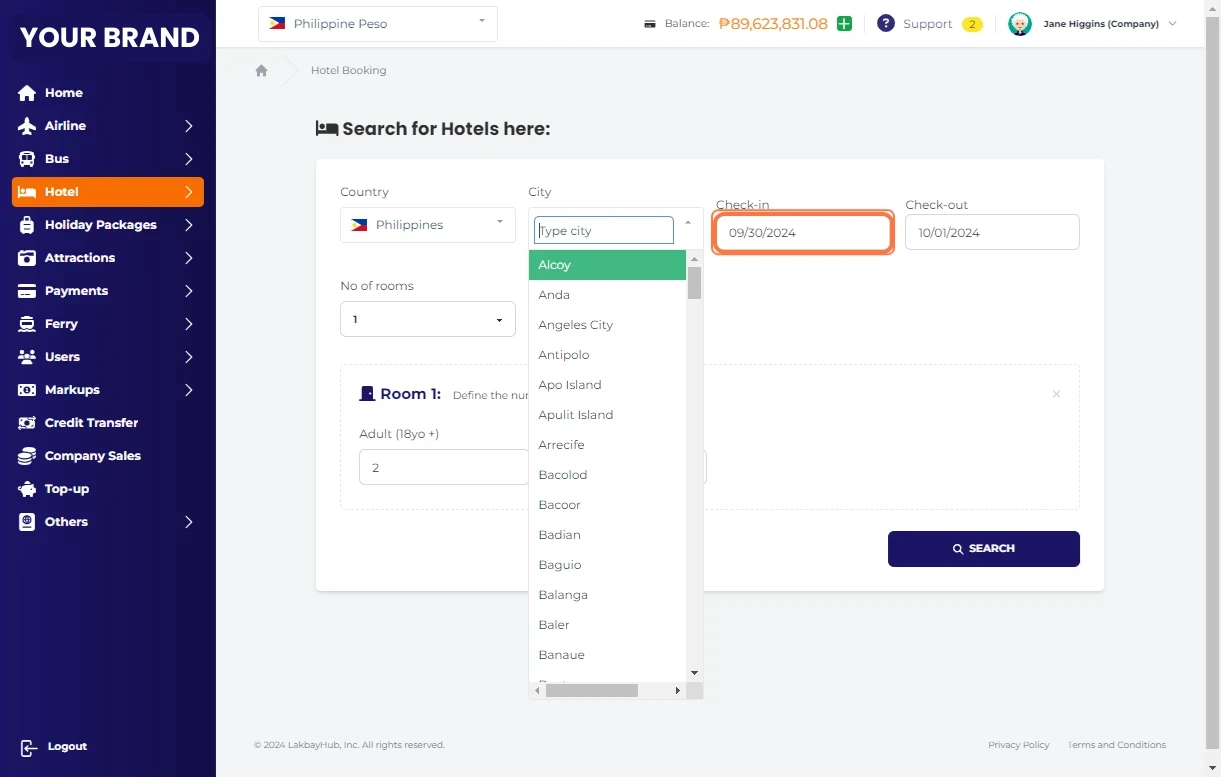
Select Check-in Date
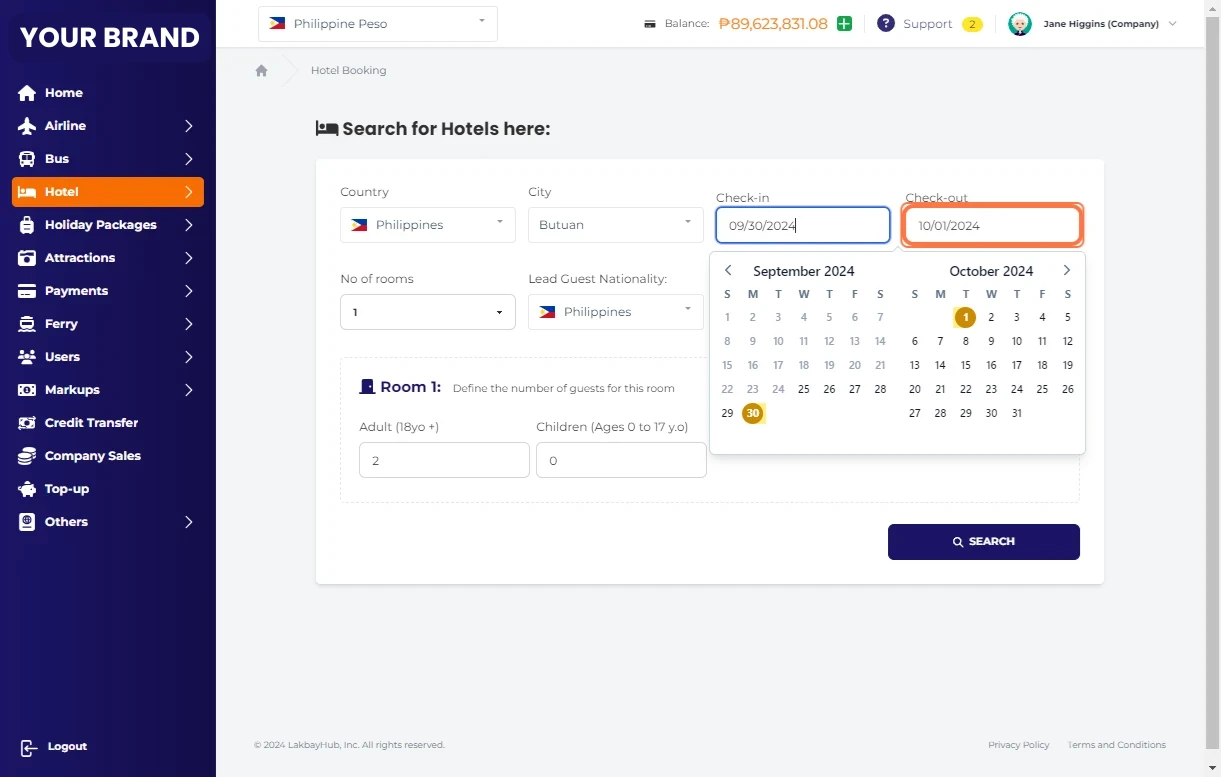
Select Check-out Date
Select Number of Rooms
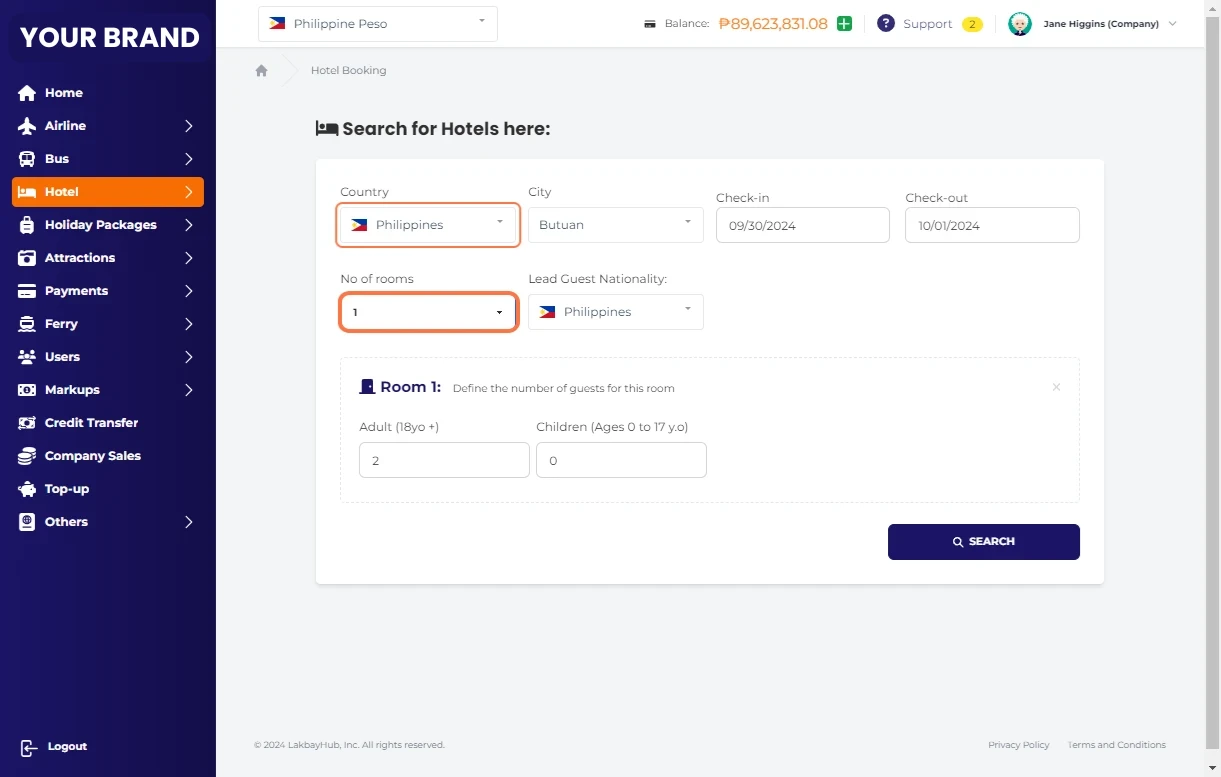
Indicate lead guest nationality.
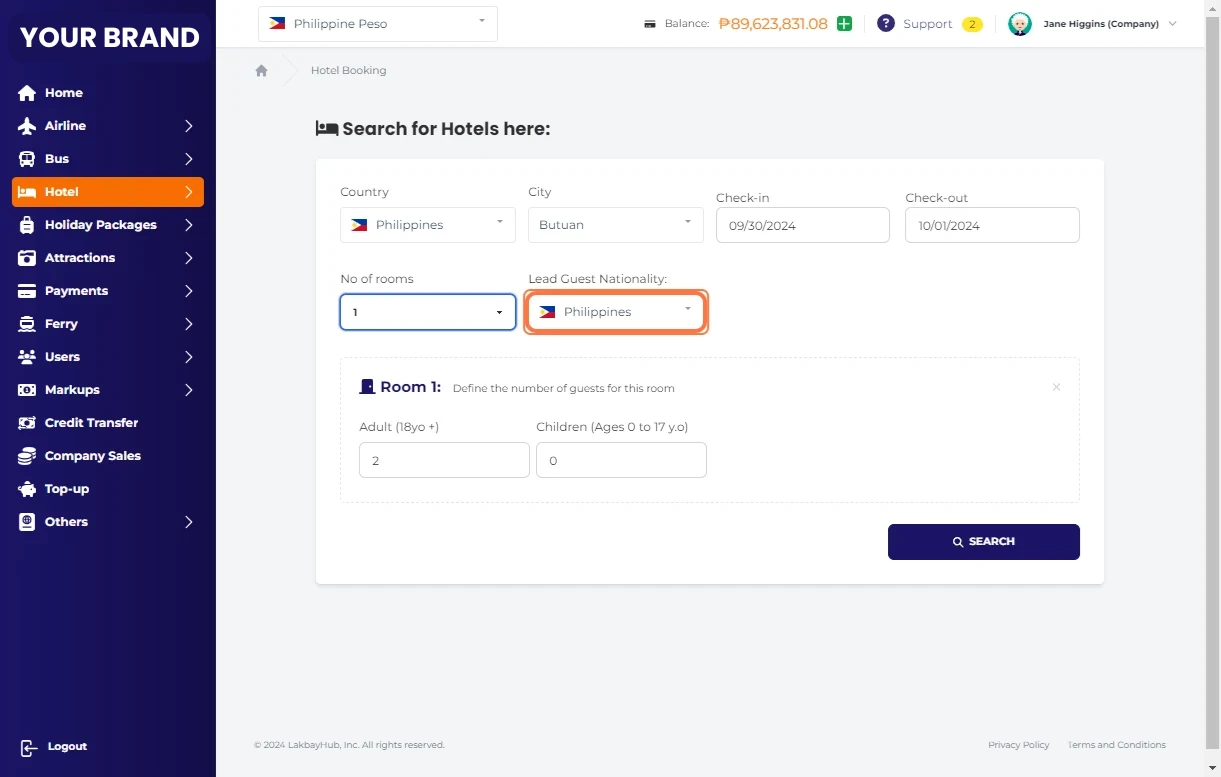
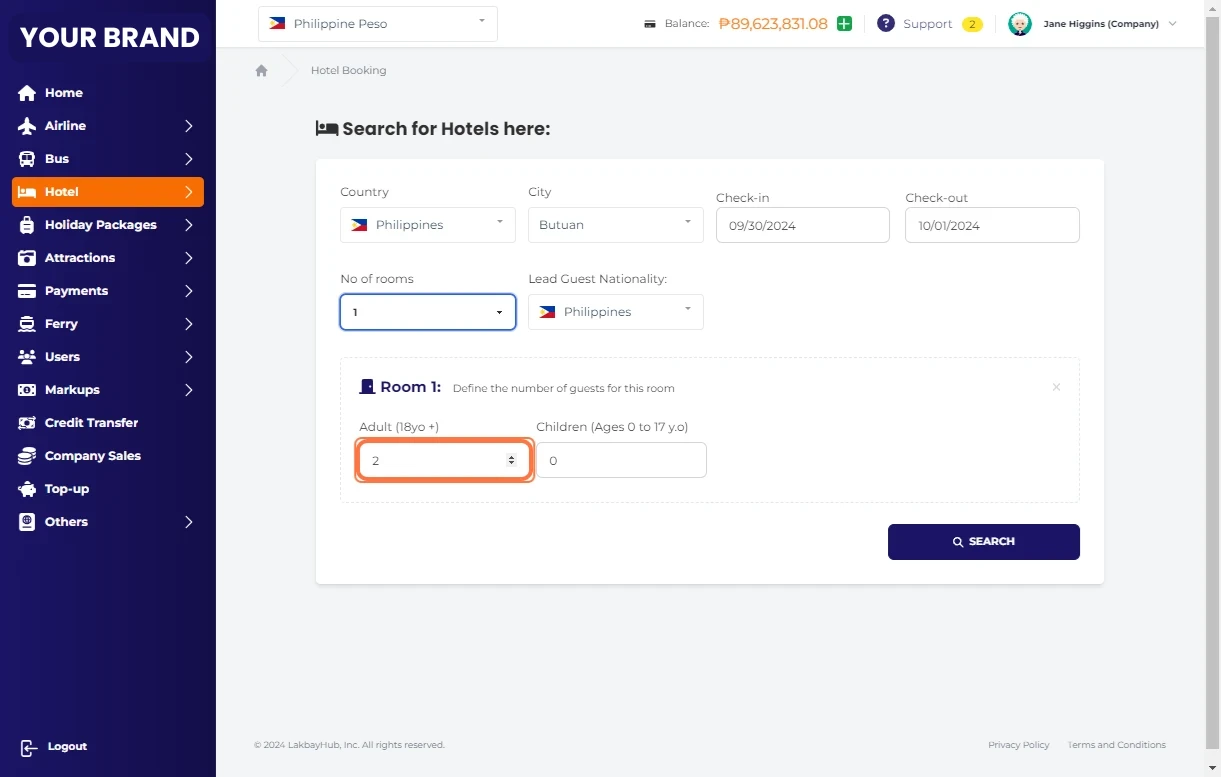
Define the number of guest per room.
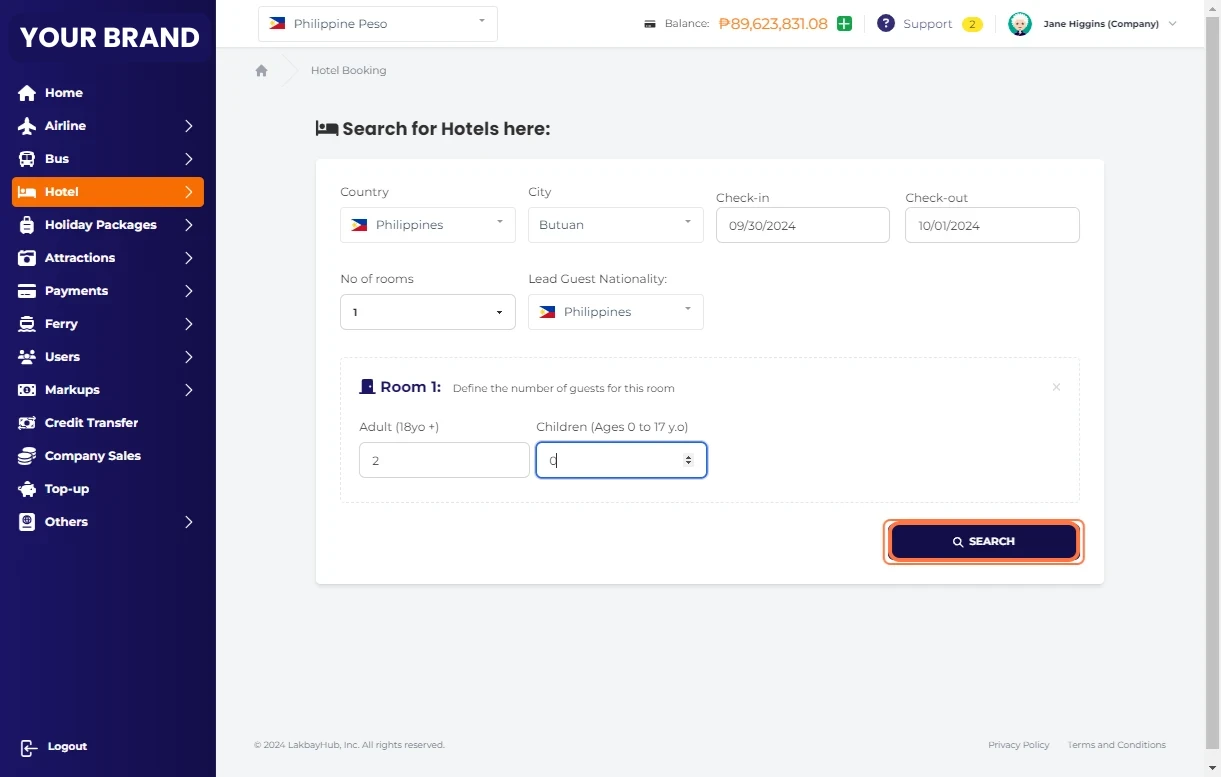
Click on Search
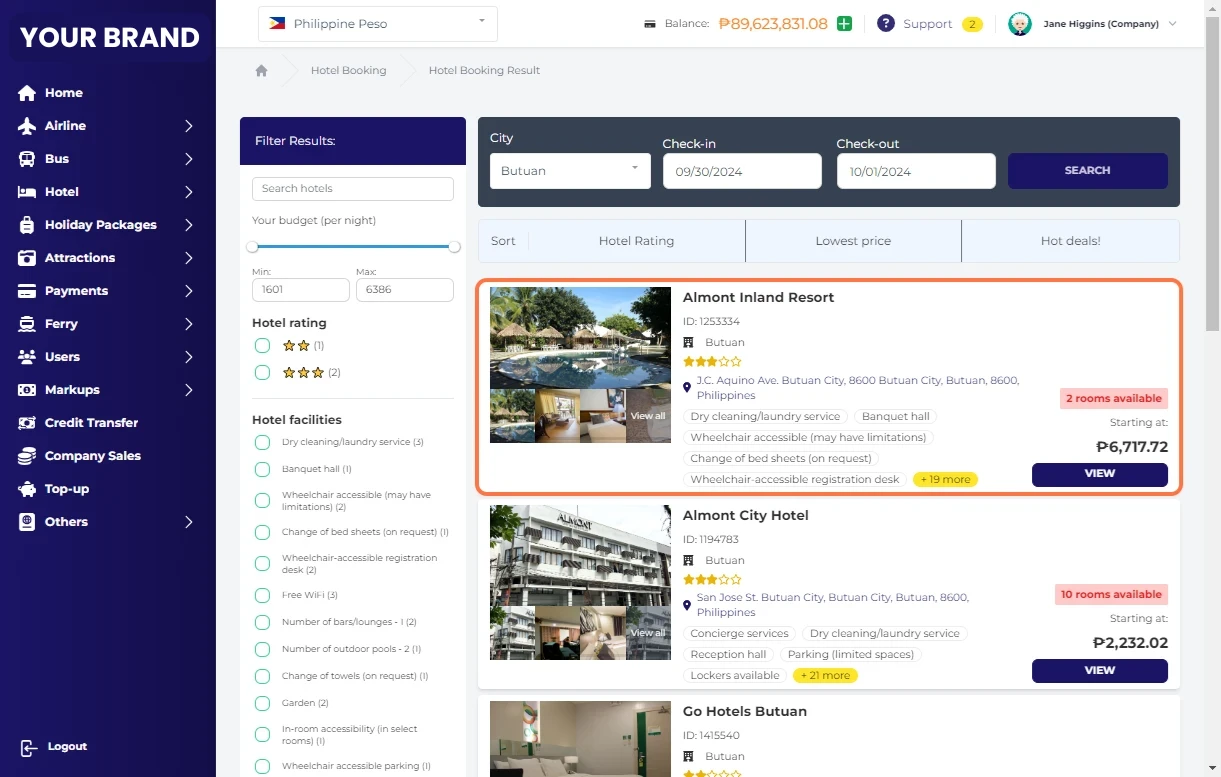
Click on VIEW to see full details
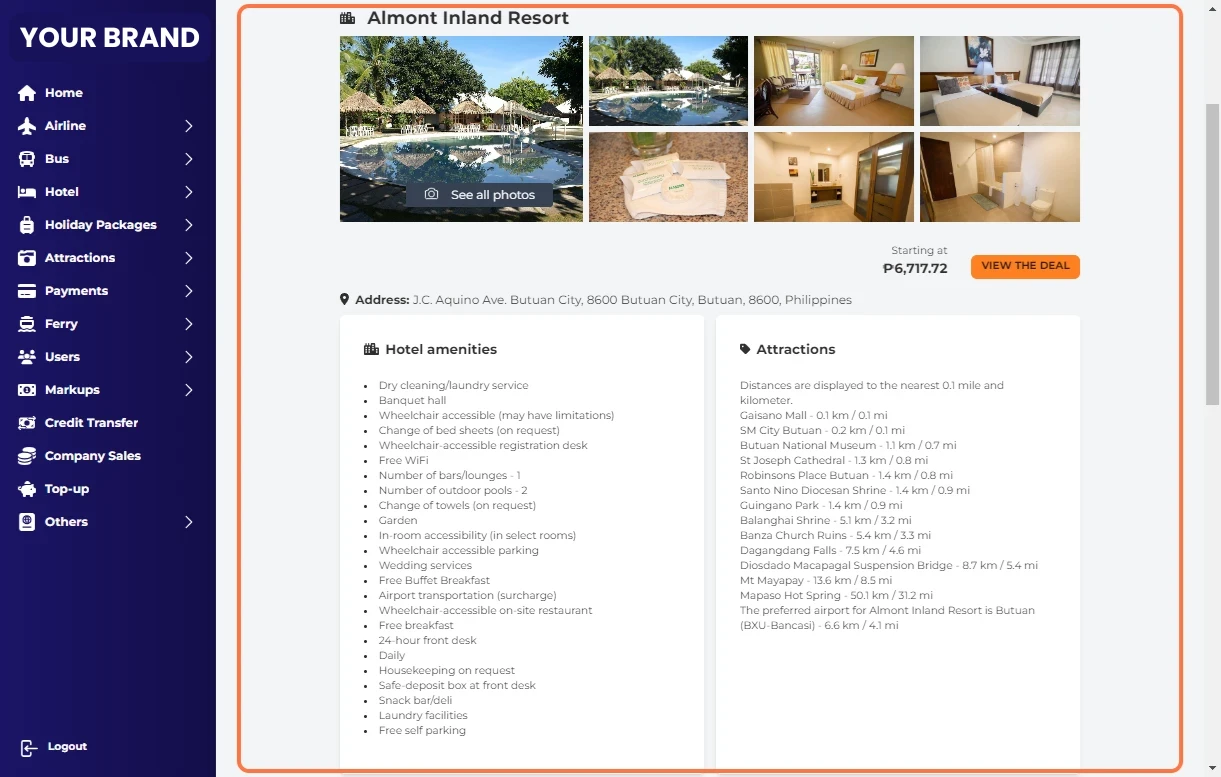
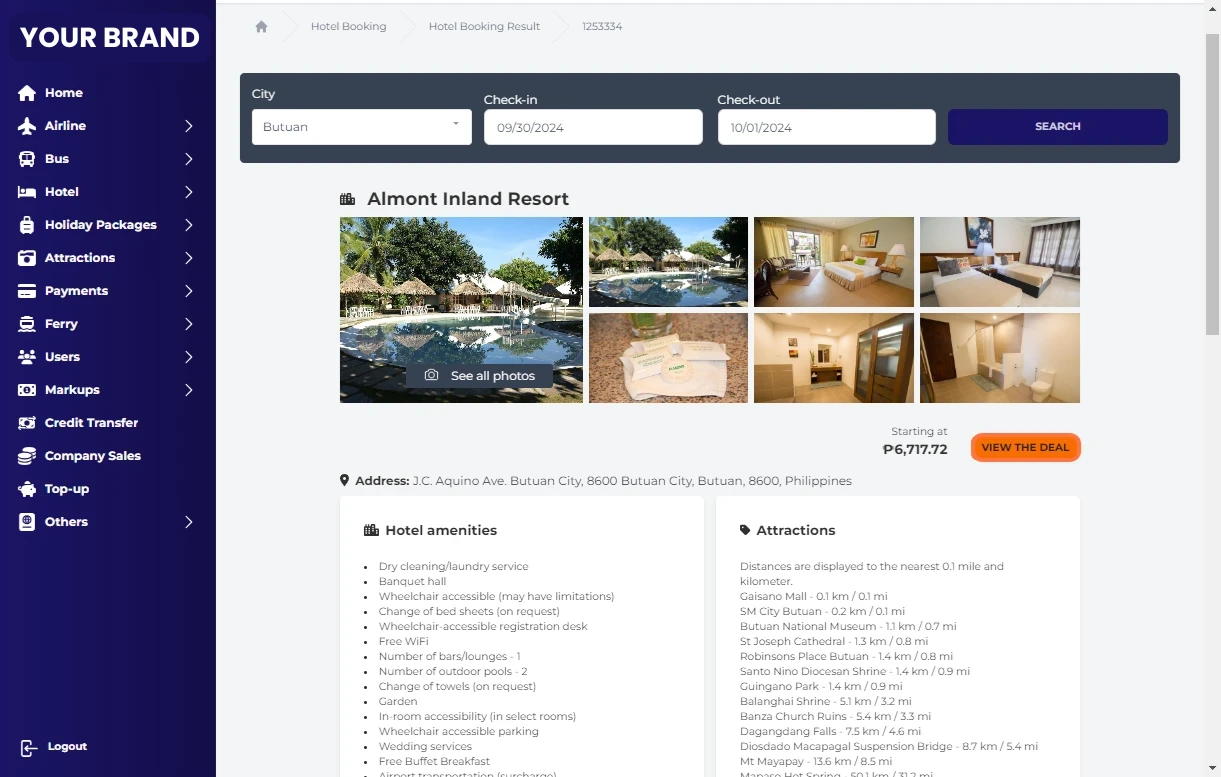
Click on View Deal
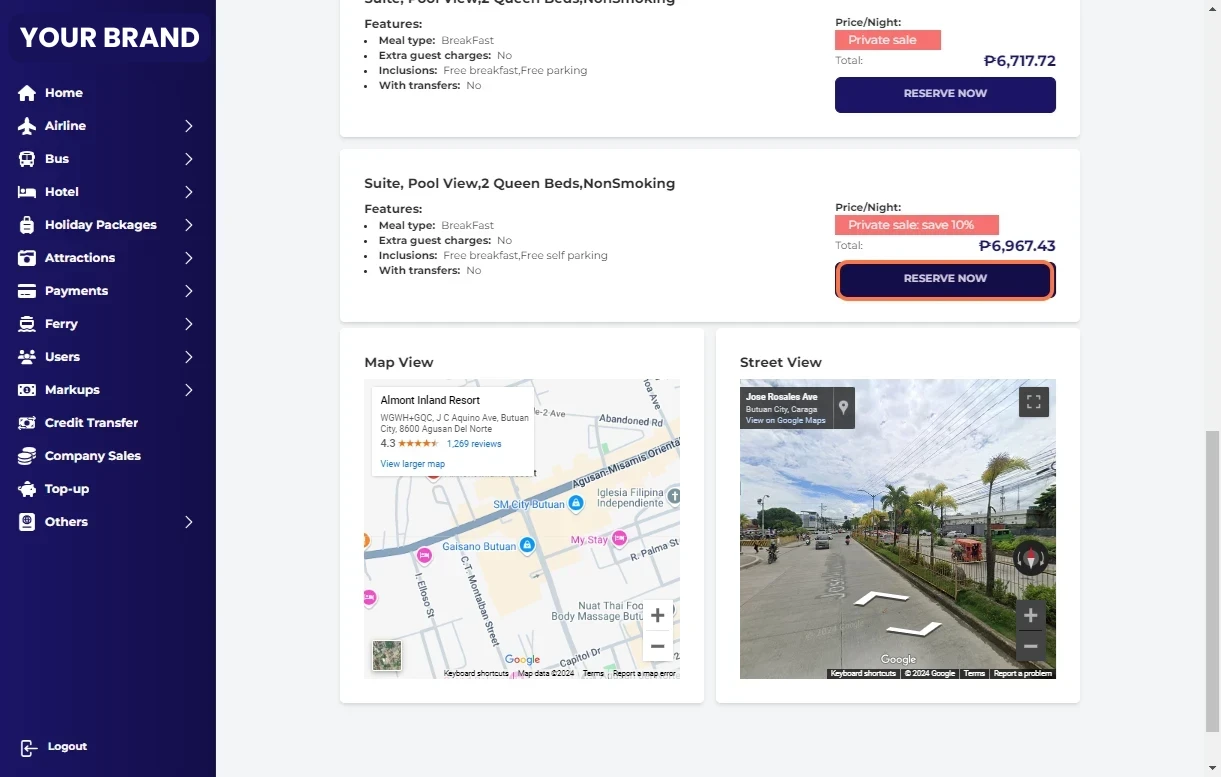
Click on RESERVE NOW
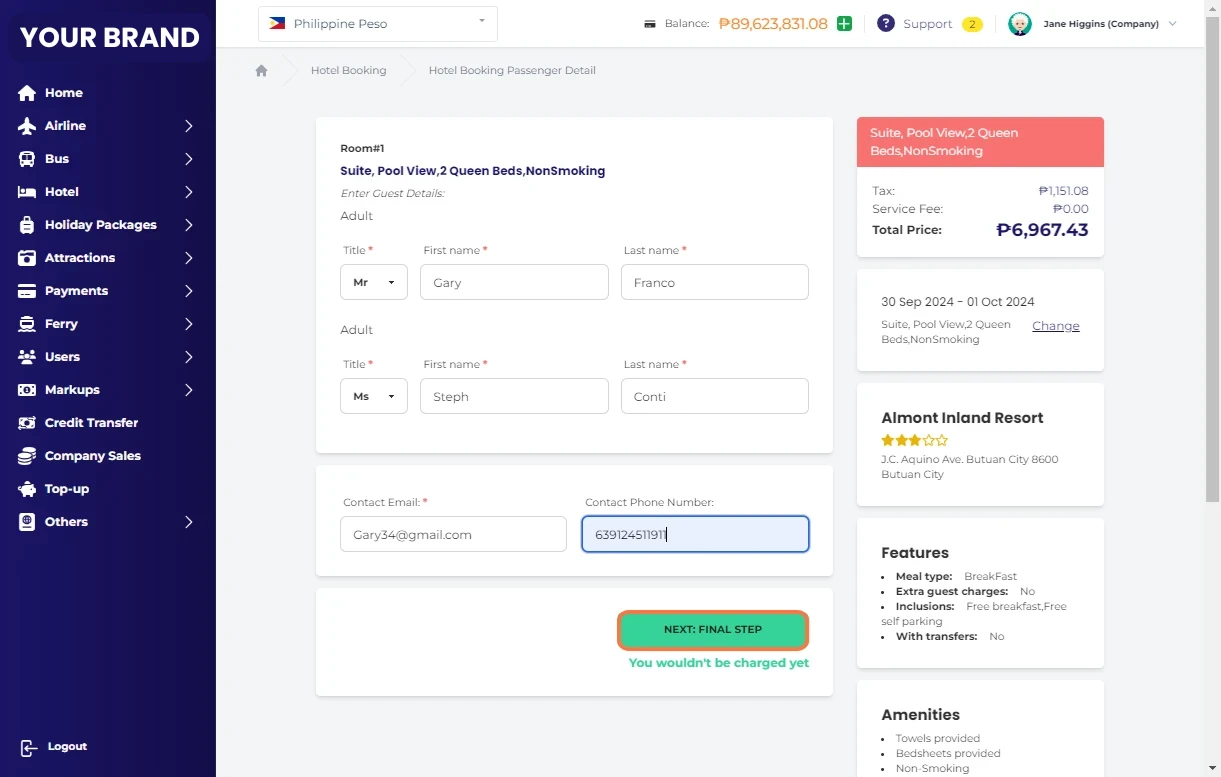
Provide guest details
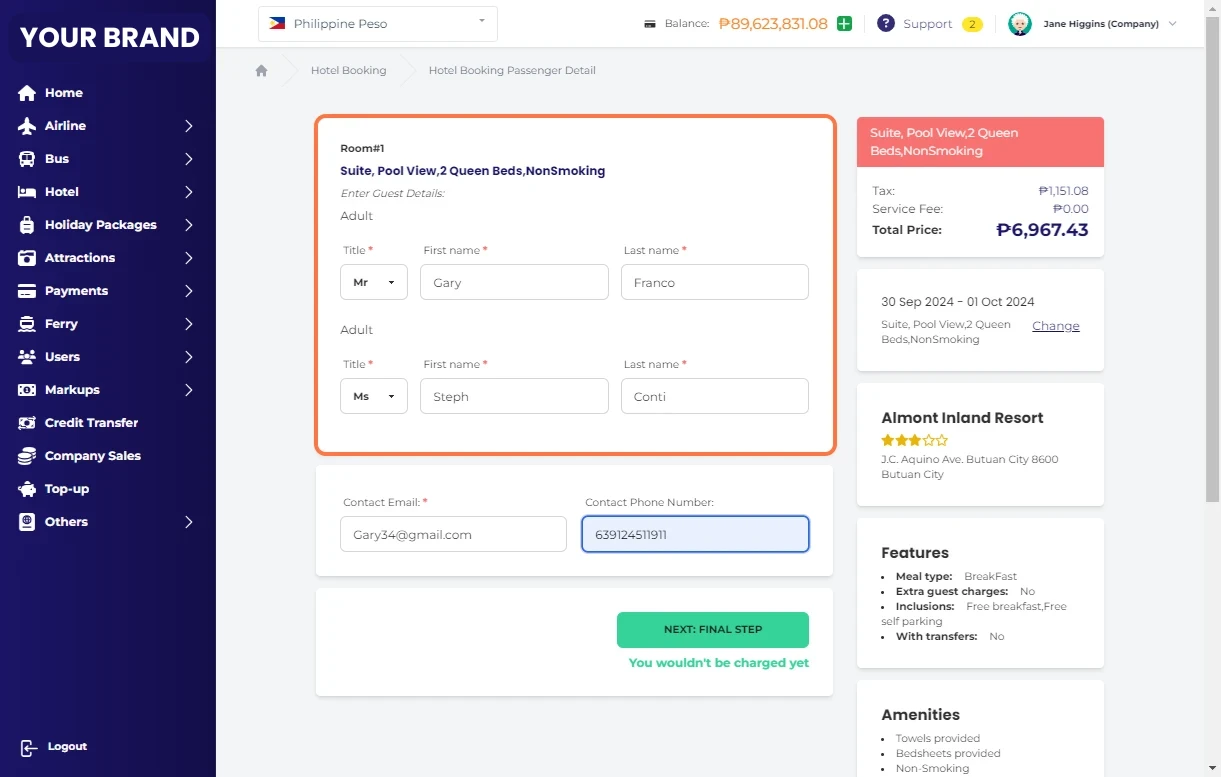
Click on NEXT: FINAL STEP
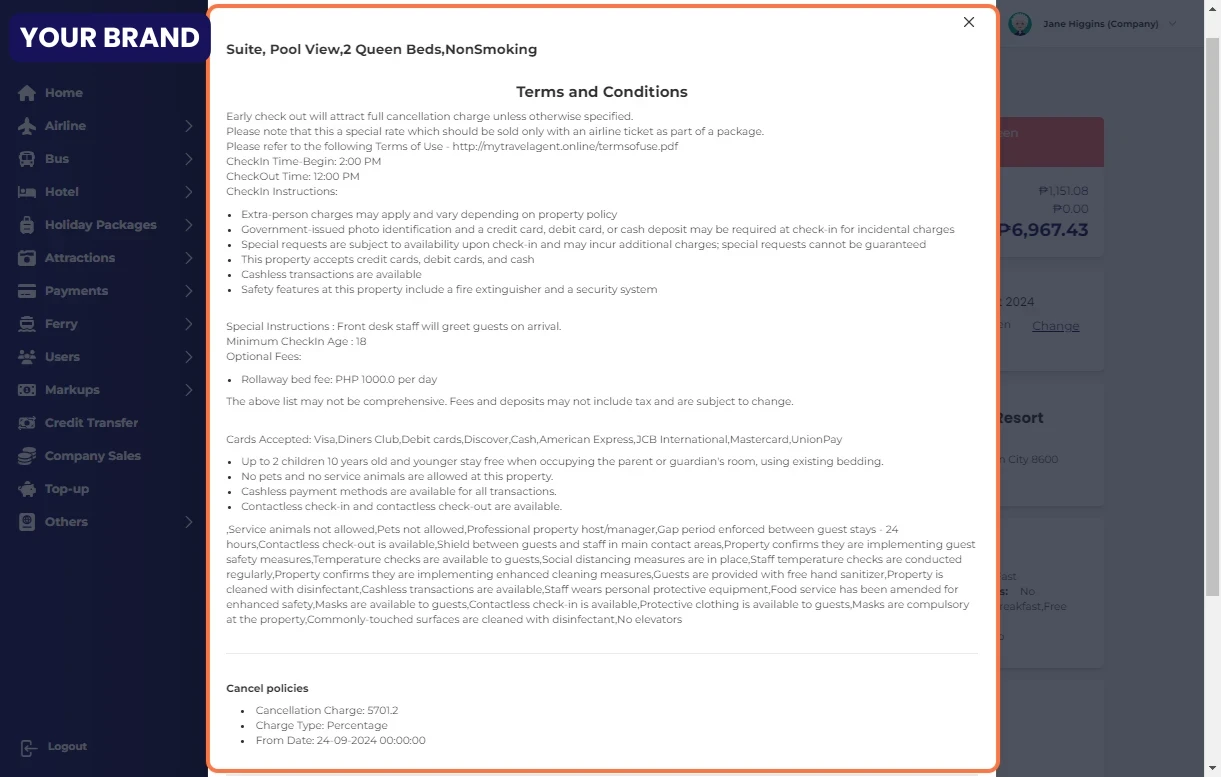
Review the Terms and Conditions
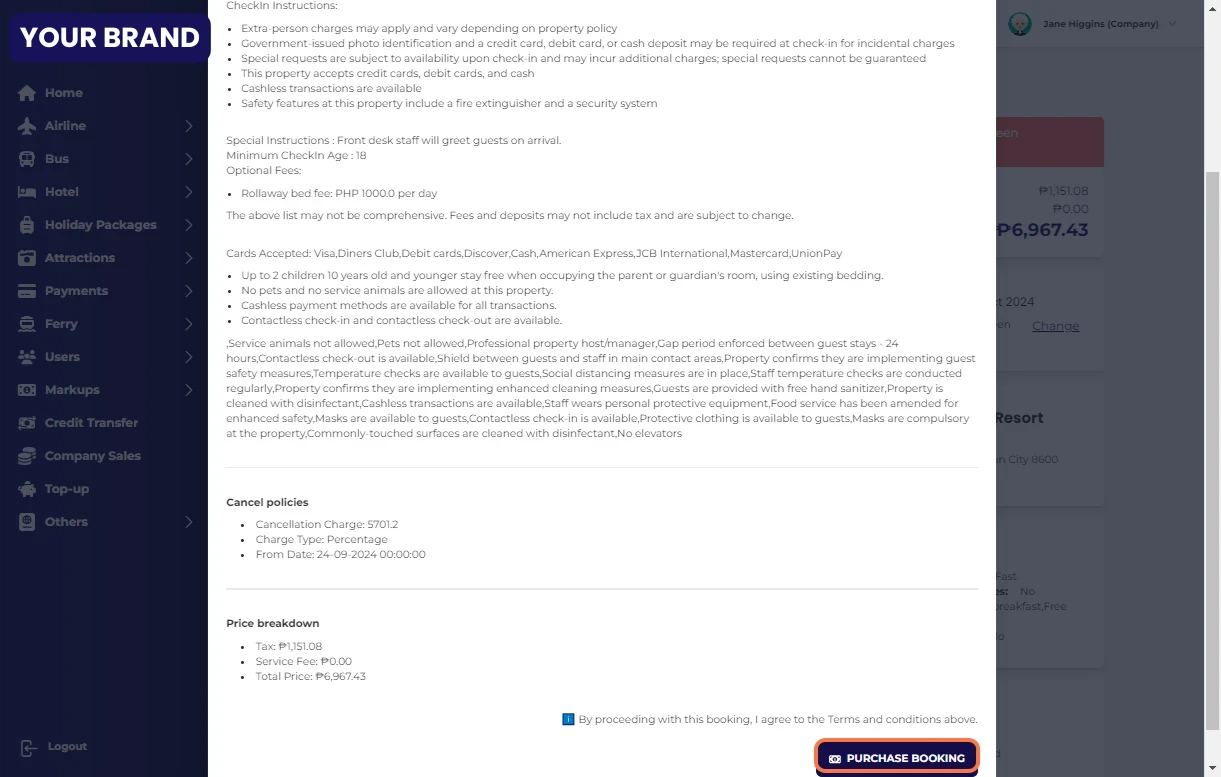
Once you have read the terms and conditions, and booking summary click on "PURCHASE BOOKING"
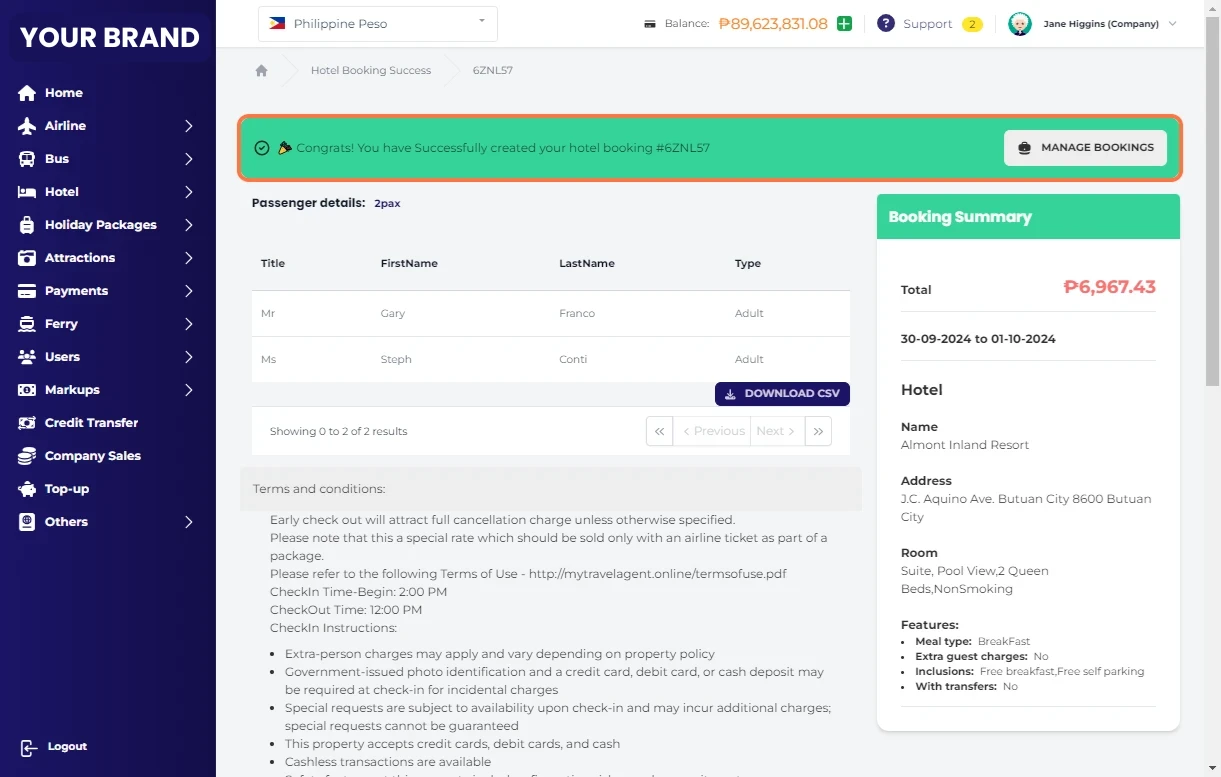
You have Successfully created your hotel booking.